
How to use QuickMagic (Chrome is recommended) Chrome
You can quickly get the 3D motion data of the characters in the uploaded video in just a few simple steps
1. Prepare your own video
2. Upload your own video on QuickMagic. If you are uploading someone else's video, please ask the dancer for permission.
2.1 Click to upload a video  2.2 If you need to crop the video, you can use the editing tool
  2.3 Detect the character in the video
  2.4 Drag the export format you preferred to the character
 2.5 Click to enter the next step
  2.6 Name your project and click to generate the motion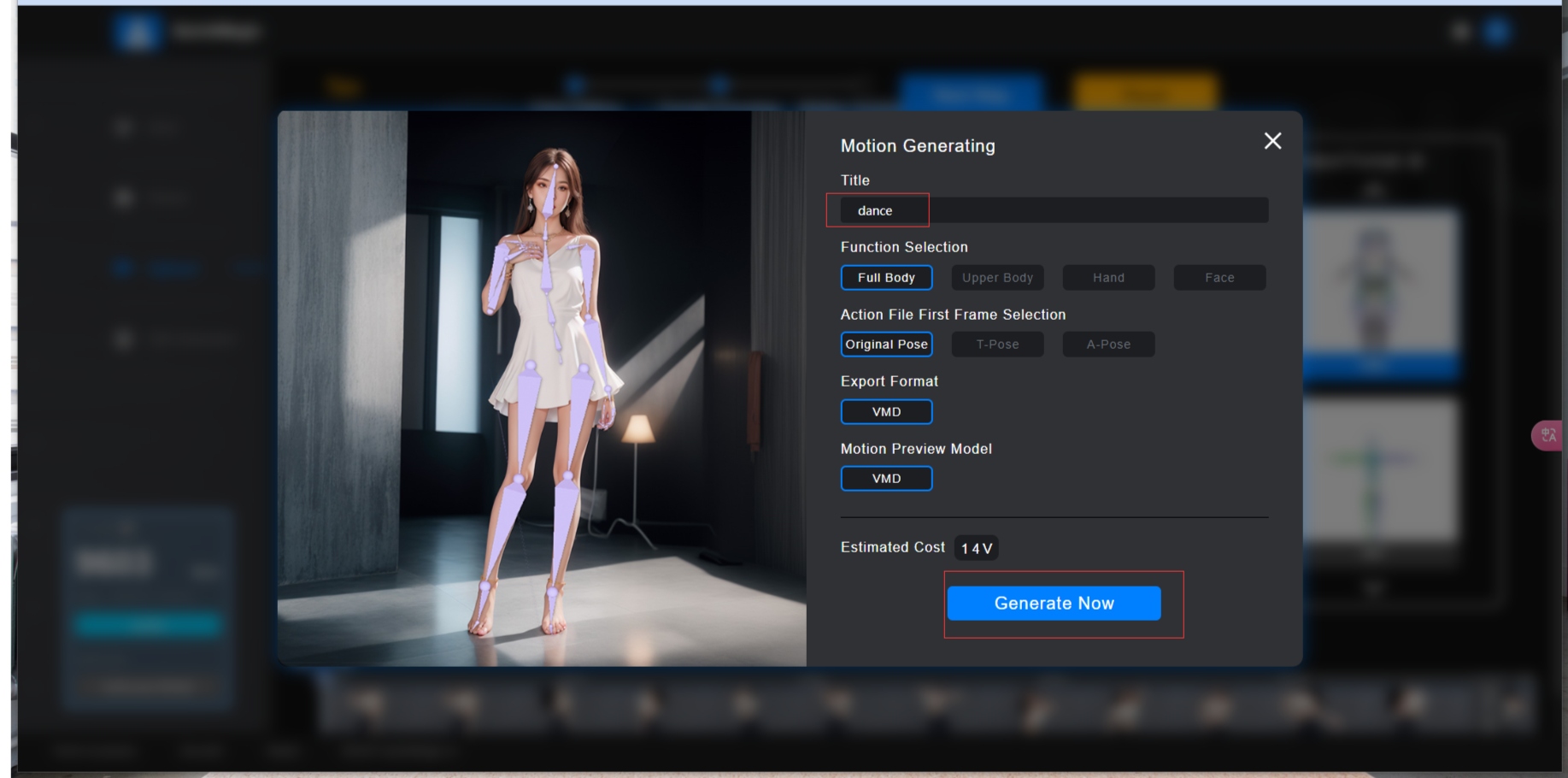
3. Wait for the motion to be completed. You can preview the moion and download it
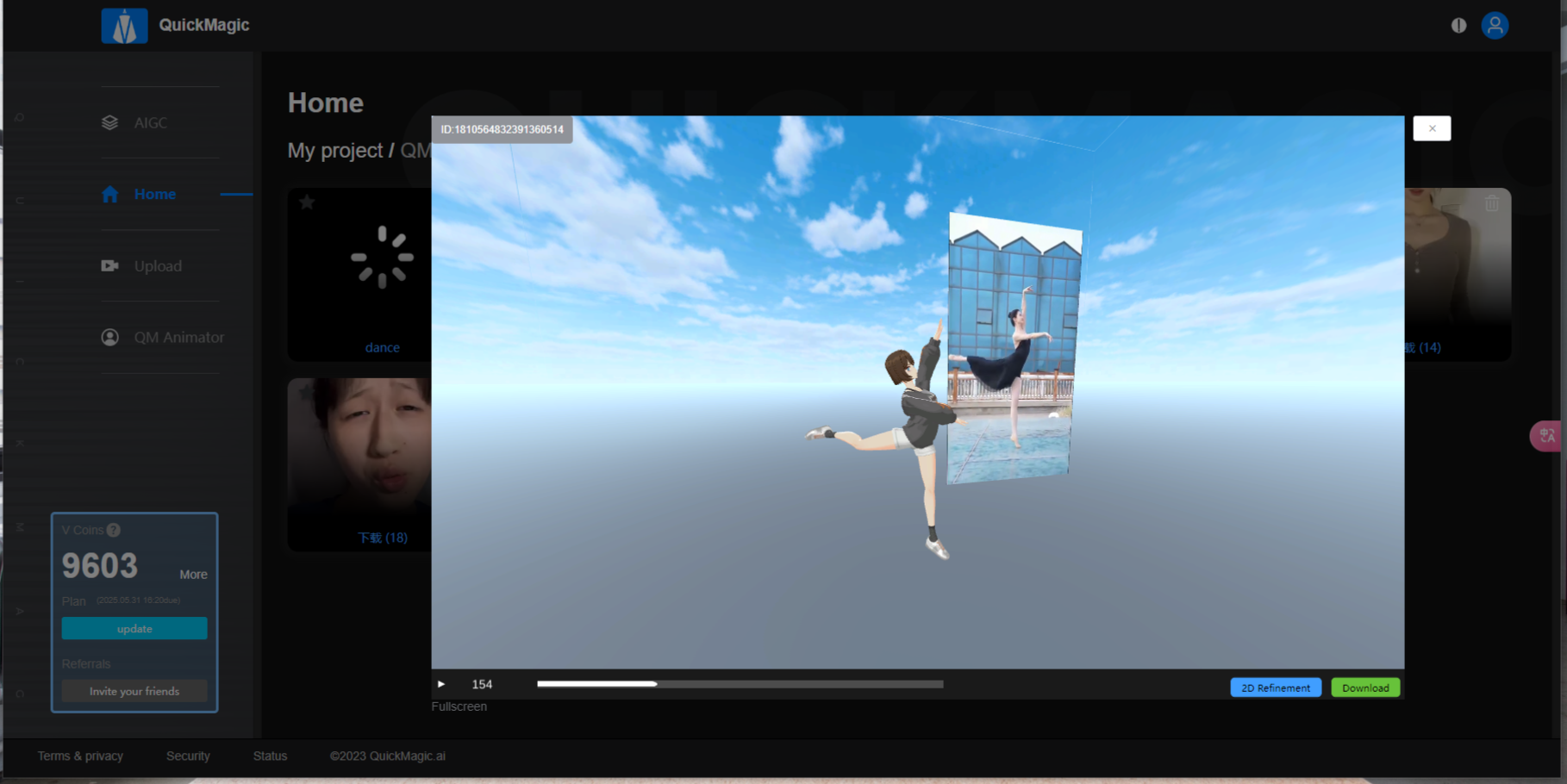
No need for complex settings, the whole process is convenient and efficient, allowing you to easily grasp the character movement data, providing strong support for subsequent animation production.