
Create an Account
Click the URL Here to create an QuickMagic Account
1. In the top right corner, click "Launch QuickMagic"
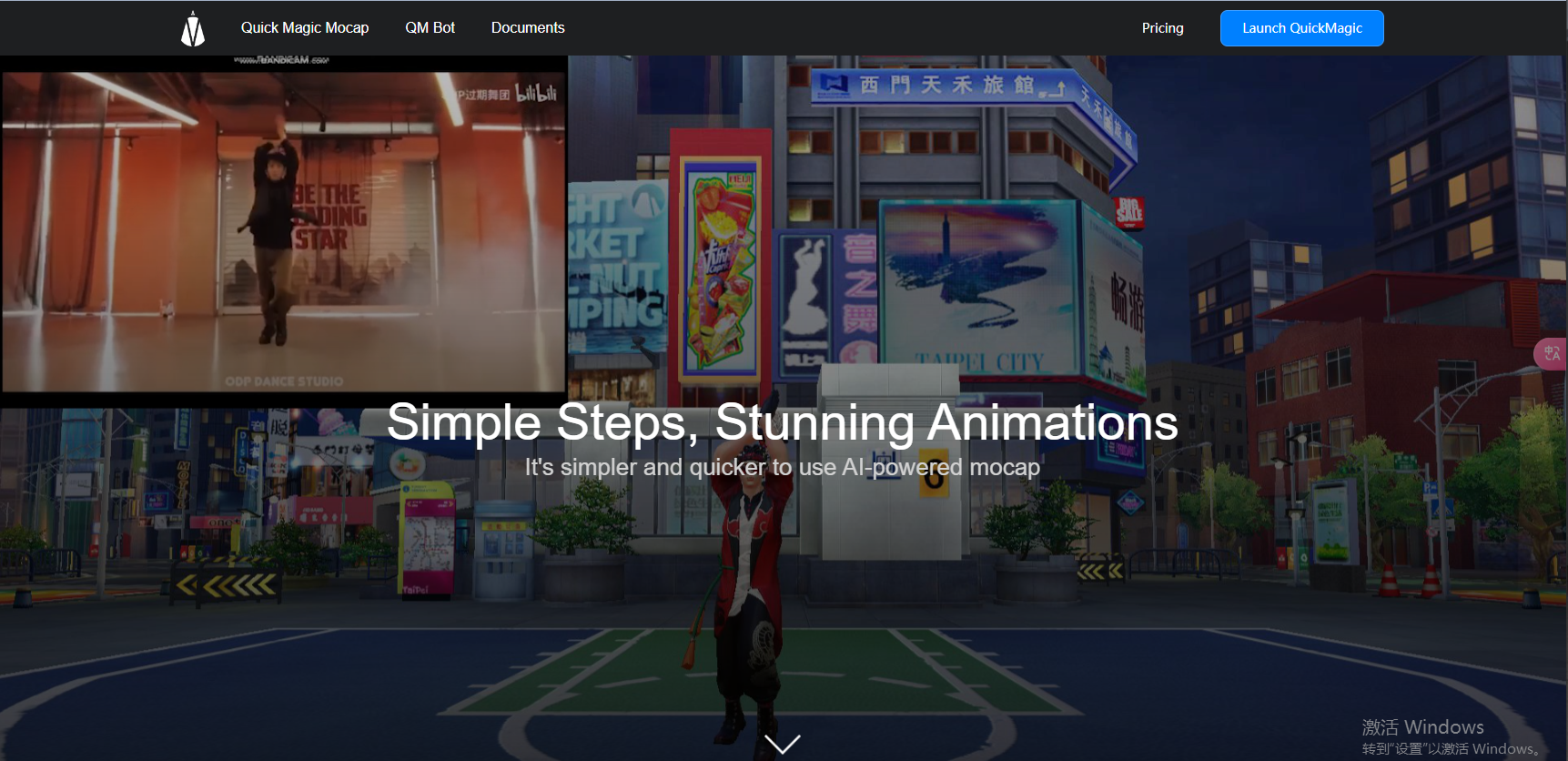
2. Click "Create Account"
 2.1 Enter the Related Information
2.1.1 Enter your email address  2.1.2 Click "send" button to get captcha in the email you just entered
  2.1.3 Enter the received captcha on QuickMagic
  2.1.4 Set your password and confirm
  2.1.5 Company and Invitation code can be left out, but if you fill in invitation code, you will get an extra 10 v coins
  2.1.5.1 Invitation code for V coins. Fill in the V coin invitation code to register, both parties will be rewarded with V coins
2.1.5.2 Invitation code for Commissions. Inviters will be rewarded in USD and invitees will be rewarded in V coins
2.1.5.3 More information about V coins and Commissions please check Referrals page
2.1.6 Check the box to agree to the User Agreement and click to confirm  2.2 Go to the log in page, enter your registered email and password to log in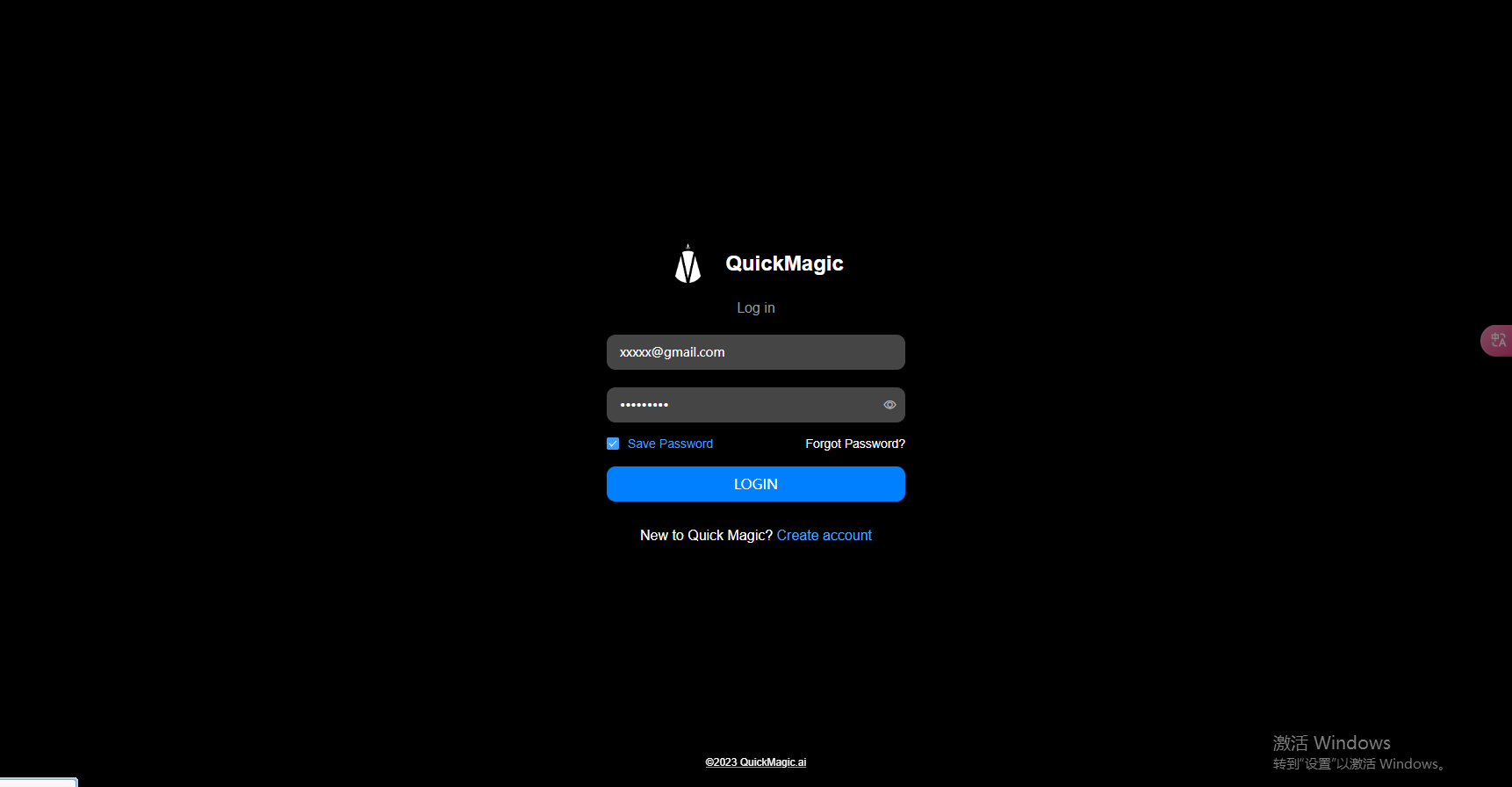
3. Finished. Get started to use QuickMagic motion capture!
