
Deleting an OAuth App
You can delete OAuth Apps when you no longer use them.
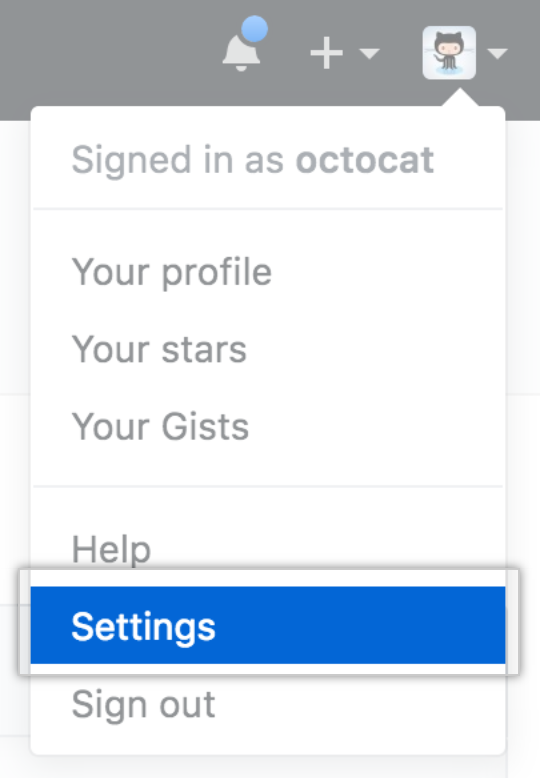
In the upper-right corner of any page, click your profile photo, then click Settings.
In the left sidebar, click Developer settings.

In the left sidebar, click OAuth Apps.

Select the OAuth App you want to modify.

- Click Delete application.

- Click Delete this OAuth Application.
