Free AI Logo Generator
Start your new venture on the right foot. Use the AI logo maker to craft a logo design that perfectly captures the essence of your brand.
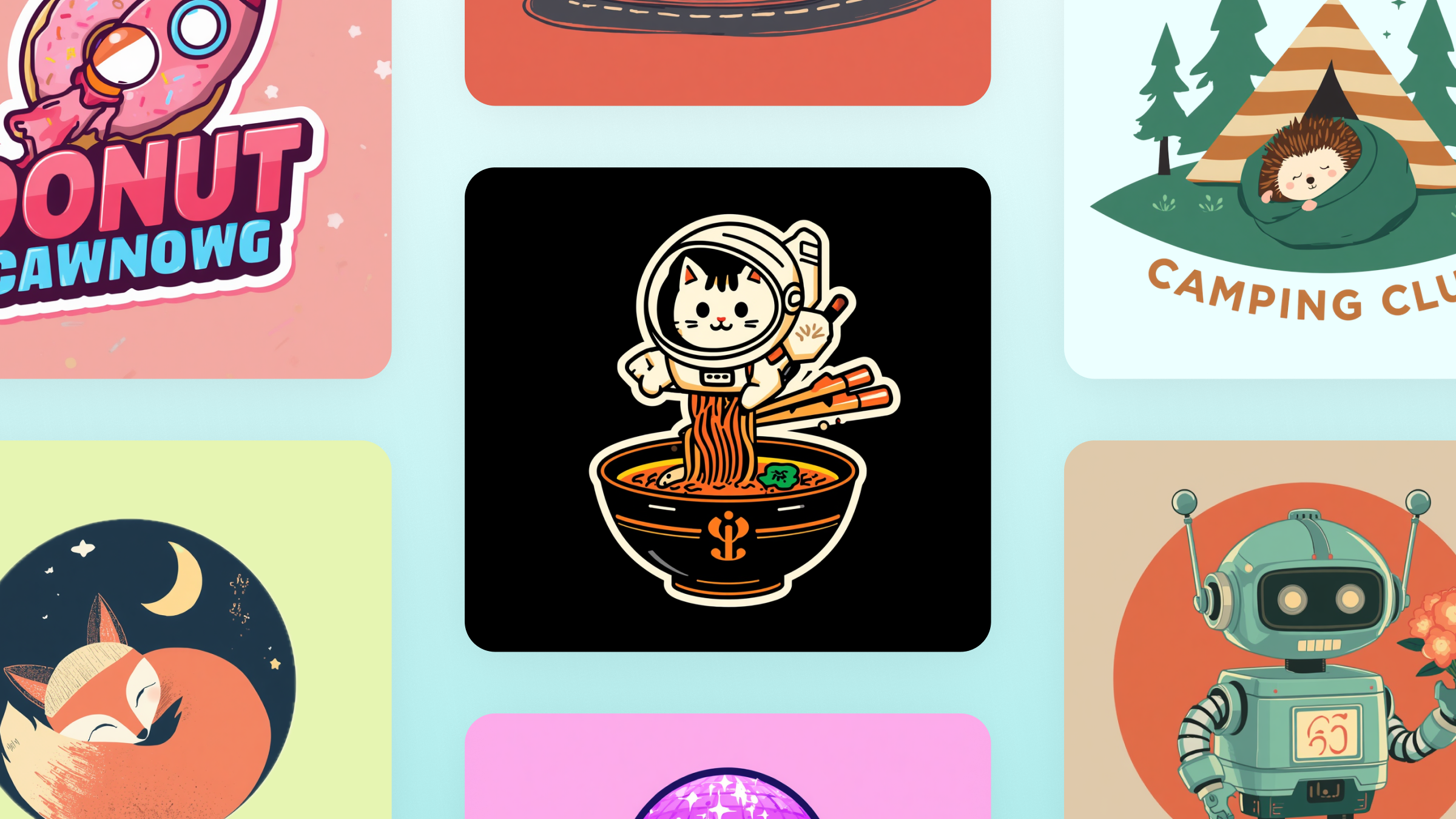
Introducing Canva’s AI Logo Generator
Building the foundation of your brand identity is a breeze on Canva. Design a logo that makes a powerful impact on your target market with Canva AI. Simply enter a text prompt and get a professional-looking logo design you can use for different branding materials, from business cards and flyers to company swag.
Make a strong first impression, fast

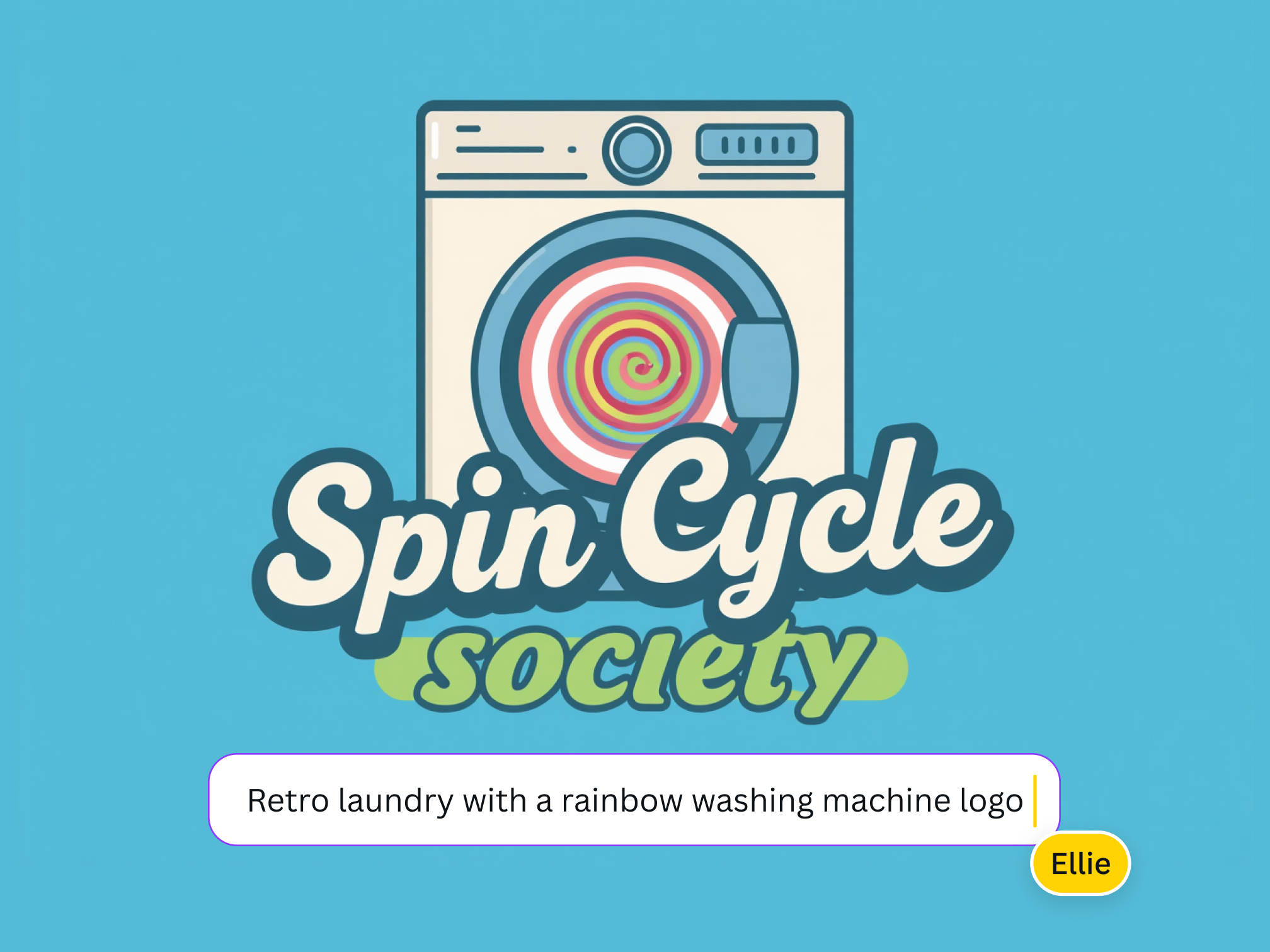
From simple text to standout images
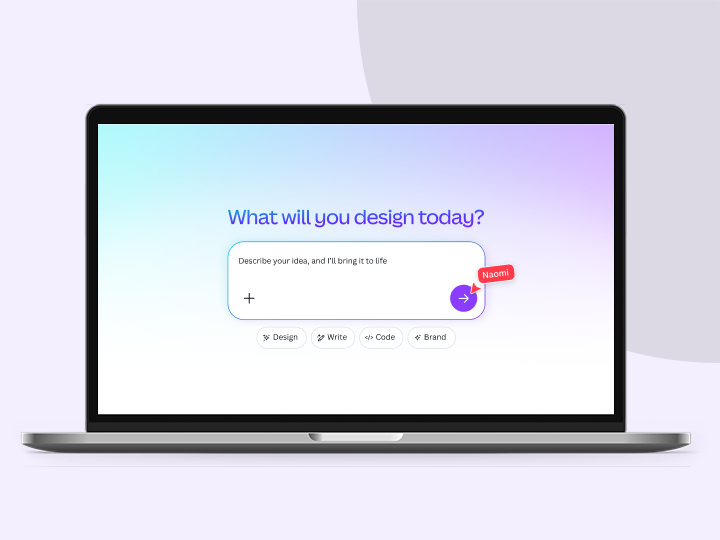
With user-friendly prompting, Canva AI instantly turns basic written prompts and natural language into stunning logos that resonate with your audience.

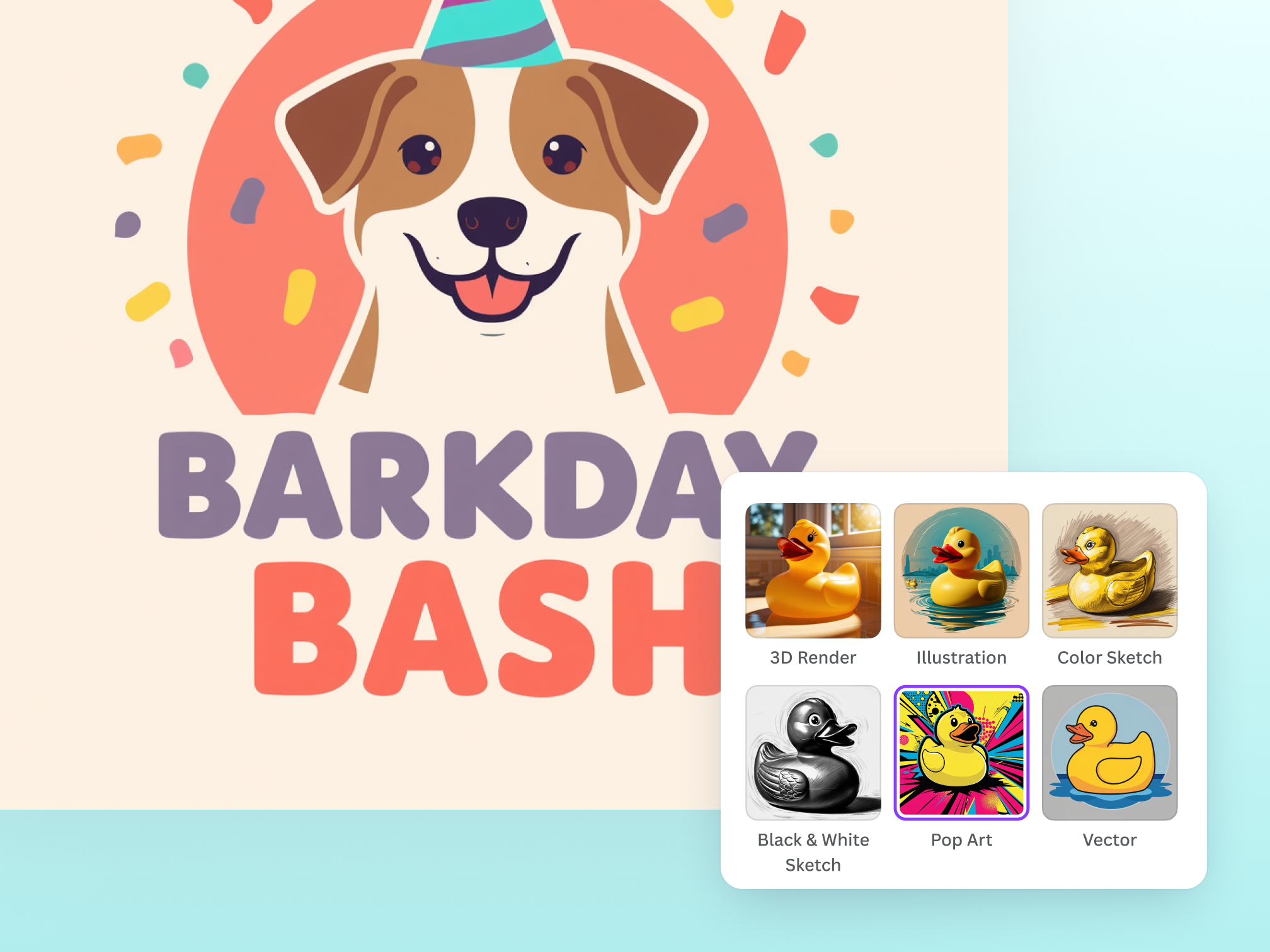
Experiment with a wide variety of styles
Explore different generation styles, from 3D Render to Illustration to Sketch (Color), and discover the perfect style for your logo design to convey your company values.

Regenerate according to your vision
The AI logo generator lets you regenerate your logo until you get exactly what you pictured. Just type in your new text prompt and make sure it’s as detailed as possible before regenerating.
Refine your logo in one place

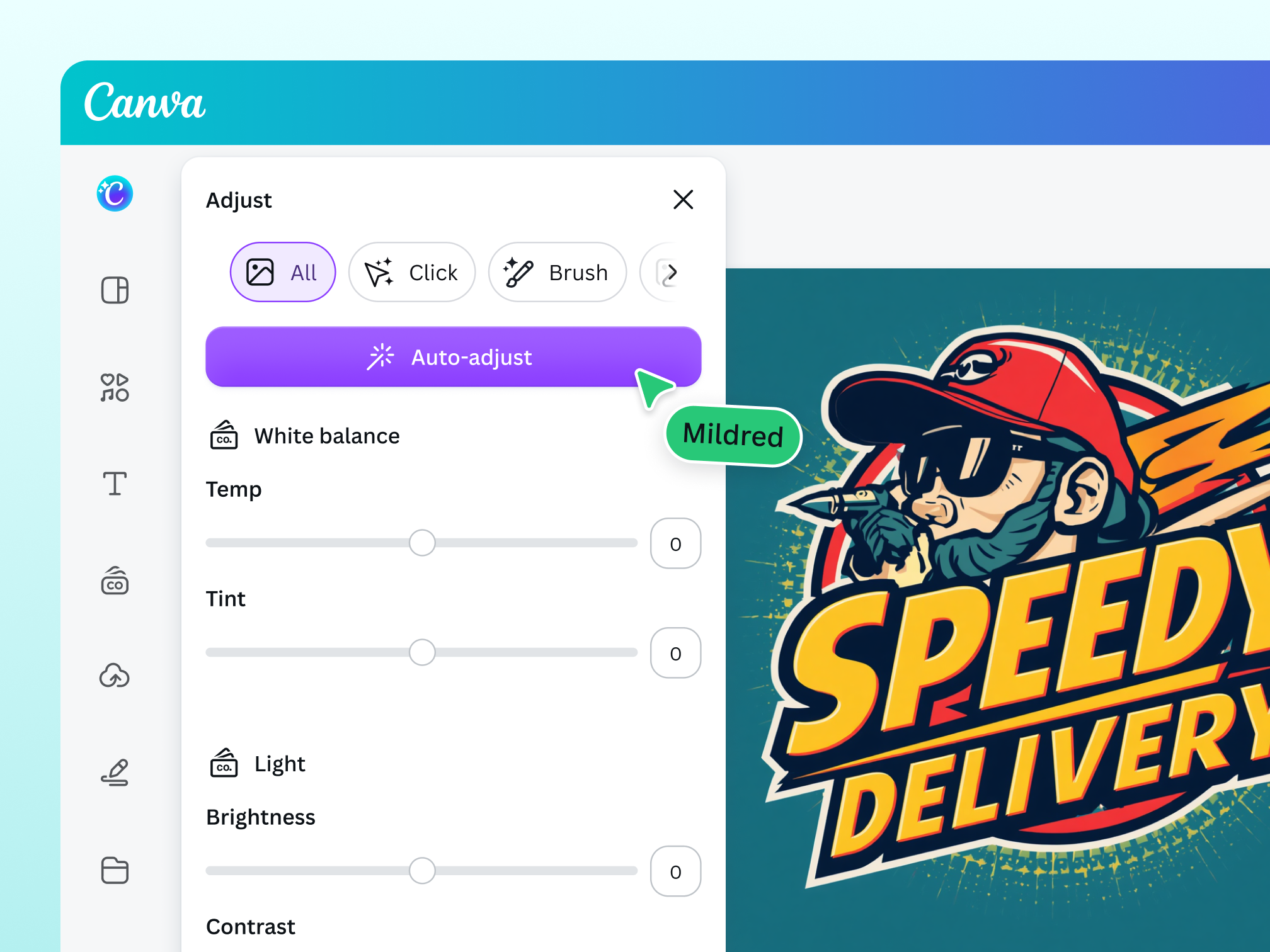
Polish your creative output with ease
Refine your logo even further to inspire brand loyalty by opening our photo editor. No need to switch apps—use Color edit to fine-tune specific colors and keep your logo design on-brand.

Resize your logo for any use
Instantly resize your AI-generated logo for virtually any platform and make sure it looks great with Magic Resize to elevate multi-channel marketing campaigns.

Visualize your brand identity anywhere
Create new visuals and refine them whenever inspiration strikes. Access Canva AI, available on desktop, mobile, and tablet devices.

Build your brand identity safely
With Canva AI, you can enjoy generating logo designs for your business without any worries. Canva has multi-layered safety measures in place to block harmful or inappropriate content when creating with the AI logo creator. Read our Terms and Acceptable Use Policy to help you use it ethically and responsibly.
AI-generated logos for all kinds of creatives

For entrepreneurs
Find a cost-effective way to improve visual communication for your business.

For content creators
Elevate your online presence with branding that reflects your unique personality.

For designers
Experiment and iterate on artistic concepts with more creative control.
All the photo editing features you need
Canva’s free drag-and-drop design tools make it easy to create any design, fast!

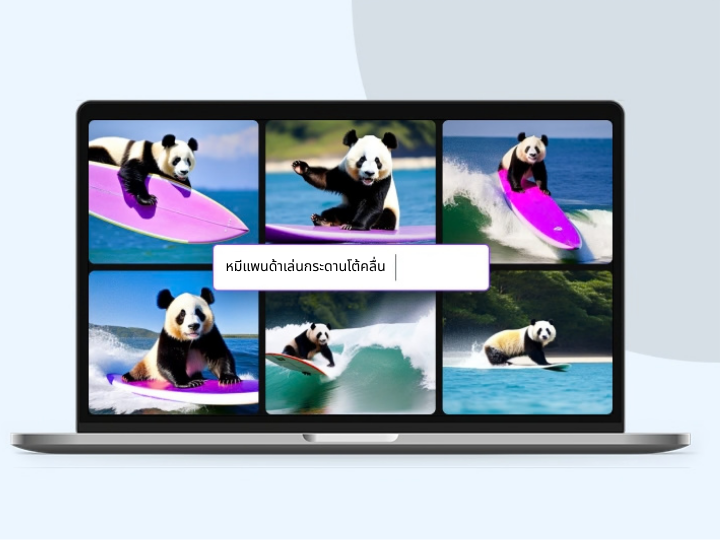
Generate images from text
Create AI images that visualize a product or idea, draft a creative concept, or push the limits of what's possible.

Background Generator
Generate stunning backdrops with the BG Generator. Describe a new background and watch as your subject blends seamlessly into the new scene.
Selective color editing
Fine-tune colors in your image using Color edit in the photo editor. Selectively adjust or swap colors to match your palette and keep your design on brand.

Magic Eraser
Instantly clean up your image and remove any unwanted distractions with Magic Eraser—no manual editing needed.

Point and click editing
Create designable images in an instant. Just select a specific area, and AI will detect key subjects to adjust contrast, brightness, and more.

Photo effects & filters
Choose from our selection of adjustable color filters and fun photo effects to remix your photo.
Add Text to Photo
Easily add text to your photo or image to tell a story. Font combinations, colors, and styles available.

One-click background remover
Remove image backgrounds, perfect for product photos, headshots, or transparent PNGs.
Automatically translate your design
With Translate, quickly change the language of your existing design to as many as 100+ languages.

Millions of free images, icons, and graphics
Get access to our entire library of millions of photos, icons, graphics, media elements, audio, sound effects, and more.

Access anywhere and autosave
Jump from device to desktop—design how you work best! Canva autosaves your progress along the way.

Easy sharing and exporting tools
Share and export designs as a JPG, PNG, PDF, and PPTX. And when you embed a doc, you can customize which page will be displayed.

Cloud storage
Get free 5GB storage or upgrade to Canva Pro and get unlimited folders with up to 1TB storage for all your designs.

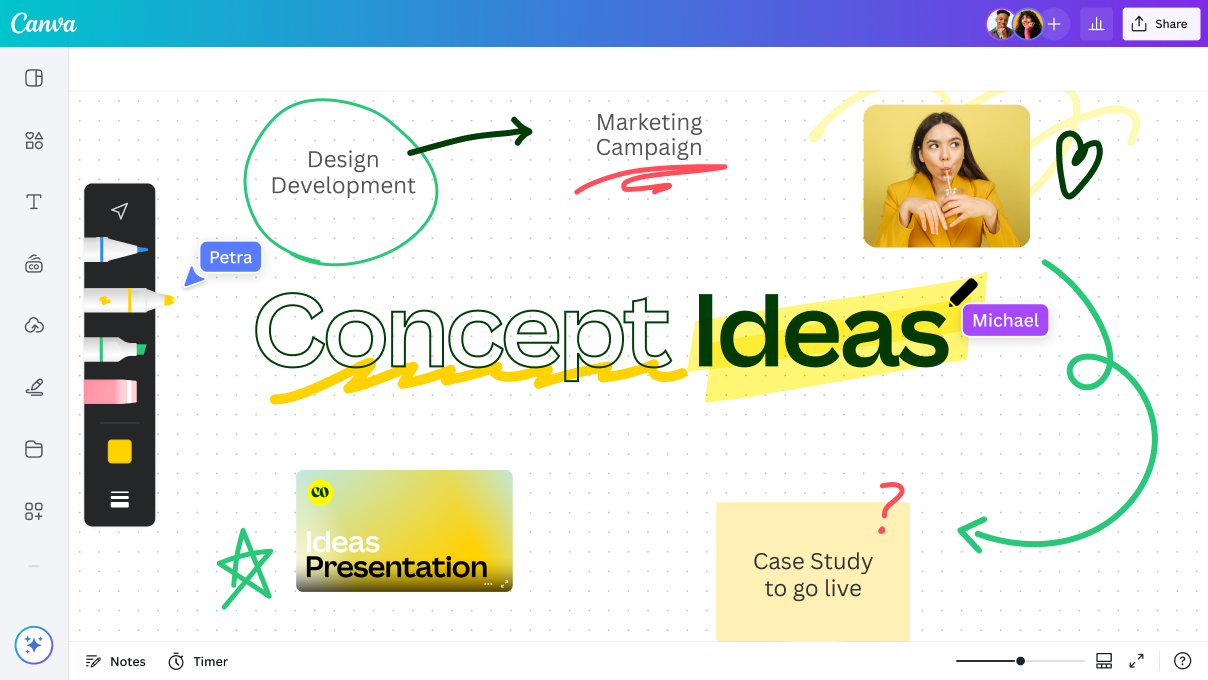
Real-time collaboration
Create, collaborate, comment on designs, and get everyone on the same page, at the same time, from anywhere.

Content planner (Pro)
Create and schedule content to your favorite social media accounts directly from Canva.
How to create a logo with AI
Type your prompt
Enter your written prompt right on the page. Then, sign up or log in to your Canva account.Generate your logo
Watch Canva’s AI logo generator turn your text prompt into a visually impactful logo. It will only take a few seconds and you’ll be notified once it’s done.Regenerate, if needed
If you’re not satisfied, you can tweak your words or style and regenerate until the logo matches exactly what you envisioned.Download or save your logo
After you’re done, download your logo to your device. Or, you can save it straight to your Canva uploads for later use.Keep editing
You have the option to open your logo in the editor to further refine your design with our built-in editing tools and media library.

Your questions, answered
The best AI logo generator excels in model fine-tuning, prompt adherence, training speed, inference pace, and multi-image prompting capabilities. Canva AI combines cutting-edge generative AI technology with unparalleled creator control, allowing you to flawlessly bring your logo design to life. Just enter a prompt and create a highly detailed logo for your business.
More resources
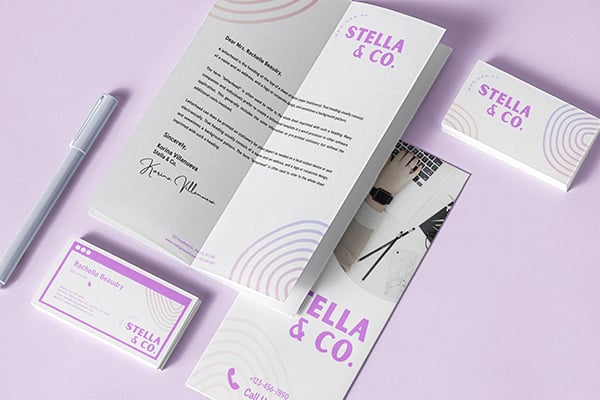
10 design logo principles to keep in mind when creating a logo.

Discover more about creating beautiful logos in Canva.

10 simple ways to enhance your images
Easily enhance photos with these 10 simple tips.
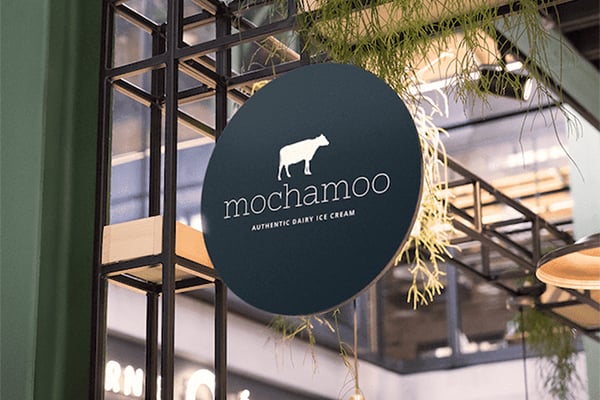
Grab creative inspiration from these logo designs.
Discover more products


Free Online AI Logo Generator
Start your new venture on the right foot. Use the AI logo maker to craft a logo design that perfectly captures the essence of your brand.