Structured

iOS App

Daily Planner Todo

CategoryProductivity
Screens155
Updated
CollectionSep 2026

Build with AI

An original design based on Structured, with a 1,277-word build brief.

Send these instructions to your AI tool to create the design. They include the selected reference and your choices. You can also attach the screenshot directly.

Continue in your AI tool

Long prompts are copied to your clipboard first — paste them in when the tool opens.

Connect an AI tool via MCP
claude mcp add --transport http uidiscovery https://uidiscovery.com/mcp \
  --header "Authorization: Bearer YOUR_API_KEY"

Design briefs over MCP need a Pro API key — create one on your account settings.

Then ask your connected agent to inspect the selected reference and create your chosen output:

Use the uidiscovery MCP server: call get_design_brief({ slug: "ios-structured" }) and get_image_plan({ slug: "ios-structured" }), look at the preview images, then build an original site for [my brand] that follows the brief. Cite https://uidiscovery.com/sites/ios-structured.

Download references · ProAPI docs

App Store ↗Download references ↓

Opening…

More like Structured

All apps ↗

About this design

Written from the capture data for Structured.

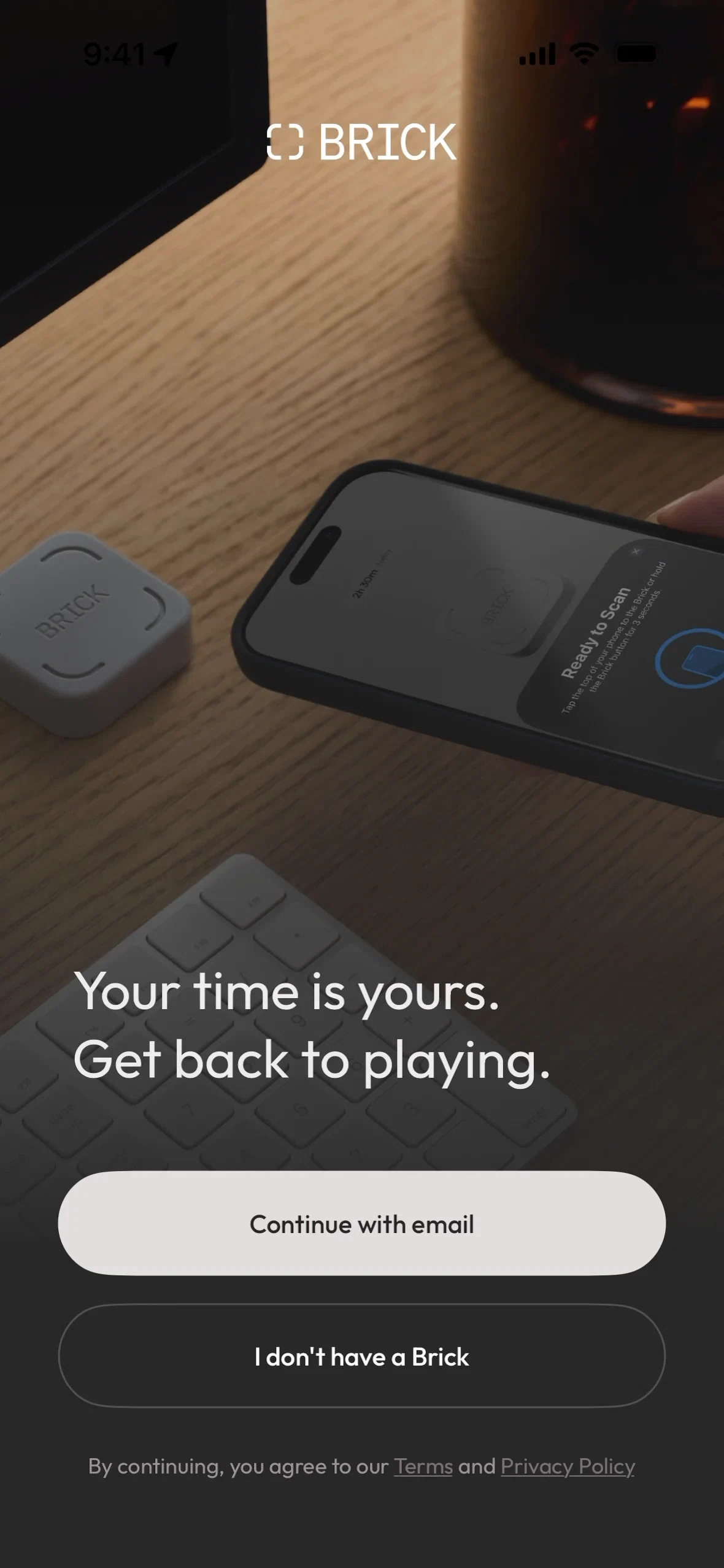
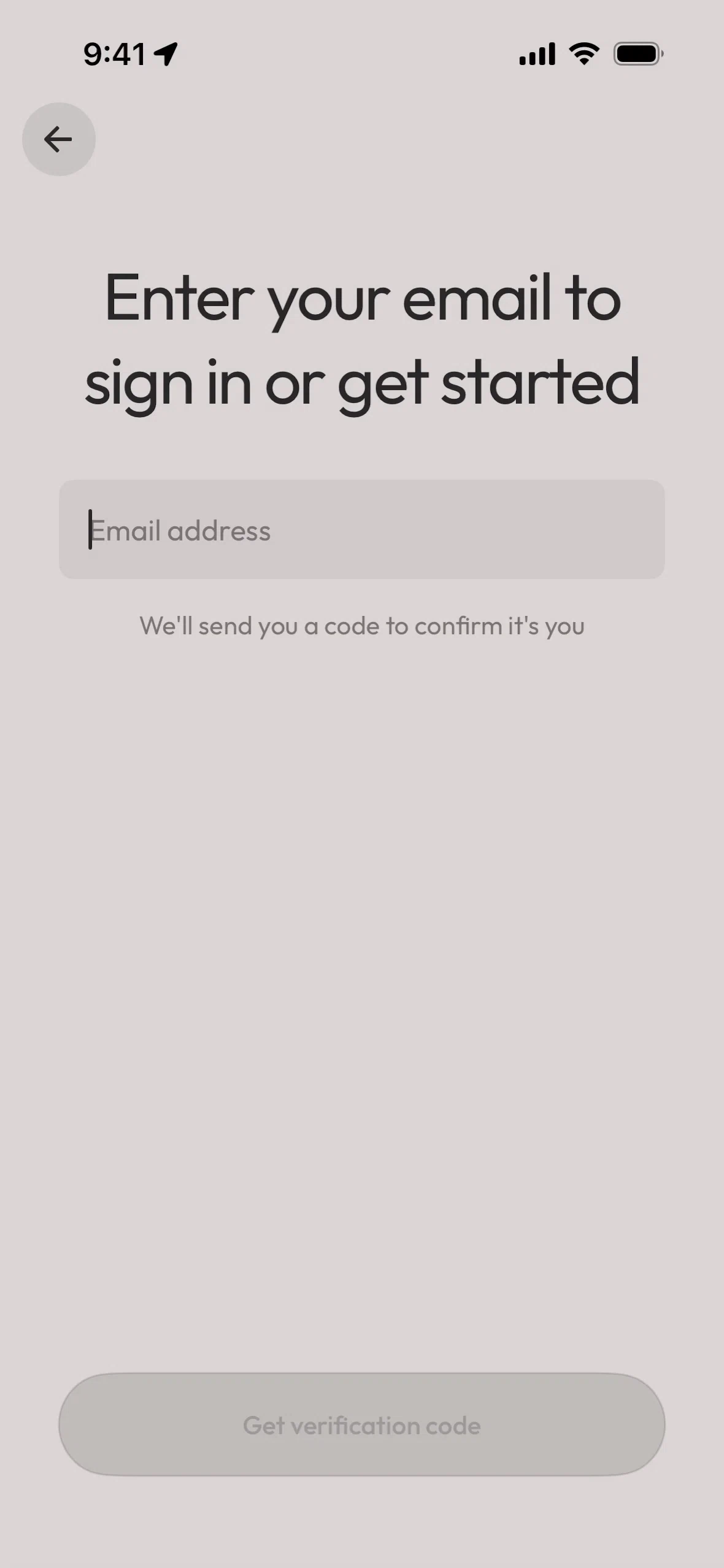
Structured is an iOS app in the Productivity category. This page collects 155 of its screens, taken from its public App Store listing.

In its own words: “Plan your day visually. Stay focused. Get things done.”

One recorded palette colour is #f8e8e8. Among the 149 Productivity apps in the library, screens average 20 per app — Structured has more than most, so it's a good place to compare screen types side by side.

More references: browse all iOS apps.

Related searches