Summarize long documents
in a few lines.
Drop in a report, a scan or a recording and get the key points back as a short text file. Apple Intelligence does the reading, right on your Mac.
$40 off for the first 100 · 23 leftOne-time purchase · macOS 26 or later · Works offline
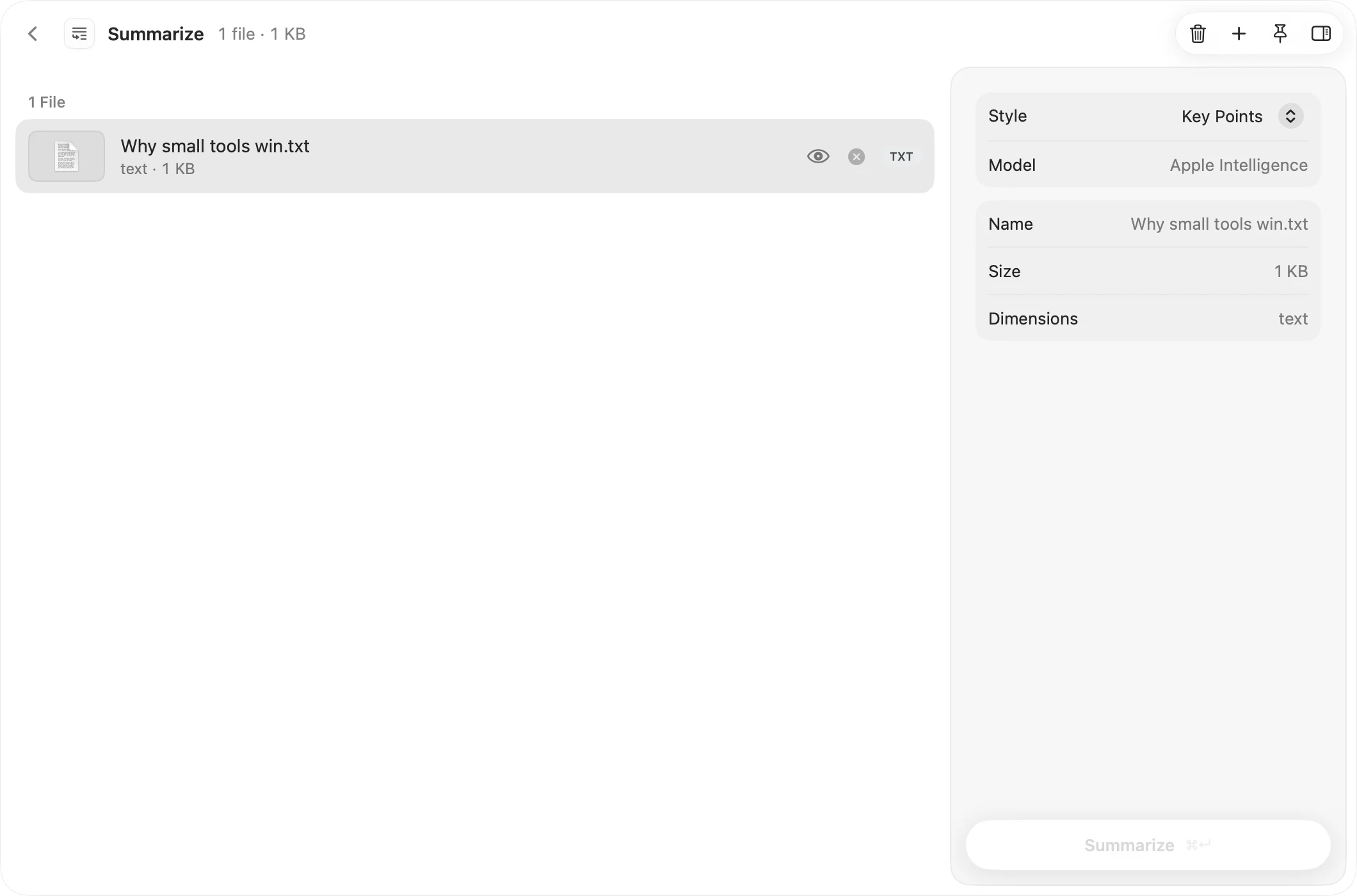
Three steps. Nothing to learn.
Open Summarize from the launcher with ⌃⌥Space, or from the menu bar.
- 1
Drop what you need to read
PDFs, text and Markdown files, images of pages, and audio or video recordings all work. Recordings are transcribed first.
- 2
Pick a style
Key Points gives you a short bulleted list. Paragraph gives you one short block of prose. For recordings, pick the spoken language too.
- 3
Press Summarize
Each summary is saved as a text file in a dated OneMacApp folder in Downloads and shown in the app. Your files stay as they were.
Everything you’d want. Nothing you wouldn’t.
Apple Intelligence, on-device
Summaries are written by Apple’s on-device language model. Your documents are not uploaded to any server.
Handles long documents
Long text is condensed in parts, then combined into one summary, so a lengthy report still comes back as a few lines.
Sticks to the source
The model is told to use only facts from your text and to keep names and numbers, so the summary reflects what the document says.
Reads more than text
Scanned pages and images are read with on-device OCR, and recordings are transcribed on your Mac before they are summarized.
Yes. It runs on Apple’s on-device language model, so your Mac has to support Apple Intelligence and have it turned on in System Settings. If it is off, OneMacApp shows a button that takes you straight there.
No. The summary is written on your Mac. Nothing you drop in is uploaded.
Yes. Drop the audio or video, choose the language that is spoken, and press Summarize. The recording is transcribed on your Mac first, then summarized.
Key Points gives you three to seven short bullets, good for skimming. Paragraph gives you one short block of text, good for pasting into an email or a note.
Right after you turn Apple Intelligence on, the model still has to download. Give it a little while, then press Check Again.
Same app. Plenty more to do.
Every one of them comes with OneMacApp, for the same one-time price.
Summarize is one of 41.
Get every tool in one box.
Video, audio, images, PDFs and on-device AI in one native Mac app. Pay once and every tool is yours, including the ones we add next.
