


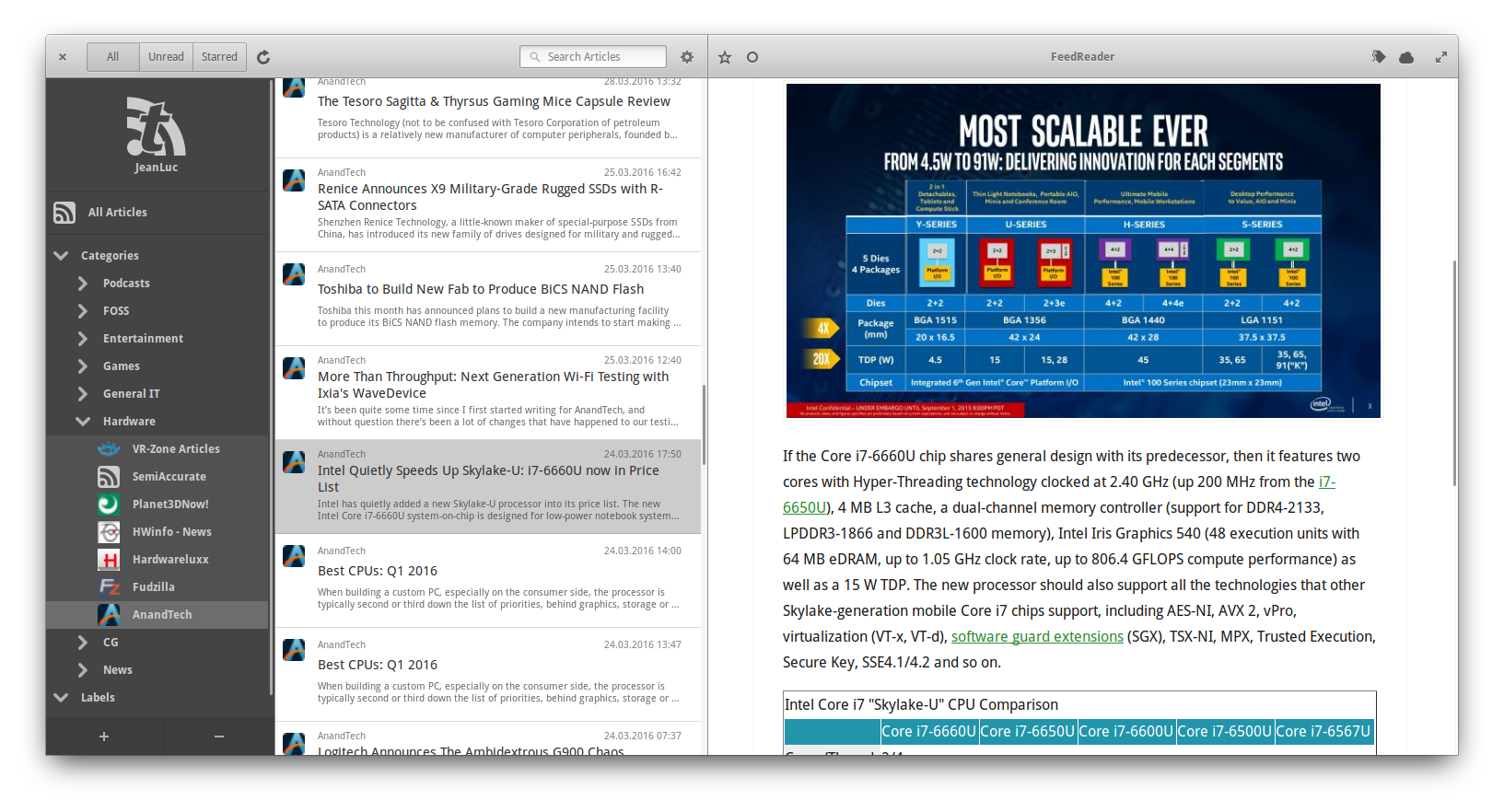
FeedReader is a modern desktop application designed to complement existing web-based RSS accounts. It combines all the advantages of web based services like synchronisation across all your devices with everything you expect from a modern desktop application.
Website : http://jangernert.github.io/FeedReader/
For translators : https://hosted.weblate.org/projects/feedreader/
build-essentialmesonninja-buildvala (>=0.38)pkg-configlibgirepository1.0-devlibgtk-3-dev (>= 3.22)libsoup2.4-devlibjson-glib-devlibwebkit2gtk-4.0-dev (>=2.20)libsqlite3-devlibsecret-1-devlibnotify-devlibxml2-devlibunity-dev (optional)librest-devlibgee-0.8-devlibgstreamer1.0-devlibgstreamer-plugins-base1.0-dev (gstreamer-pbutils-1.0)libgoa-1.0-dev (>= 3.20)libcurl-devlibpeas-dev
pacman -S feedreadersudo dnf install feedreaderThe current version of Feedreader in the offical Solus repo is old and busted. A new package based on Feedreader 2.2+ is pending but is being held up by a dependency conflict. Building Feedreader from source on Solus also has issues. At present Solus users should install the Flatpak version of Feedreader.
sudo eopkg install flatpak xdg-desktop-portal xdg-desktop-portal-gtk
flatpak remote-add --if-not-exists flathub https://flathub.org/repo/flathub.flatpakrepo
flatpak install flathub org.gnome.FeedReadersudo zypper install feedreaderThe easiest way to install the latest FeedReader right now is to build from source, which you can do with this script:
curl https://raw.githubusercontent.com/jangernert/FeedReader/master/scripts/install_ubuntu.sh | bashFeedReader is now availble as Flatpak and should be installable on all major Linux distributions that support the Flatpak Application Framework eg. Fedora, Debian, Ubuntu, elementaryOS, Arch, openSuSE, Mageia and many more.
For more information about Flatpak and how to use or install it for your distribution see the Flatpak webpage.
Besides installing the Flatpak Framework, you should also install the following portal packages using your distributions package manager:
xdg-desktop-portalxdg-desktop-portal-gtk
Make sure to follow the Flatpak setup guide for your distribution before installing FeedReader. You must ensure Flatpak is installed and add the Flathub repo. Then you can run:
flatpak install flathub org.gnome.FeedReader
git clone --recursive https://github.com/jangernert/FeedReader
cd ./FeedReader
meson builddir --prefix=/usr
sudo ninja -C builddir install
Arch Linux users can build the latest version using yaourt -S feedreader-git