"Combination of document/article analysis and question answering system"
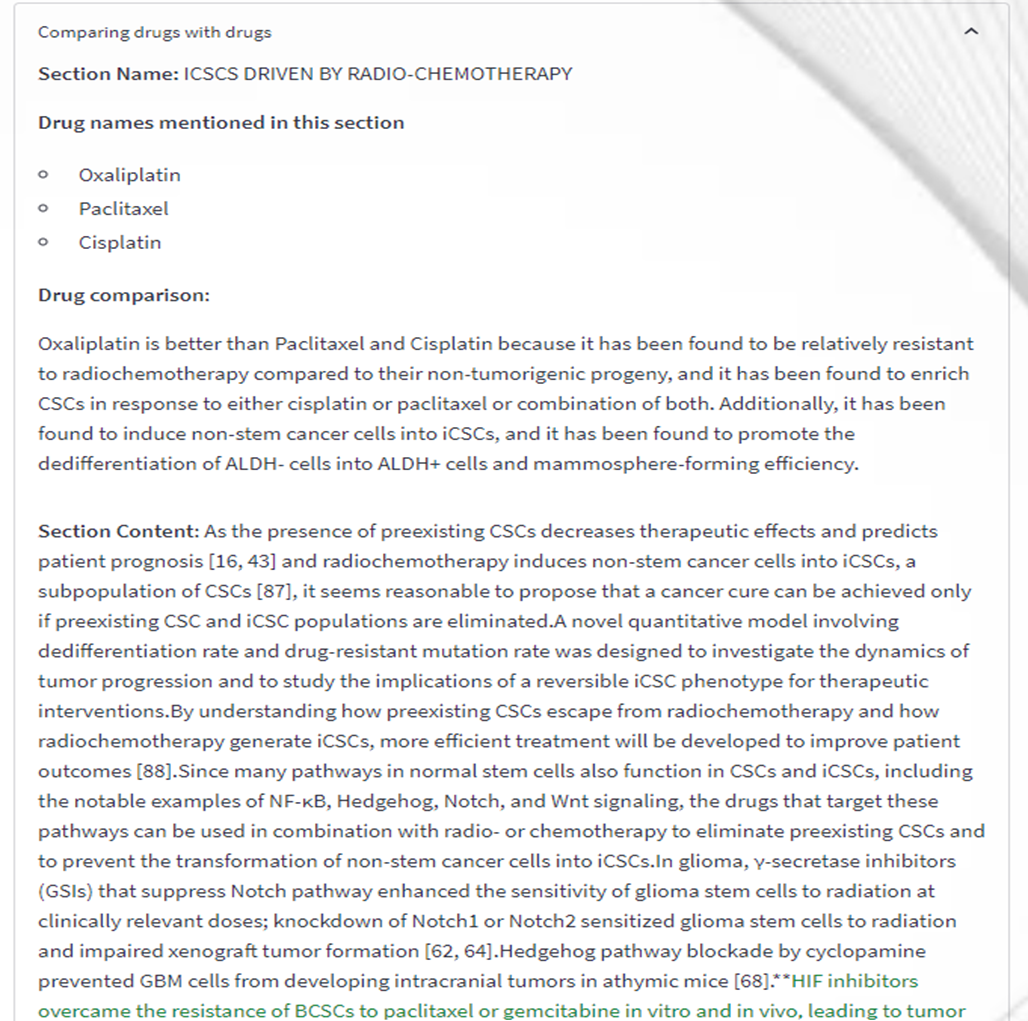
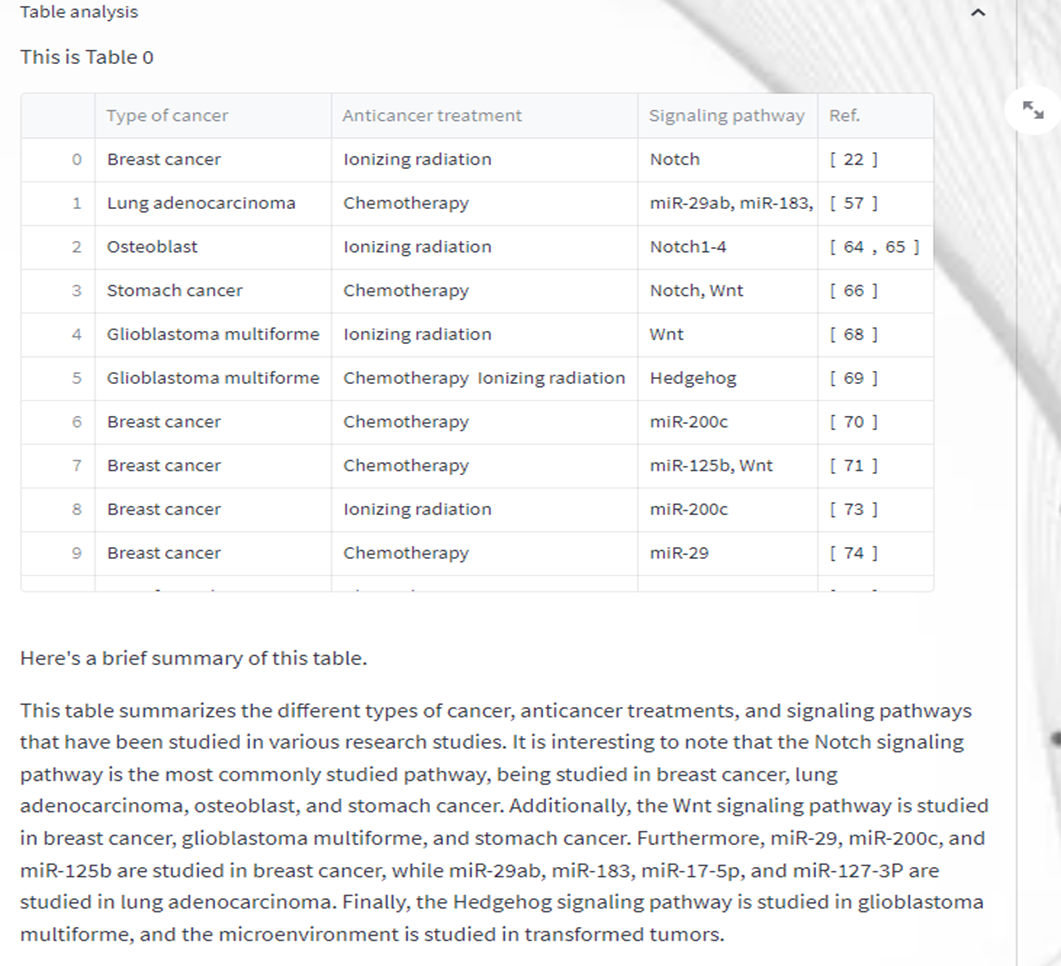
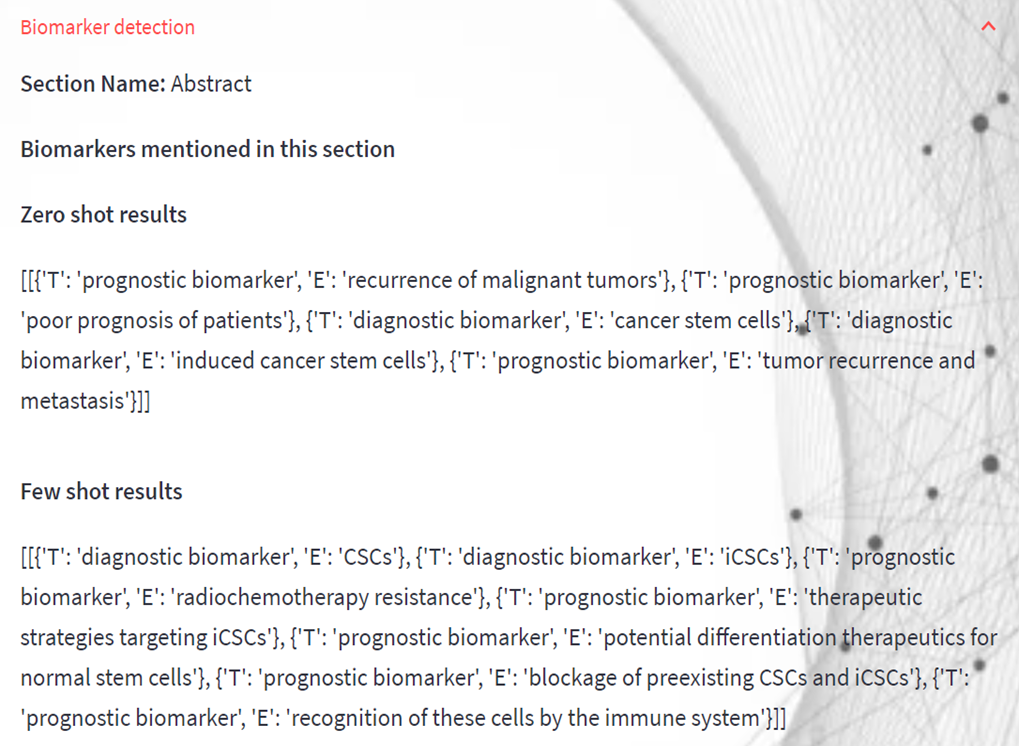
The purpose of this project is to analyze medical research articles while simultaneously allowing the user the freedom to conduct question-and-answer sessions (QnA) over the text. This project's major goal is to use massive language models (GPT3) throughout the early stages of drug development. Due to my interest in drug development—normally, any researcher working on a discovery would focus on comparing medications for a therapeutic area—I came up with this initiative. This will confirm the efficacies and compare the reproducibility of the medications described in research articles. Desk research is a time-consuming task that calls for knowledge of the biomedical research field. For an intended use case, a person must read several papers, make notes, and then draw a conclusion. This project aims to brief (summarize) the user on the paper and provides features like the number of drugs mentioned in the paper, advantages and disadvantages of the drug in relation to the context of the paper, drug comparison, table summarization, and biomarker extraction in order to reduce time consumption and manual efforts. The user will also be asked pertinent questions via the website's QnA area in addition to that.
For this project I have fetched PUBMED articles as a source of my biomedical research papers.
This tool is a streamlit web-app which is built for internal reference and is in the state of further developments with broader use-case.
- First, you need to download the compressed file in GitHub.
- Uncompress it and change to the directory cd:
  unzip Document-Analysis.zip
  cd Document-Analysis/
- It is highly recommended to create conda or python virtual environment and install the aforementioned dependencies within such environment (OPTIONAL):
- Creating conda virtual environment, please change "your_env_name" your desire environment name:
conda create -n your_env_name
conda activate your_env_name
- Creating python virtual environment:
pip install virtualenv
virtualenv your_env_name
source your_env_name/bin/activate
- Note: don't forget to de-activate your environment once you are completely done running the module:
# for conda env
conda deactivate
# for python env
deactivate
- You may now try to install the dependencies by running the following command:
sudo pip install -r requirements.txt
- You will be prompted to enter a password if you run the sudo command, the password is the root password (system administrator) of the computer you are currently running.
- Please make sure you are in the same directory location as the module main.py, and you may try to check the presence of the module by running the following command:
ls -ltrh *.py
- In the terminal, mention:
streamlit run main.py
You will be provided with a local host address and a network host address. Clicking over the links will take you through the web-app
 The Document Analysis has few subsections i.e
- Drug names mentioned in the paper
- Advantages and disadvantages of drugs
- Comparison of drugs
- Table Analysis
- Biomarker detection