BackEnd: Technology Market Final Project

This is a student group project, in which all the technologies learned in the SoyHenry bootcamp come together. The project is a fully functional e-commerce of technology products on the user side, as well as on the side of the administrator or owner of the e-commerce.
- Build a JavaScript App from scratch
- Afirm and conect all the learned concepts in the Carreer
- Learn and practice GIT workflow / team work
- Use Scrum agile methodology
HTML, CSS, Javascript, React, React-Bootstrap, Redux, SendGrid, Google and Mercado Pago Integration, Material UI, SASS
Node.js, Express, Passport, Sequelize
PostgreSQL
IMPORTANT: Necesary version of node and NPM
- Node: 12.18.3 or higher
- NPM: 6.14.16 or higher
The boilerPlate has two folders: api and client.
You can find the first folder 'client' in this repo and the second folder like 'PF-BackEnd' in this same github.
Inside api you must have to create a file called: .env
that has the following form:
DB_USER=postgress
DB_PASSWORD=12345
DB_HOST=localhost:5432
PORT=3001
DB_KEY=techmarket
ACCESS_TOKEN=*****

# Auth Config
AUTH_SECRET=****
AUTH_EXPIRES=1d
AUTH_ROUNDS=10
CLIENT_URL=http://localhost:3000
GOOGLE_CLIENT_ID=*****
GOOGLE_CLIENT_SECRET=*****
SENDGRID_API_KEY=*****
You have to replace DB_USER and DB_PASSWORD with your own credentials to connect to postgres database. This file will be ignored by github, as it contains sensitive information (the credentials).
The DB_KEY is a random security keyword, you can change or keep it.
The ACCESS_TOKEN is a security keyword to Mercado Pago, you can create one in this platform and make a success buy. In this link https://www.mercadopago.com.ar/developers/es/docs/checkout-api/integration-test/test-cards you can get all information to check a success buy in TechMarket.
In Auth Config you must generated your own Google and SendGrid credential to use this functionalities.
- Go to your postgres database manager and create a new database called
techmarket, this is the name of the database to which we will connect.
- Open the project console
- Inside
apifolder, run the command line,npm install - Inside
clientfolder, run the command line,npm install
- Inside
- Open the project console
-
Inside
apifolder, run the command line,npm start -
Inside
apifolder, run the command line,node Api-Store.jsandnode Api-Users.jsto create standard products and users. -
Inside
clientfolder, run the command line,npm start(go to http://localhost:3000/)
-
-
You can find in
api/index.jsconn.sync({ force: false }), switch it between " true " ( if you want reset database in each loaded ) or " false "( if you dont want reset database in each loaded )
-
You can use a testing admin user with login credentials, look inside Api-Users.js to find admin users and a standard user.
Live Proyect TechMarket: https://techmarketfront.vercel.app/
- You can create a standard user to see all funcionality or use this user like admin to see admin funcionality:
- email: juan@gmail.com
- password: 123456
-
Bettina Gamboa:
-
Federico Faraz
-
Federico Romero
-
Nicolas Burgos
-
Enzo Sanchez
-
Lucas Battaglia
-
Horacio Abitu
-
Gabriel Pitrella
-
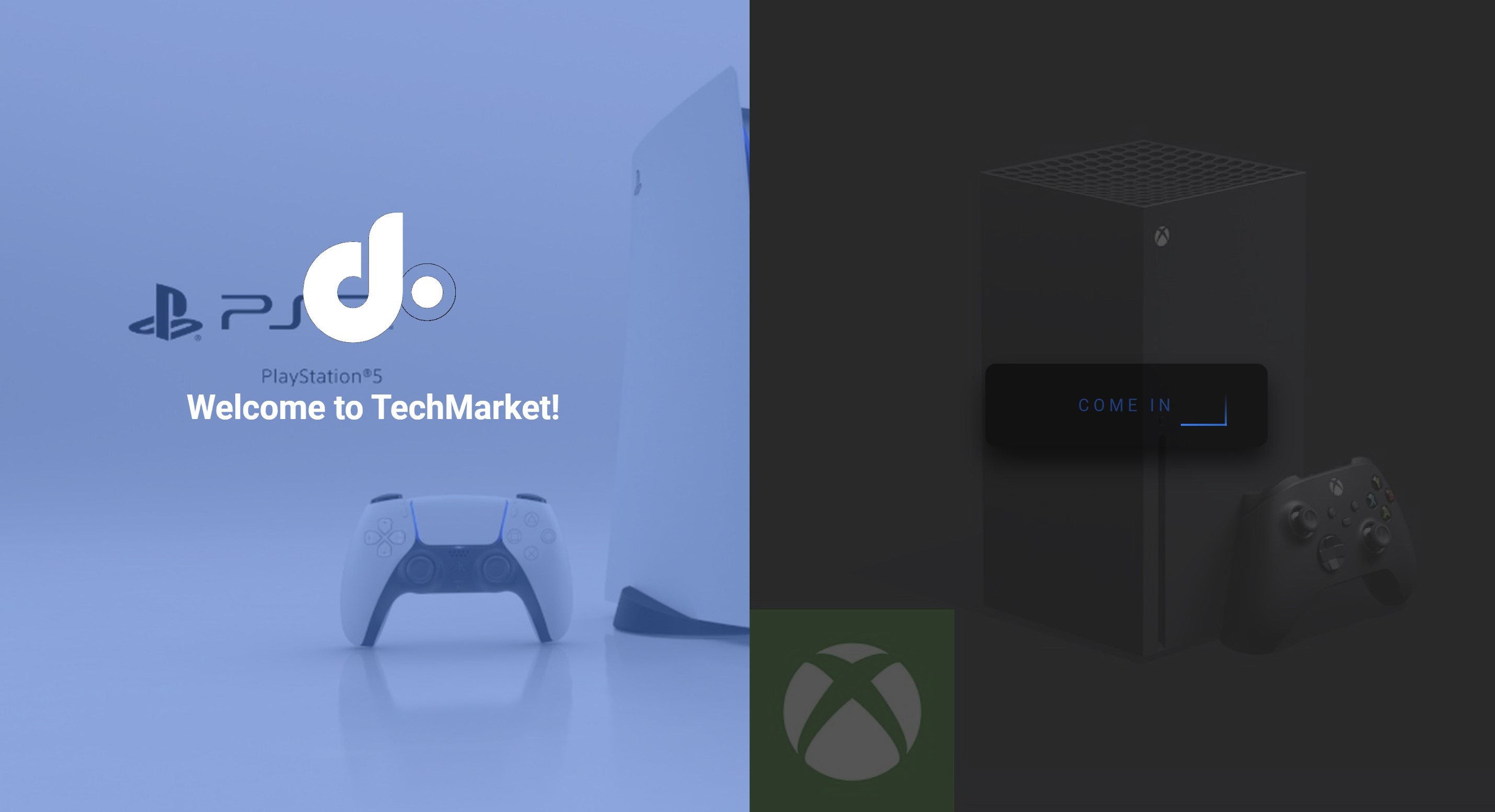
Landing-Page
-
Home Page when we go in

-
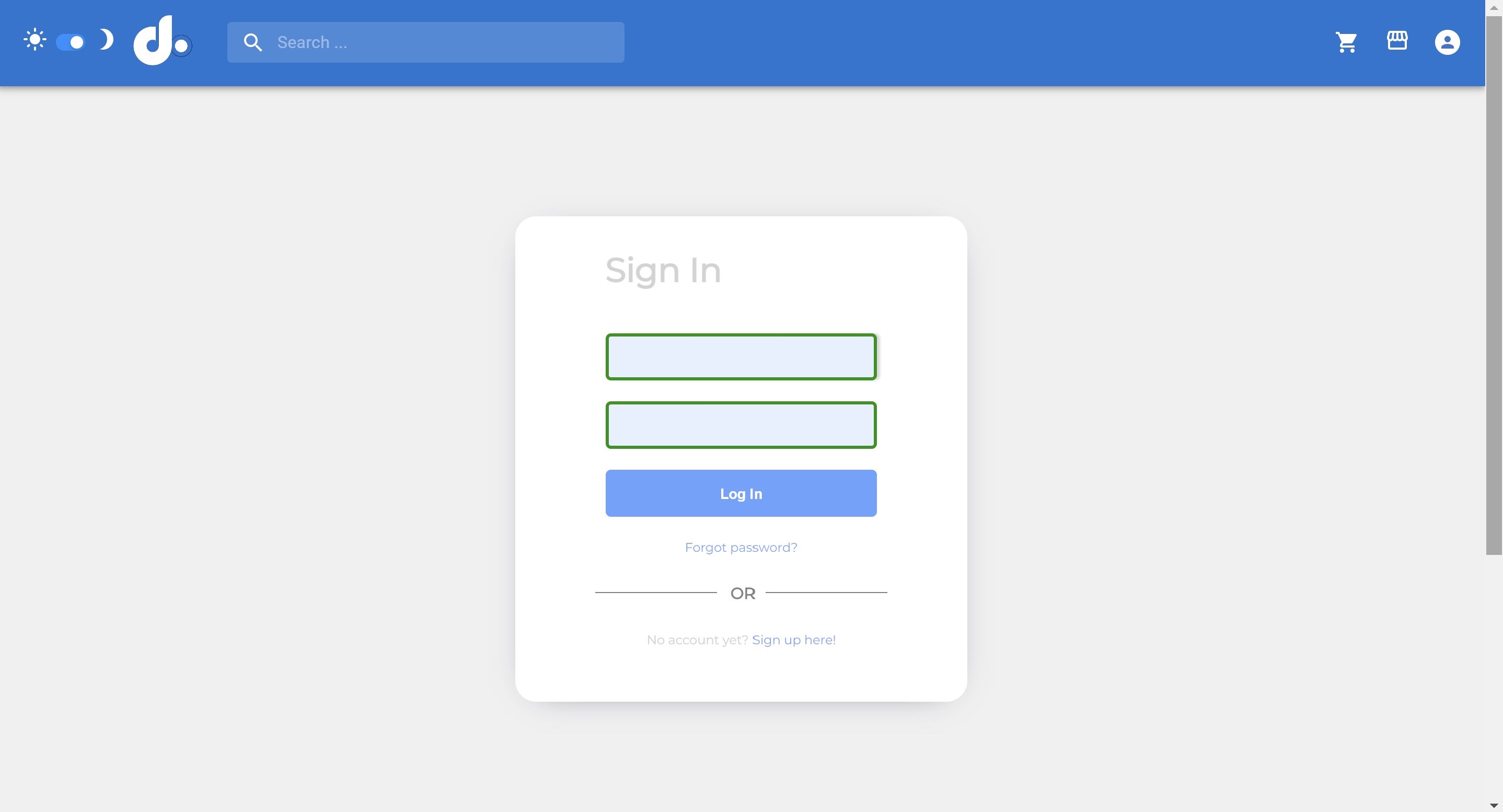
Register, we can do it using the ecommerce platform (by form) or authenticate with github.
-
Store products

-
Products in detail

-
User Profile

- We can add reviews to the products that we had purchase

- Order Details

- We can add reviews to the products that we had purchase
-
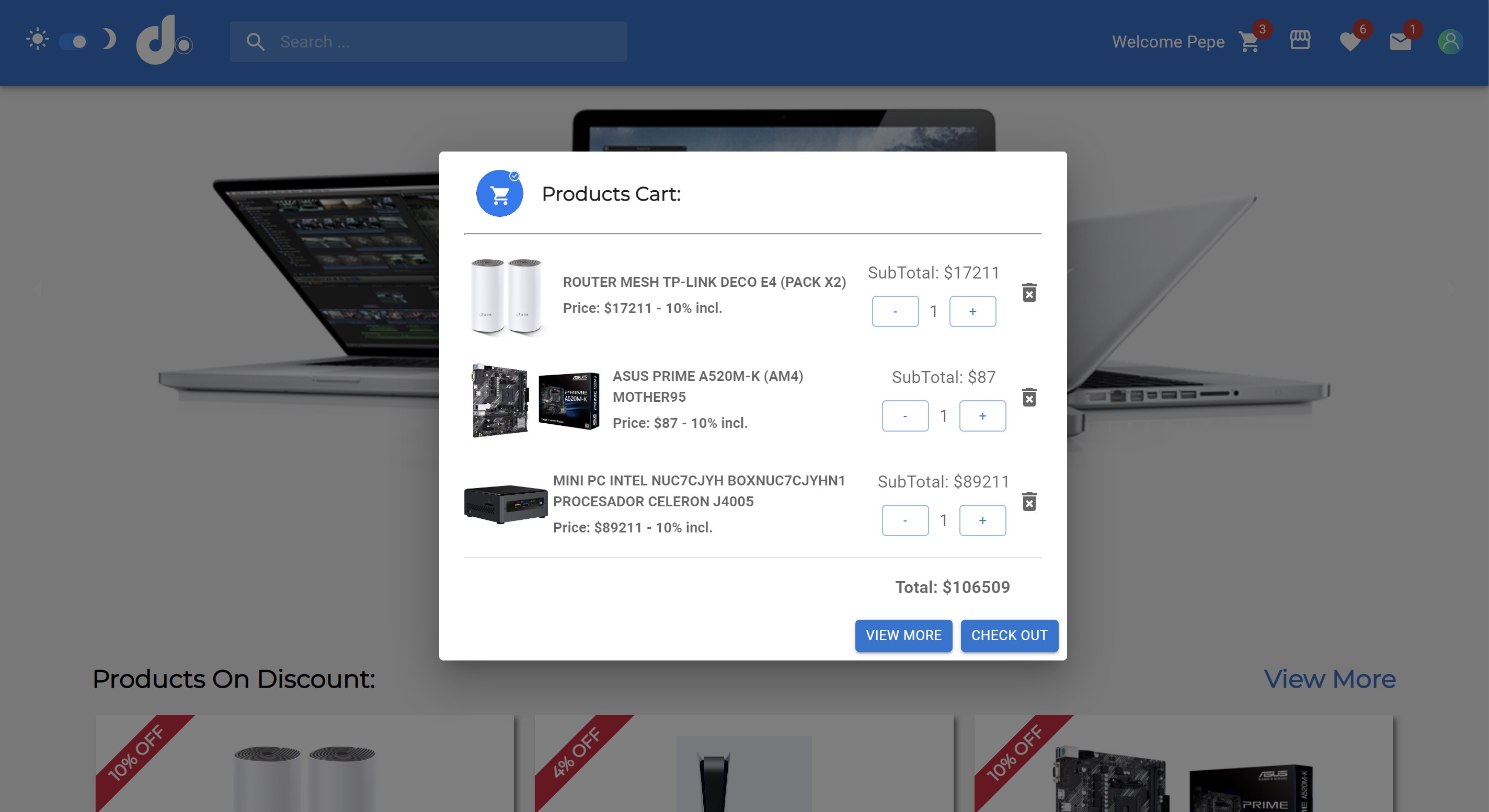
Cart
-
Whish List

-
Checkout. You can pay using paypal or with a debit/credit card

-
There is an admin section where we have a CRUD of products, categories, orders and users.

- Admin Panel view all products and admin can edit each product.

- Admin can view all orders and update each order.

- Admin can edit each categories and brand or create and detele this.

- Admin Panel view all products and admin can edit each product.