
AI Video Templates
23 templates
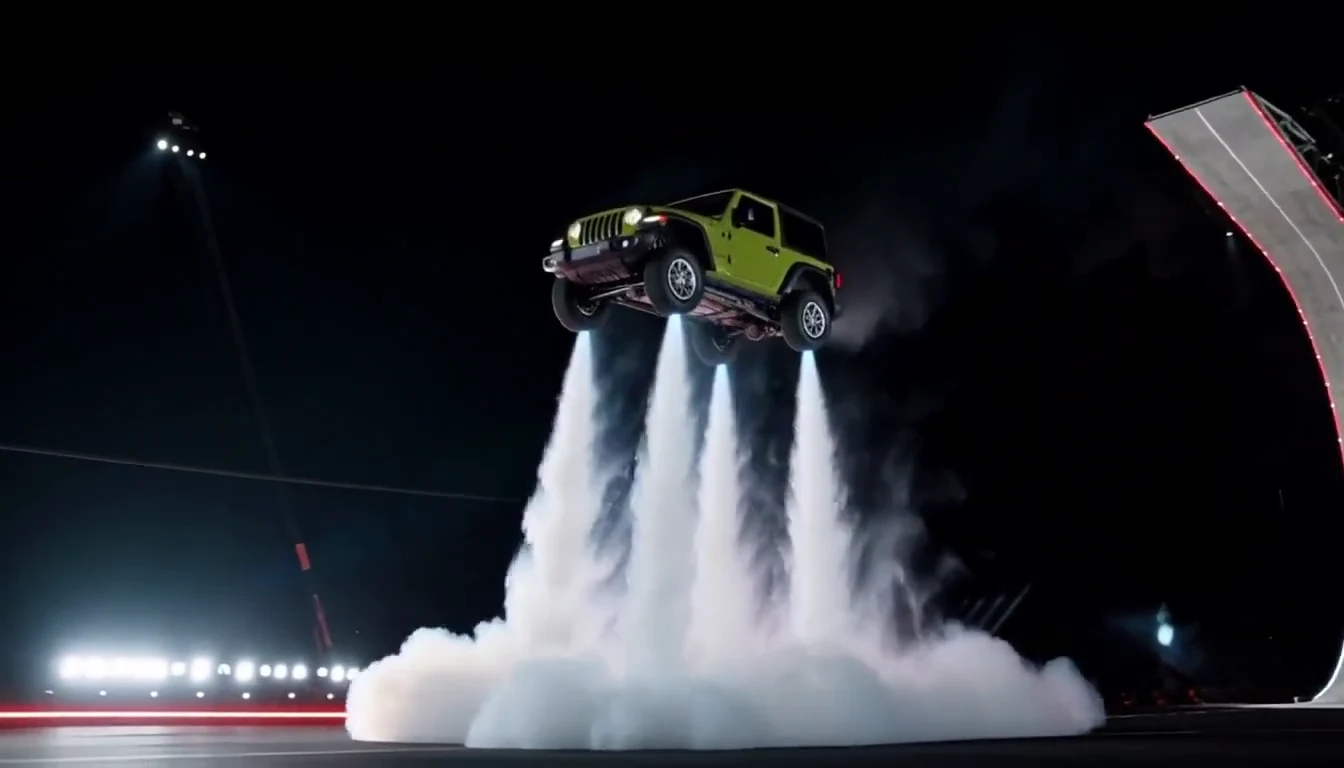
Tesla Roadster & Flying Car AI Video Generator
Turn your car photo into a Tesla Roadster-inspired ramp launch, kickflip or thruster landing. Explore nine flying car scenes, including traffic escape and tunnel walls.
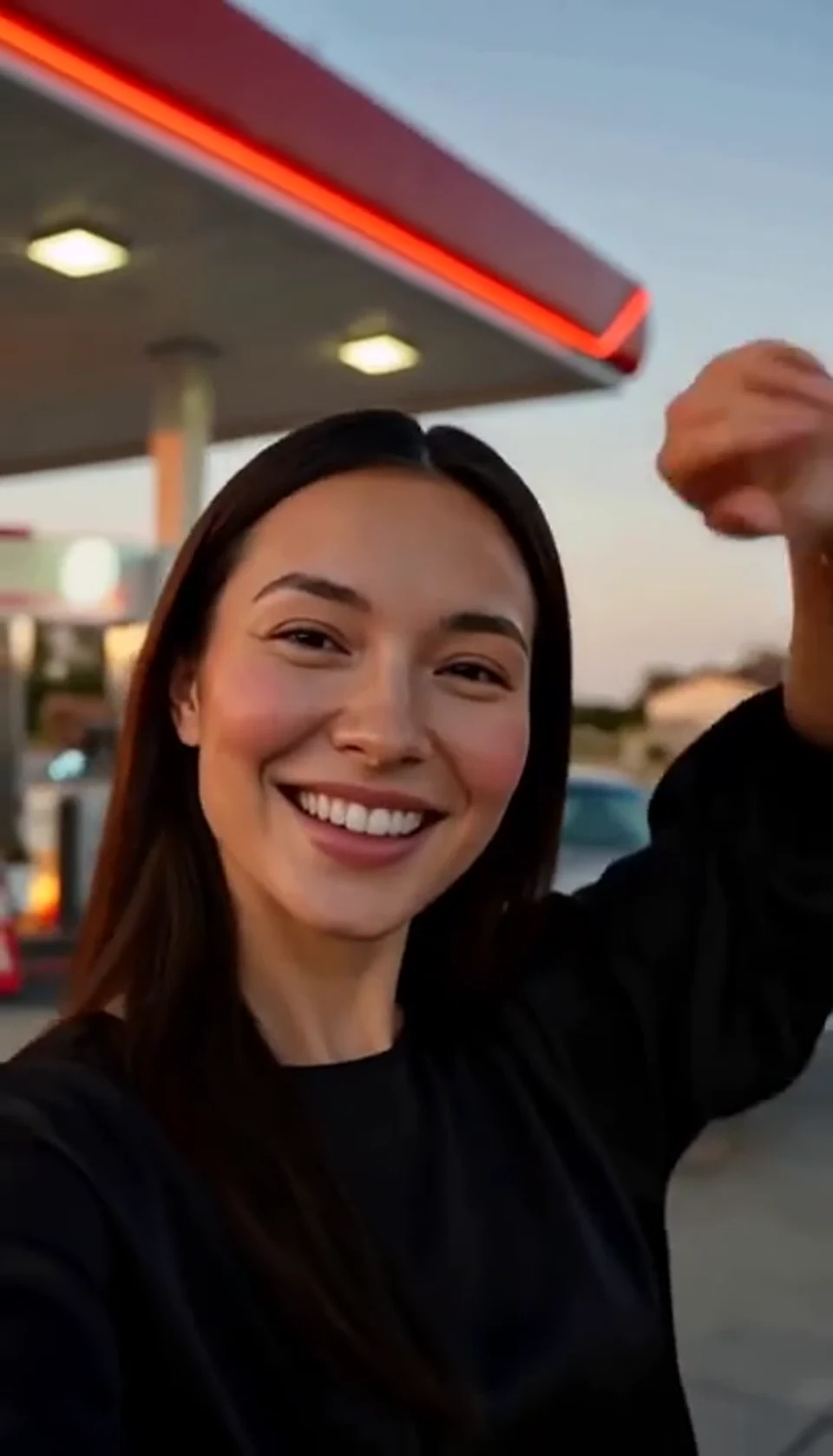
AI Gas Station Dance Video
A sunset dance, a selfie and a cinematic car exit.

AI Car Jump Video
A calm portrait becomes a dramatic desert stunt.

AI Halloween Video Effect
A theatrical hand swipe reveals a gothic costume.

AI Carpool Karaoke Video
Two photos become one lively dashboard singalong.

AI Car Explosion Video
Walk toward the camera as the SUV erupts behind you.
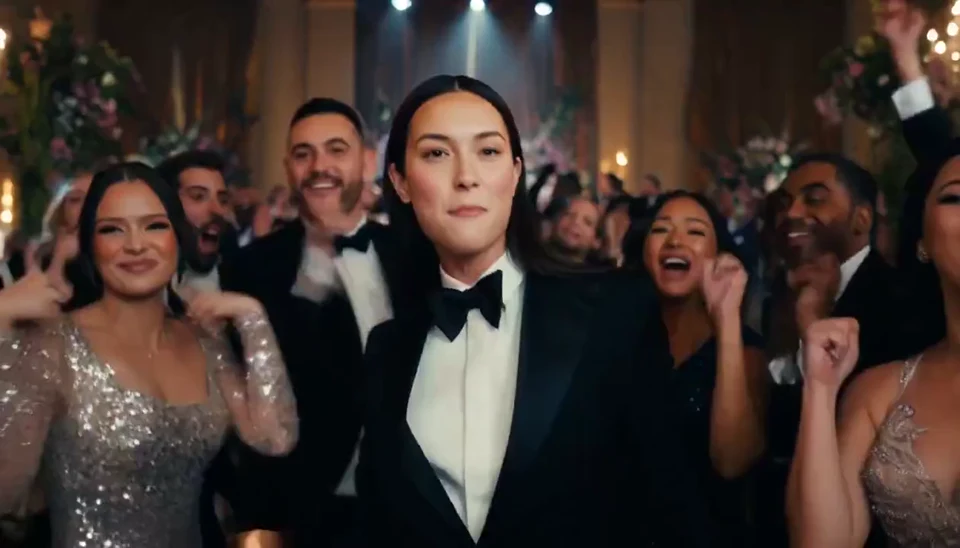
AI Burning Bridges Party Video
A portrait joins a lively ballroom party.
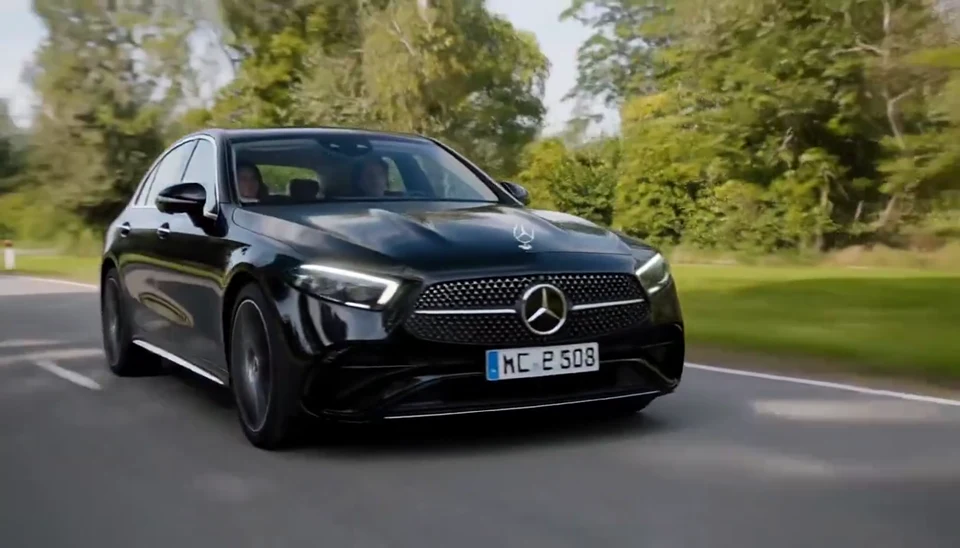
AI Mercedes Car Video
Your car photo becomes a cinematic driving shot.
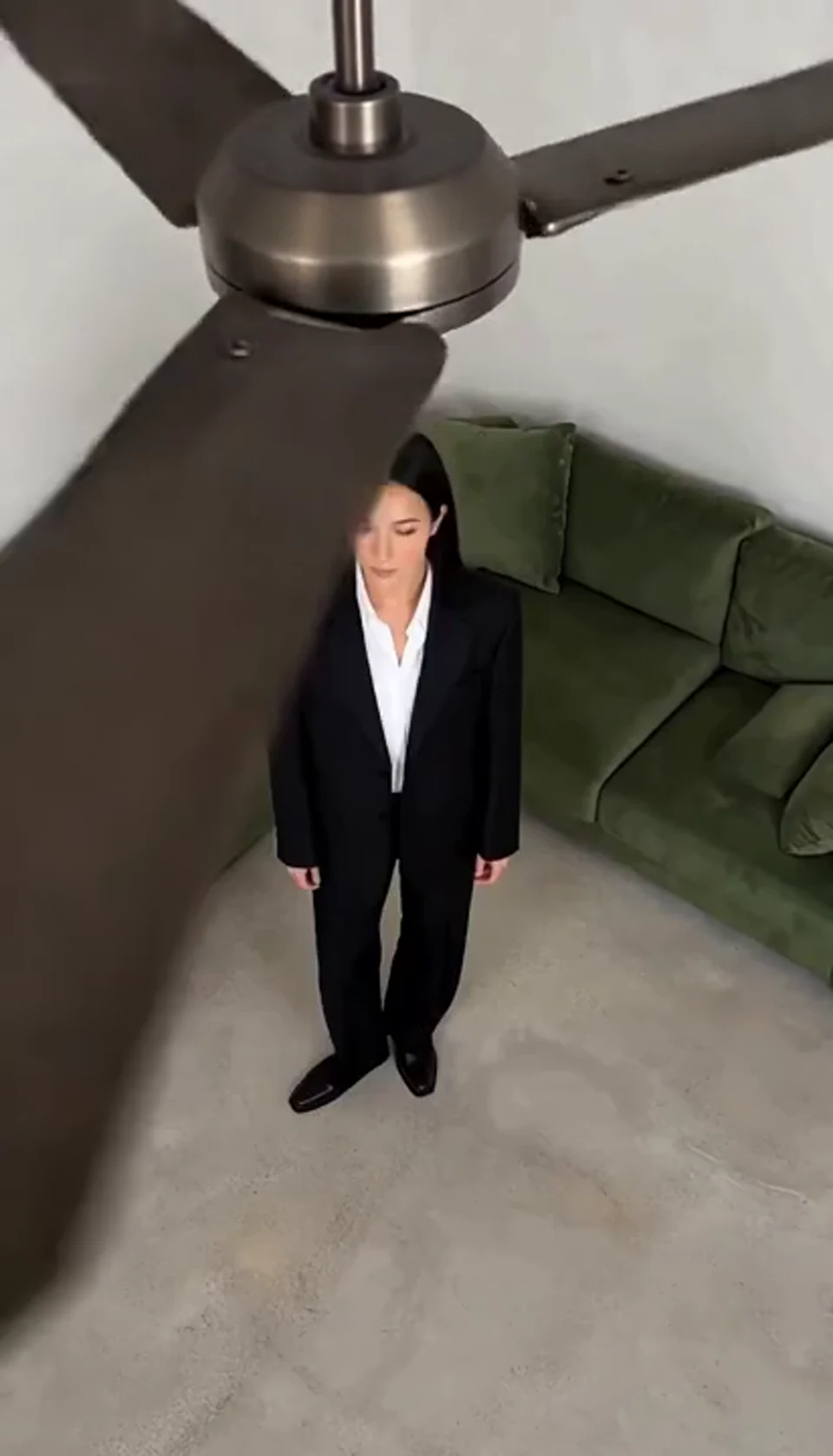
AI Ceiling Fan Transition Video
One fan-blade wipe reveals your next outfit.

AI Moonwalk Dance Generator
Turn one full-body photo into a short moonwalk dance. A steady side view keeps the sliding steps and your recognizable outfit in focus.
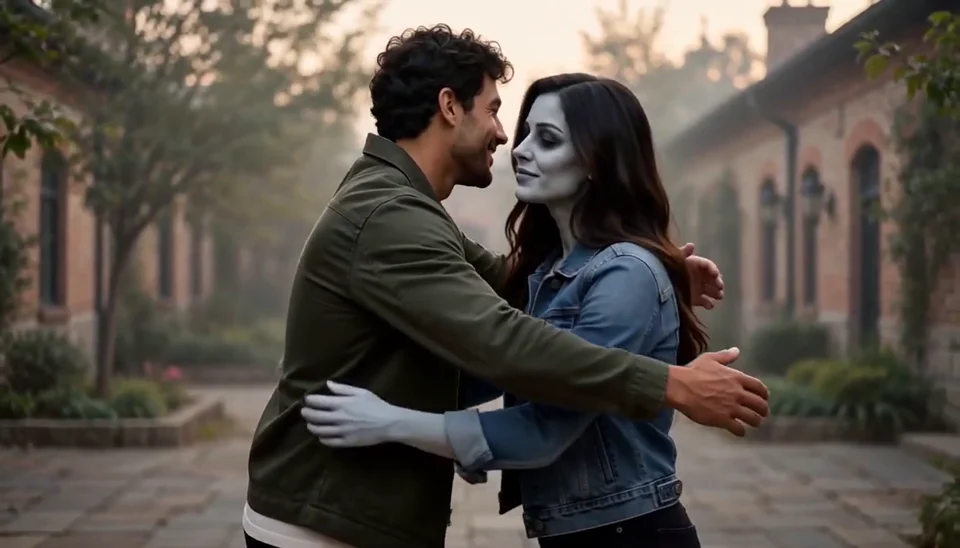
AI Zombie Love Story Generator
Bring two portraits into a tender fictional reunion: a human survivor recognizes their zombie partner, embraces them and remembers a warmer moment together.

Deep Sea AI Video Effect
Turn one portrait into a dreamlike underwater scene. Drift through dark blue water with gently moving clothing, soft light and one calm camera move.
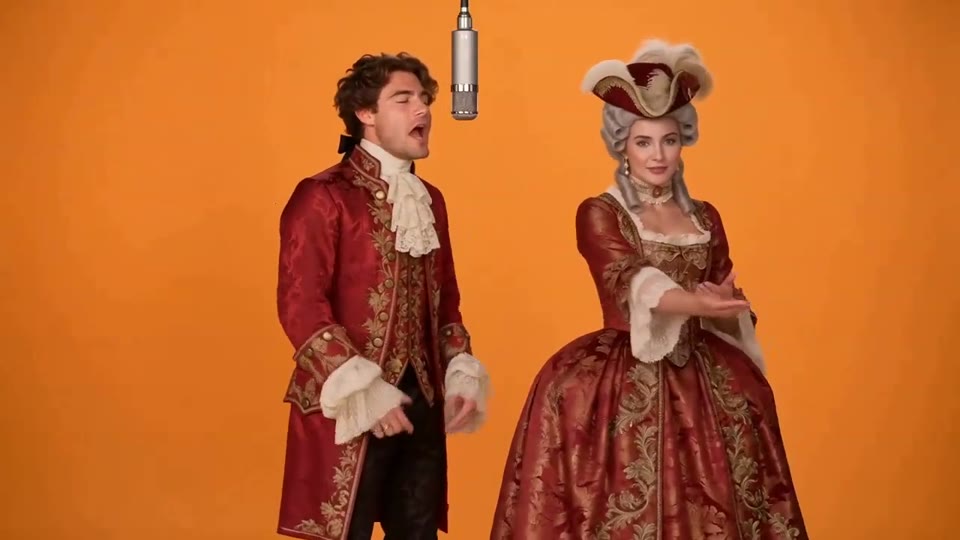
Hotel Lobby AI Video
Two photos become a baroque rap duet on an orange stage.
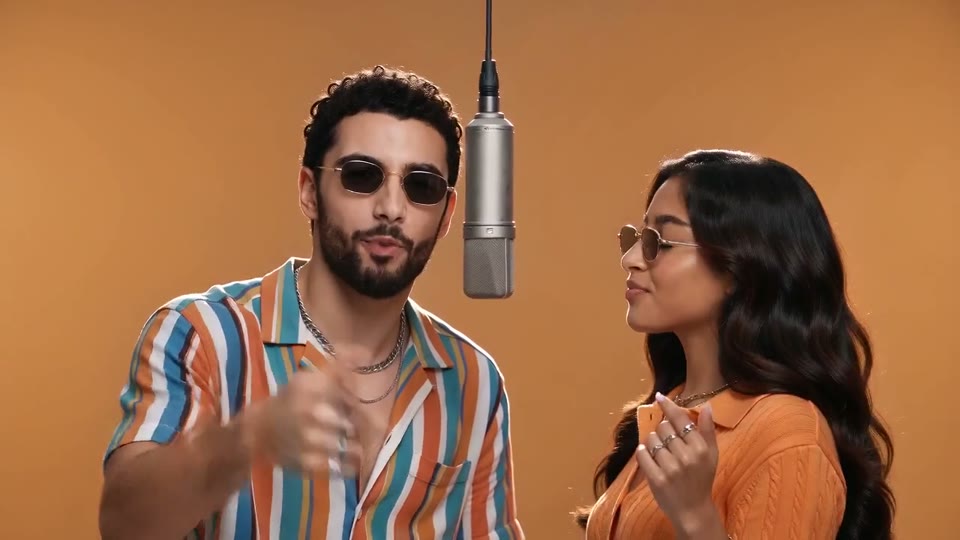
AI Rap Duo Video
You and a friend trade verses in bold streetwear.

STORM II AI Video
Your character leads a surreal pink-crowd dance.
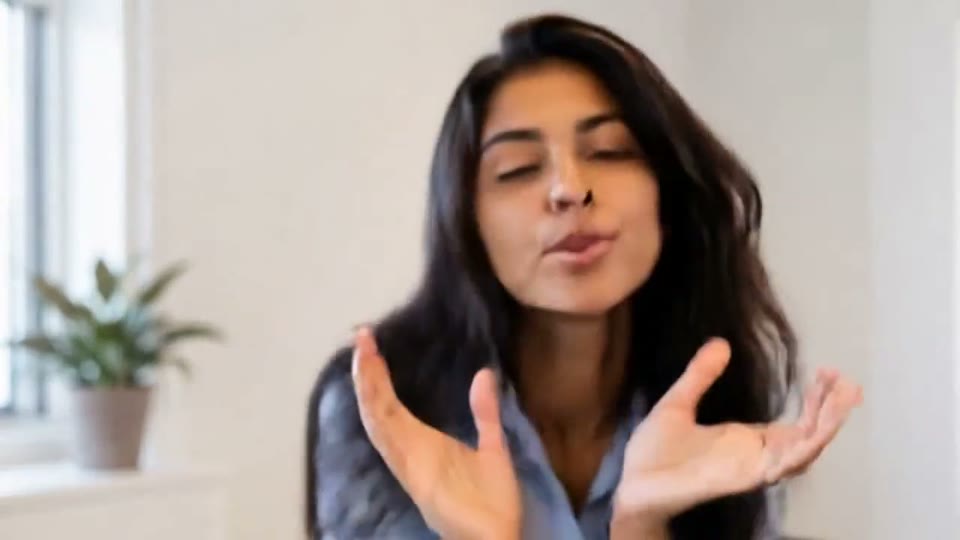
AI Face Dance Generator
A portrait comes alive with a playful face-and-hands dance.
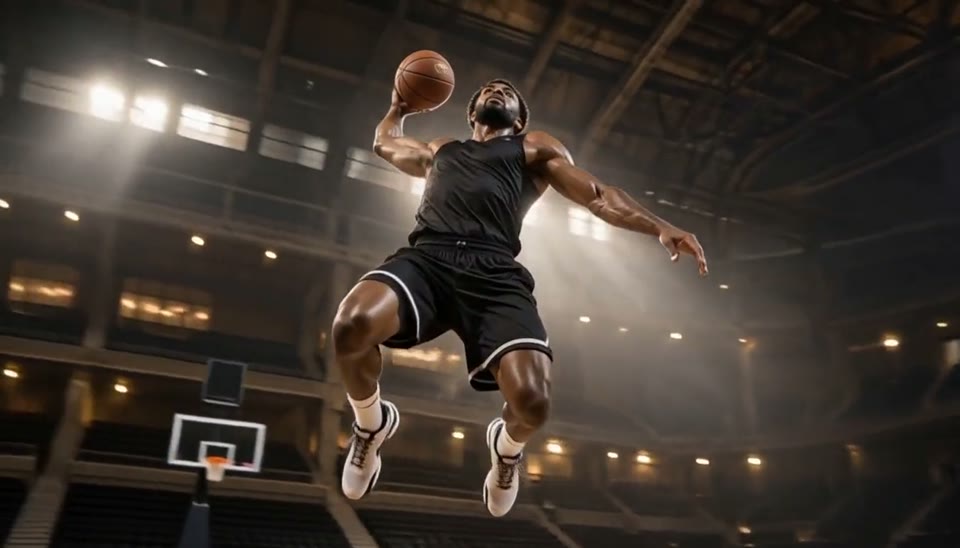
Bullet Time Video
Freeze an action pose while the camera orbits around it.

AI Minecraft Video Maker
Create a Minecraft-style AI video from one photo. Make voxel characters, block-world parkour and adventure clips with original sound on EveryGen.
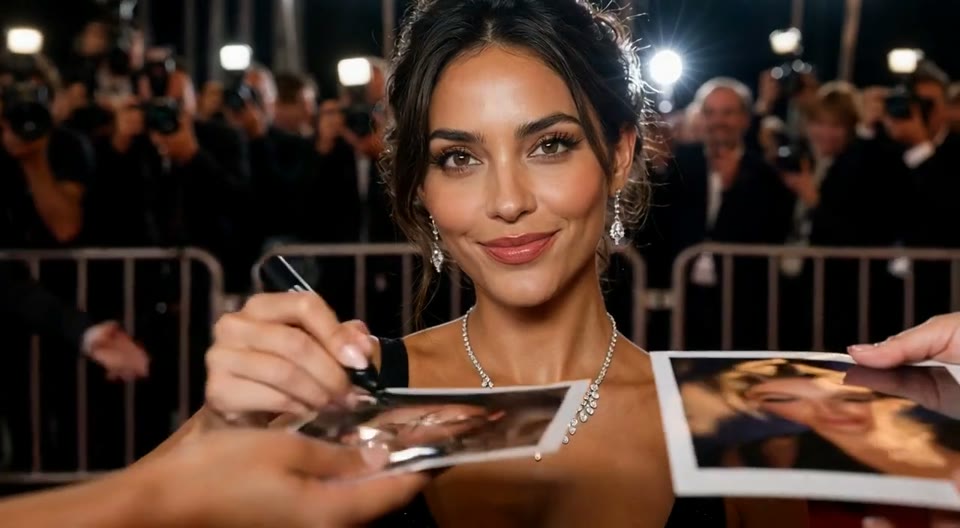
AI Red Carpet Video
Create an AI red carpet video from one portrait. Add elegant eveningwear, paparazzi flashes and a gala entrance with the EveryGen video template.

Sketch to Video AI
Turn a sketch, drawing or line-art image into an animated video with EveryGen. Preserve the composition and art style with gentle motion and original sound.
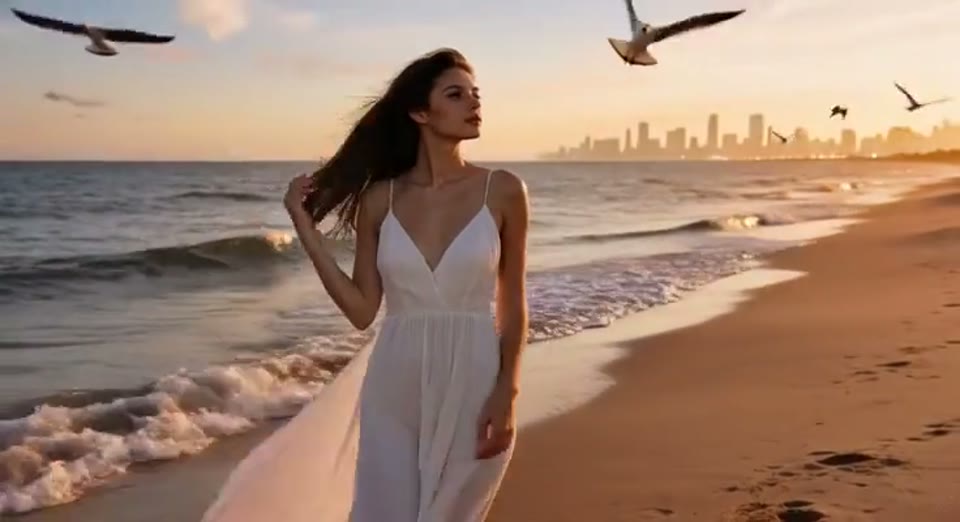
Day to Night Effect
Create a day to night effect video from one photo on EveryGen. Animate golden hour, sunset and night lights while keeping the scene and framing consistent.
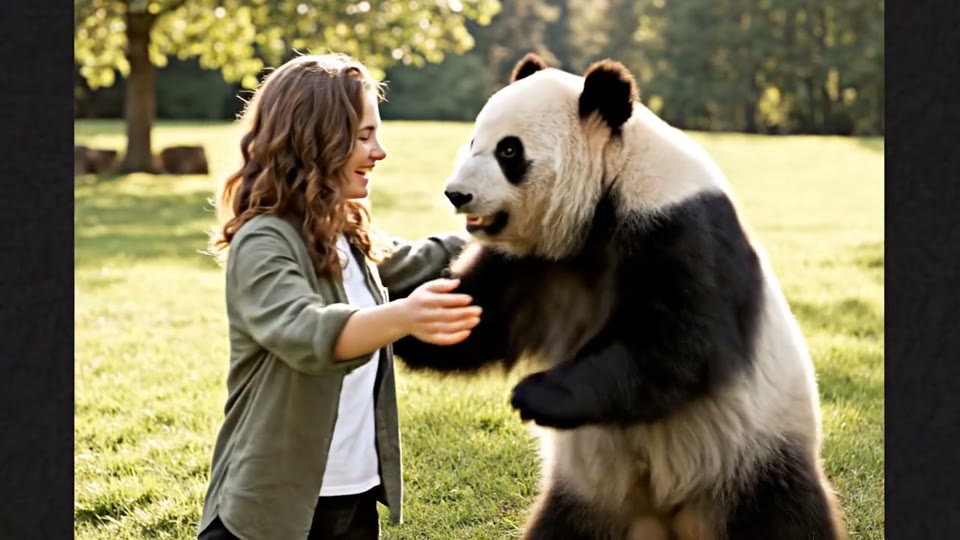
AI Panda Hug Video
Create a heartwarming AI panda hug video from one photo on EveryGen. Add a gentle panda embrace, bamboo scenery and original sound in your chosen format.

Live 2D Animations
Create Live 2D-style animation from a portrait or character image with EveryGen. Add blinking, breathing and gentle head motion while preserving the visual style.
Explore, preview and create
AI Video Templates and Photo-to-Video Effects
Bring a photo into a story with movement and atmosphere: dance at sunset, arrive on a red carpet, reveal a new look or send an original character on an adventure. Watch the examples and find a scene for your next post.
From profile introductions and party invitations to travel memories and outfit ideas, EveryGen video effects give familiar faces and favorite images a new entrance. Choose a look you like and start your story.
- Cinematic scenes
- Dance and outfit reveals
- Your own photo in the spotlight
- Examples to spark an idea

Photo-to-Video Effects: Dance, Outfits and Cinematic Scenes
Explore the moods made by movement, styling, light and music.

Cinematic Moments with a Story
From a red carpet entrance to a desert adventure, bring an everyday photo into an atmospheric scene. Subject movement, light and camera changes build a moment worth sharing.
- Cinematic entrances
- Distinctive scenes and light
- Examples you can watch

Bring Original Images to Life
Give drawings, characters and portraits small movements, blinks and expression. Bring the visual style you like into a livelier story.
- Drawings and character animation
- A variety of visual styles
- Original images in a story

An Idea for Your Next Post
Open a profile, add a surprise to a party invitation or give a travel photo movement. Each effect can become the start of another creative idea.
- Profiles and social posts
- Invitations and celebrations
- Travel, fashion and creative edits

Watch First, Choose a Look You Like
Example videos show how each effect moves and feels. See the entrance and setting before choosing the style for your own photo.
- Preview the effect
- Find movement and styling ideas
- Choose a mood that suits you

Tell the Mood with Picture and Music
A lively beat, ambient sound and dramatic atmosphere add emotion to the picture. Give dancing more energy, adventure more movement and gentle moments more warmth.
- Music and scene atmosphere
- Movement with rhythm
- Emotion in the picture
Why Choose EveryGen’s AI Effects Platform?
Explore a different part of the template workflow with each tab.

Bring Familiar Faces into New Scenes
Cinematic entrances, cheerful dances and outfit reveals give your own photo a starring role.
- Your photo in the spotlight
- New movement and scenes
- A personal visual style
How it works
How to Create a Video from Photos with a Template
Choose an effect, add your photo and save a scene of your own.
Choose an Effect
Explore cinematic, dance and animation looks. Watch the example to get a feel for its movement and atmosphere.
Upload a Clear Photo
Choose a portrait, car photo or original drawing with a clearly visible subject.
Bring It to Life
Select Generate to bring the person, car or character into a new scene.
Save and Share
Preview the finished video and share it with friends or use it in a creative edit.
AI Effects Use Cases: Ideas for Your Next Project
Find a practical place for a template in your creative workflow.
Social Media Content
Make short AI clips for Reels, Shorts and TikTok with a recognizable subject and one clear visual idea.
Marketing and Brand Concepts
Explore a campaign mood, character look or reveal sequence before developing a longer production.
Education and Training
Animate an illustration or show a lighting transition to support an explanation and keep a visual example readable.
Creative Projects and Art
Bring original sketches and character designs to life, or try the same reference in a different visual style.
Business Presentations
Add a short motion concept to a treatment, storyboard discussion or creative presentation.
Personal Projects and Memories
Create a playful greeting, panda encounter or travel transition from photos used with permission.
AI Effects and Video Templates FAQ: Your Questions Answered
Common questions about EveryGen AI video templates and AI video effects.
What is a photo video effect?
It brings the person, car or character in a photo into a moving scene, making a visual story you can share.
Which styles can I explore?
Explore dancing, outfit reveals, cinematic entrances, car scenes and original character animation. The example videos show the character of each effect.
Do I need filming or editing skills?
No. Choose an effect, upload the photos and select Generate to start your own video.
What kind of photo works best?
Use even lighting and a clearly visible subject. Keep the face unobstructed in a portrait, the body and wheels visible in a car photo, and the main character clear in a drawing.
Can I appear with a friend?
Choose an effect made for two leads, such as a carpool singalong or duo performance, and use a clear photo of each person.
Can I use my own drawings or characters?
Yes. Original sketches, illustrations and characters can become the starting point for animation and different visual styles.
Can I use the video in an edit?
Yes. Save the video and combine it with your own footage, music or captions to build a fuller story.
Can I save and share the video?
Yes. Save a favorite video for social posts, invitations, introductions or creative showcases. Get permission before using someone else’s photos or artwork.
Transform Your Photos with Creative AI Video Effects Today
Choose a look you like and give your own photo a new story.
Explore AI video templates