Blog
Tutorials
10 Best No-Code AI App Builders (2026)
Compare 10 no-code AI app builders by what you can actually ship: native iOS and Android apps or web apps, App Store publishing, backend and free plans.

Nafis Amiri
Co-Founder of CatDoes

TL;DR: The best no-code AI app builder depends on what you need to ship. CatDoes builds native iOS and Android apps and websites from one chat, with a backend included. Adalo, Bubble and Thunkable also publish native apps to the App Store and Google Play without code. Lovable, Base44 and Bolt.new build full web apps from a prompt. Softr and Glide turn your data into portals and team apps.
A no-code AI app builder lets you describe an app in plain English and get a working app back, without writing code. The tools differ most in what you can actually ship. Some publish real apps to the App Store and Google Play, and others build web apps only. Below are 10 builders, compared on output, store publishing, backend and free plan, so you can go straight to the one that fits your project.

Table of Contents
What Is a No-Code AI App Builder?
How We Picked
No-Code AI App Builders Compared
1. CatDoes: Best for Native Apps and Websites From One Chat
2. Adalo: Best for a Low-Cost Native App You Design Visually
3. Bubble: Best for Complex Web Apps With a Mobile Version
4. Thunkable: Best for Simple Native Apps From a Prompt
5. FlutterFlow: Best for Teams That Want Full Control Later
6. Lovable: Best for Full-Stack Web Apps From Chat
7. Base44: Best for Quick Web Apps With a Built-In Backend
8. Bolt.new: Best for Fast Web Prototypes
9. Softr: Best for Client Portals and Internal Tools
10. Glide: Best for Turning a Spreadsheet Into a Team App
Native App, PWA or Wrapper: What "Mobile" Means
How to Choose a No-Code AI App Builder
How to Build an App Without Coding in 5 Steps
Frequently Asked Questions
What Is a No-Code AI App Builder?
A no-code AI app builder is a platform that turns a plain-English description into a working app, without programming. You describe the screens, data and features you want, and the AI generates the interface, the logic and usually the database. You then refine the app by chatting with the AI or editing it visually.
Older no-code tools made you drag every button onto a canvas yourself. The AI versions do the first draft for you, which is why a non-technical founder can now get from idea to a testable app in an afternoon. If you are looking for no-code tools that build AI models or automate data science instead of apps, see our list of no-code AI platforms.
How Does a No-Code AI App Builder Work?
You describe the app in plain English: what it does, who it is for and the main screens.
The AI builds a first version, generating the screens, the logic and usually a database.
You test and refine it in a live preview, by chatting with the AI or editing visually.
You publish it as a web app, or as a native app on the App Store and Google Play if the tool supports it.
How We Picked
Every tool here was checked against its own pricing page and documentation in October 2026. We kept only tools a non-coder can use from start to finish, and scored them on five things:
No code at any point. You should never have to open a code editor or a terminal to get a working app.
What you can ship. A native iOS and Android app, a web app, or a progressive web app (PWA) that installs from the browser.
Store publishing. Whether the tool gets your app into the App Store and Google Play, and on which plan.
Built-in backend. A database, user login and file storage included, so you are not wiring up a separate service.
Free plan. What you can build, and publish, before you pay.
Developer-first tools such as Cursor, v0 and Replit are left out on purpose. They are strong products, but they assume you can read and fix code. For a broader list that includes them, see our ranking of the best AI app builders.
No-Code AI App Builders Compared
Here is the short version. "Paid from" is the cheapest plan that puts a live app out, which is often not the cheapest plan on the page.
Tool | Best for | Output | App Store & Google Play | Built-in backend | Free plan | Paid from |
|---|---|---|---|---|---|---|
CatDoes | Native apps and websites from one chat | Native iOS and Android apps, websites | Yes, from Starter | Yes (CatDoes Cloud) | 15 credits to start, publish to the web free | $20/mo web, $50/mo stores |
Adalo | Low-cost native app, designed visually | Native iOS and Android, web | Yes, from Starter | Yes (hosted Postgres) | Build and test, 500 records per app | $36/mo, billed annually |
Bubble | Complex web apps with a mobile version | Web, native iOS and Android | Yes, on a paid plan | Yes | Development version only | $59/mo, billed annually |
Thunkable | Simple native apps from a prompt | Native iOS and Android, web | Yes, from Builder | Supabase option | 3 public projects, 5 screens each | $37/mo yearly or $59 monthly |
FlutterFlow | Teams that want full control later | Native iOS and Android, web, desktop | Yes, one-click from Basic | No (connect Firebase or Supabase) | 2 projects, web publishing | $39/mo |
Lovable | Full-stack web apps from chat | Web apps | No built-in flow | Yes (Lovable Cloud) | 5 credits a day, up to 30 a month | $25/mo |
Base44 | Quick web apps with a backend | Web apps, store app is a web-view wrapper | Partly: you upload the files | Yes | 25 message credits a month | $16/mo, billed annually |
Bolt.new | Fast web prototypes | Web apps, mobile through Expo | Only with terminal commands | Yes (Bolt Database) | 1M tokens a month | $25/mo |
Softr | Client portals and internal tools | Web apps, PWA | No | Yes (Softr Databases) | Yes, with 5,000 database records | $19/mo |
Glide | Team apps from a spreadsheet | Web apps | No for Glide Classic (PWA) | Uses your data sources | Build only, limited credits | $25/mo |
Prices checked October 2026. Apple ($99 a year) and Google ($25 one time) charge their own developer fees on top of any builder plan.
1. CatDoes: Best for Native Apps and Websites From One Chat
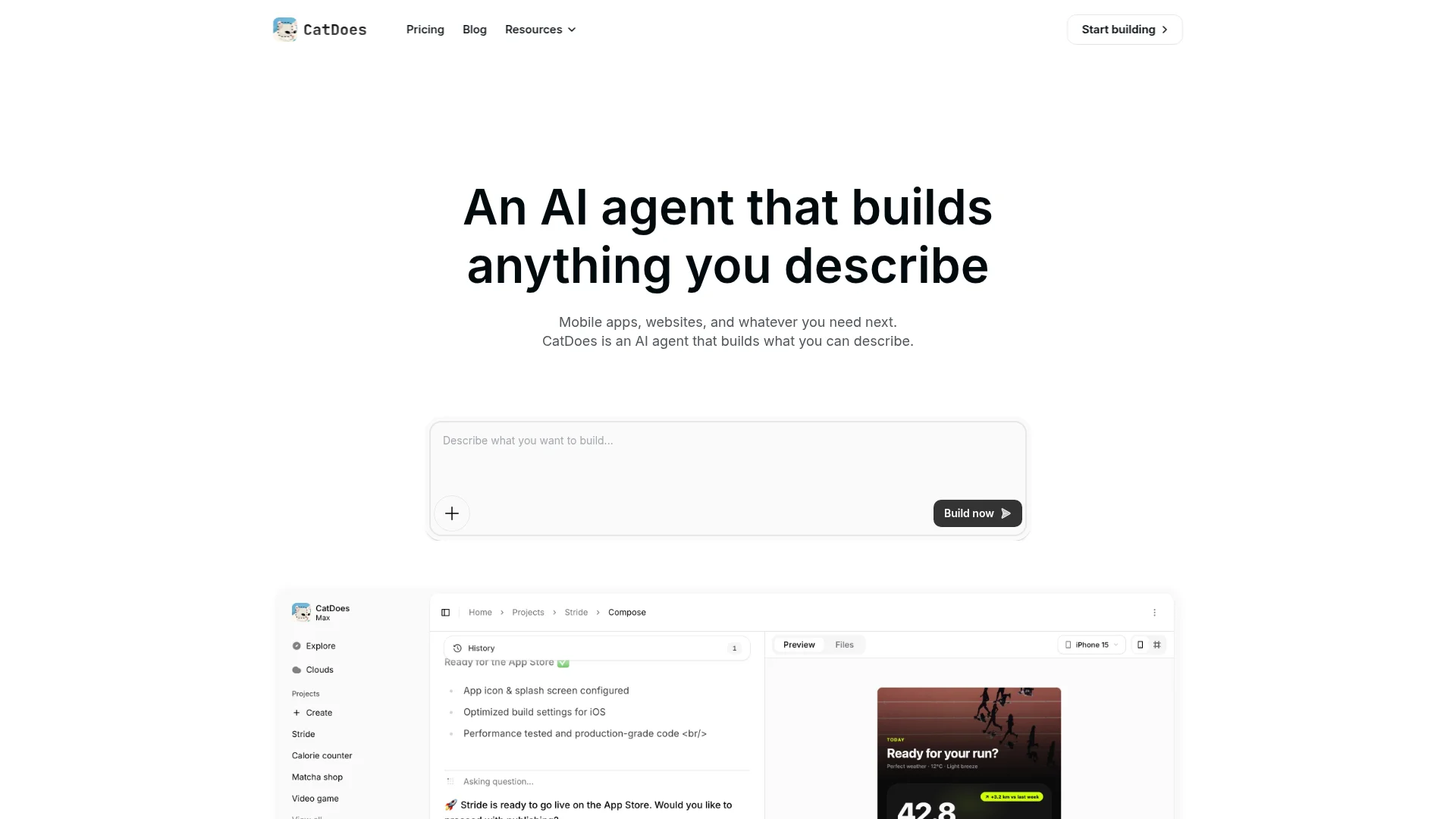
CatDoes is an AI agent that builds native iOS and Android apps and websites from a chat. You describe the app, the agent plans it, designs the screens and writes the app, and you watch a live preview update as it works. Every project comes with CatDoes Cloud, a built-in backend with a database, user authentication, file storage, edge functions and realtime data.
Publishing happens in the same chat. Tell the agent to deploy to the web and you get a live link on a catdoes.app address, or your own custom domain.
For iOS, the agent builds the app and can submit it to the App Store for you. For Android, CatDoes builds the app and you upload it to Google Play yourself. Store releases need a free Expo account plus your own Apple or Google developer account.
Free plan: 15 credits to start building, and you can publish your app to the web free (Free and Core web apps show a small CatDoes badge). Paid: Core at $20/month gives you 50 credits a month for web projects. App Store and Google Play releases start on Starter at $50/month, and GitHub sync and code export start on Plus at $100/month.
Pros:
Native iOS and Android apps and websites from the same chat
Backend included on every plan, nothing to connect
The agent can check your app against App Store and Google Play review guidelines before you submit
Cons:
App Store and Google Play releases need the Starter plan or above
Free credits are a one-time allowance, not monthly
Android uploads to Google Play are still a manual step
2. Adalo: Best for a Low-Cost Native App You Design Visually
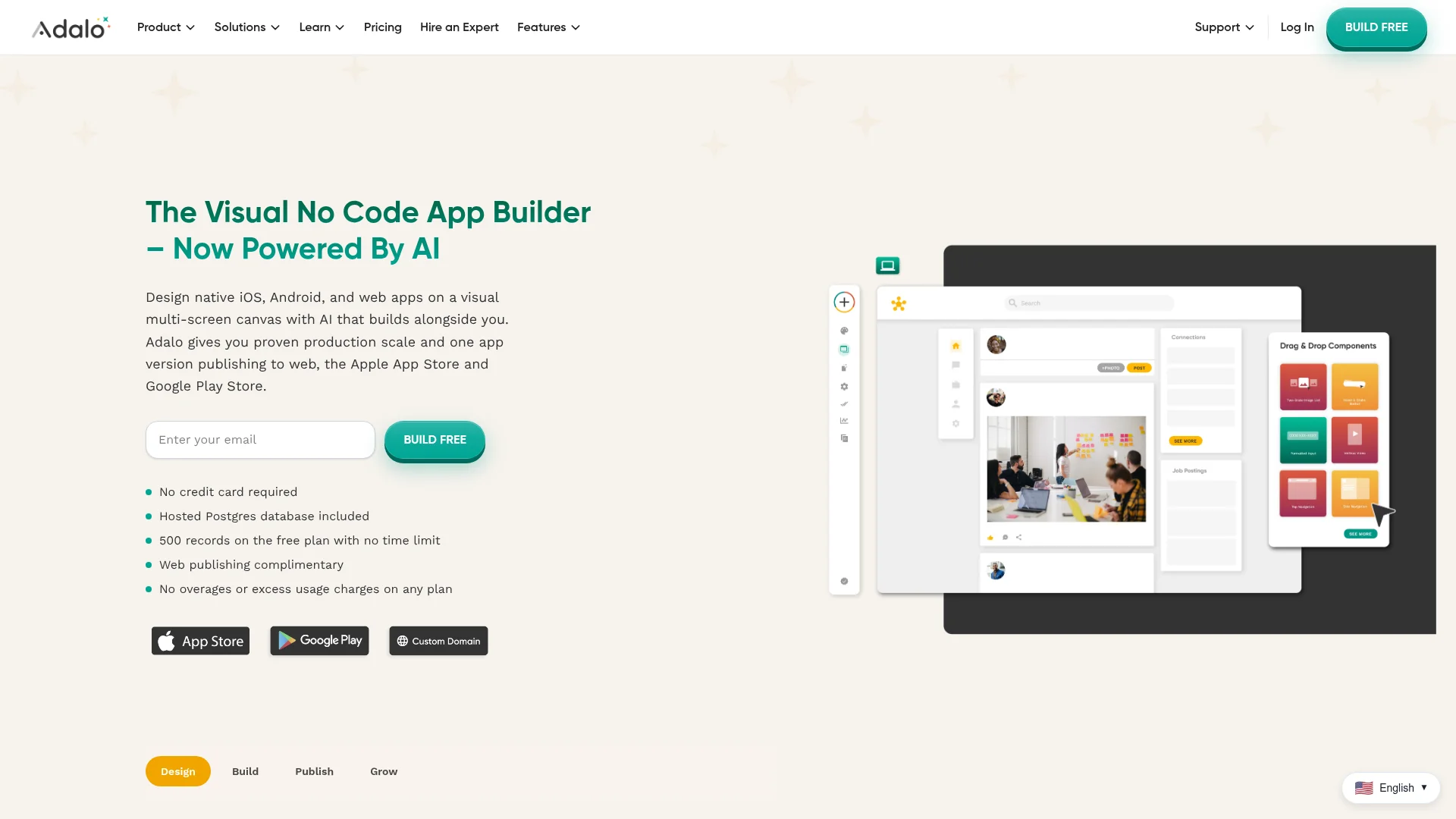
Adalo is a visual no-code builder that produces true native iOS and Android apps, plus a web version, from one project. Its Ada AI assistant drafts screens from a prompt and edits them on request, and it is included on every plan. Data lives in a hosted Postgres database that Adalo runs for you.
The free plan lets you build and test with 500 records per app, but it cannot publish. The Starter plan, at $36/month billed annually, adds one published app, a custom domain and automated App Store publishing, according to Adalo's pricing page. That makes it one of the cheapest ways to get a native app into the stores without code.
Pros:
True native builds for both stores
Database included, no usage-based charges
AI assistant available on the free plan
Cons:
Free plan cannot publish
You still design much of the app by hand on the canvas
Monthly billing costs about 20% more than annual
3. Bubble: Best for Complex Web Apps With a Mobile Version

Bubble's AI builder generates a working app, including the interface, database and business logic, from a text description. You then edit everything in Bubble's visual editor. The same editor builds native iOS and Android apps that share one backend with your web app, and you can submit to the stores from inside Bubble, as described on its AI app builder page.
The free plan gives you a development version only. Going live takes a paid plan, and Starter is $59/month billed annually for web and mobile, with five mobile build submissions a month, per Bubble's pricing. Bubble handles complex logic and data better than most tools here, but expect a learning curve once you move past the AI draft.
Pros:
Handles complex SaaS-style apps, user roles and workflows
Web and native mobile from one editor and one database
Large plugin and template marketplace
Cons:
Steeper learning curve than the other tools on this list
No live app on the free plan
Usage is metered in workload units, which takes some getting used to
4. Thunkable: Best for Simple Native Apps From a Prompt

Thunkable's AI Project Generator turns a plain-text description into a mobile or web app, handling the screens, logic and design. You adjust the logic with drag-and-drop blocks, never code. For data, you can store it on the device, use Supabase cloud storage for apps with user accounts, or link an existing database.
The free plan includes 3 public projects with 5 screens each. To put one app live in the stores you need Builder, at $37/month billed yearly or $59/month billed monthly, according to Thunkable's pricing. The cheaper Accelerator plan does not include a live published app.
Pros:
Native iOS and Android apps from a prompt
Block-based logic is easy to learn
Good for simple utility apps and prototypes
Cons:
Publishing starts on the $37/month plan
Free projects are public
Less suited to large, data-heavy apps
5. FlutterFlow: Best for Teams That Want Full Control Later

FlutterFlow is a visual builder for native iOS, Android, web and desktop apps built on Google's Flutter framework. AI generation helps with pages and components, but the free plan includes only 5 AI requests in total. It sits at the low-code end of this list: you can finish an app visually, and a developer can take over later because the code is exportable.
There is no built-in backend. You connect your own Firebase or Supabase project. The free plan covers 2 projects with web publishing, and Basic at $39/month adds code download and one-click App Store deployment, per FlutterFlow's pricing.
Pros:
Real Flutter code you can export and own
One-click store deployment from $39/month
Fine control over design and behavior
Cons:
No built-in database, you set up Firebase or Supabase yourself
Only 5 AI requests on the free plan
More technical than the other no-code options
6. Lovable: Best for Full-Stack Web Apps From Chat
Lovable builds full-stack web apps and websites from chat, and its Lovable Cloud backend adds a database, storage, authentication and server functions. It is one of the fastest ways to get a working web product from an idea. The free plan includes 5 build credits a day, up to 30 a month, and Pro starts at $25/month for 100 credits (Lovable plans).
Lovable does not publish to the app stores. Its documentation says publishing always deploys to a web URL, and a native store app means wrapping it with Capacitor outside Lovable (Lovable docs). That wrapper step is developer work, so for a store app without code, pick a builder from the top five.
Pros:
Very fast prompt-to-web-app workflow
Backend included through Lovable Cloud
Code is yours and syncs to GitHub
Cons:
Web apps only, no App Store or Google Play flow
Daily credit cap on the free plan
Native apps need developer work outside Lovable
7. Base44: Best for Quick Web Apps With a Built-In Backend
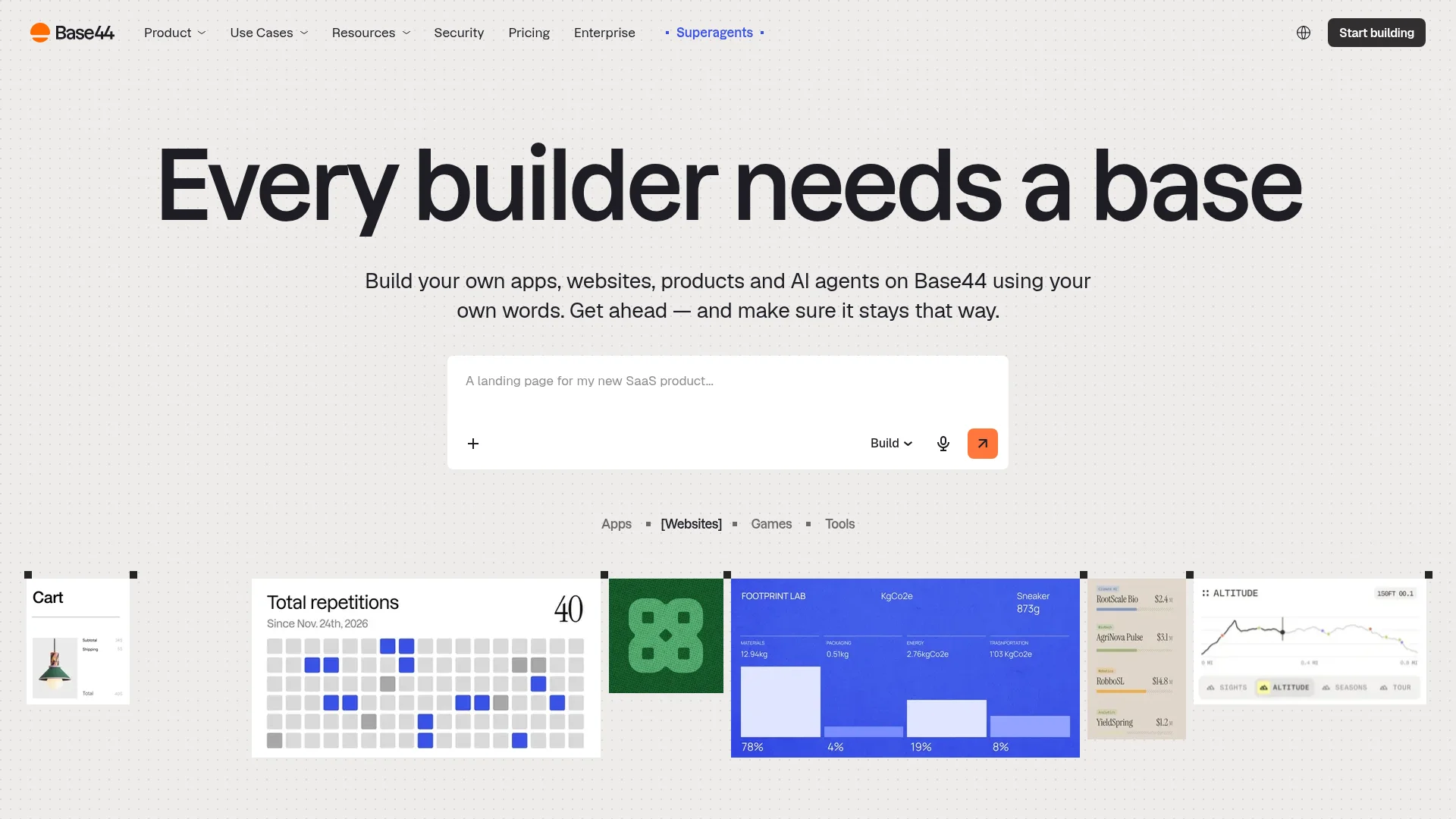
Base44 builds web apps from a plain-language description, including the frontend, backend, database and user login. Every plan includes its integrated backend. The free plan gives you 25 message credits a month, and Starter is $16/month billed annually (Base44 pricing).
For the app stores, Base44 creates a lightweight native wrapper that opens your web app's URL inside a web view. Downloading the store files takes the Builder plan or higher, $40/month billed annually, and you upload them to App Store Connect and Google Play Console yourself, per Base44's store guide.
Pros:
Fast path from prompt to a web app with a database
Backend and login included on every plan
Low entry price
Cons:
Store apps are web-view wrappers, not native apps
Store files need the $40/month plan
You handle the store uploads yourself
8. Bolt.new: Best for Fast Web Prototypes

Bolt.new builds web apps and sites from chat, with Bolt Database for data, login and storage. The free plan includes 1M tokens a month (300K a day), and Pro is $25/month (Bolt pricing). It works well for quick prototypes you can click through and share.
When you ask Bolt for a mobile app, it uses Expo. Getting that app into the stores means downloading the project, installing Node.js and Git, and running Expo build commands in a terminal, as Bolt's Expo guide explains. Fine for a developer, but not a no-code path to the stores.
Pros:
Quick, polished web prototypes
Generous free token allowance
Database included
Cons:
Store publishing needs terminal work
Bolt branding on free websites
Token usage can run out fast on bigger apps
9. Softr: Best for Client Portals and Internal Tools

Softr builds business apps such as client portals, CRMs and internal tools on top of your data. Its AI Co-Builder drafts the app from a description, and you refine it with visual blocks. Data can live in Softr Databases or come from Airtable, Google Sheets, HubSpot and other sources.
The free plan includes 5,000 database records and 5 AI credits a month, and Basic is $19/month (Softr pricing). Softr apps are web apps and PWAs: its own FAQ says they cannot be published to the App Store or Google Play on any plan (Softr docs).
Pros:
Strong permissions and user roles for portals
Connects to the data you already use
Quick to set up for business workflows
Cons:
No App Store or Google Play publishing
Built for business apps more than consumer apps
Installable mobile app (PWA) is not on the cheapest plans
10. Glide: Best for Turning a Spreadsheet Into a Team App

Glide turns spreadsheets and other data sources into apps for your team, such as inventory trackers, field service tools and dashboards. It can build screens and workflows from a spreadsheet, a prompt or a file. The newer GlideOS plans start with a free plan to build, and publishing starts on Basic at $25/month with 2 published apps (Glide pricing).
Glide apps run in the browser. Glide's help center says its classic apps are progressive web apps and cannot be published in the App Store or Google Play (Glide help). Choose it for internal tools, not for a consumer app you want in the stores.
Pros:
Fastest route from a spreadsheet to a working team app
Simple to learn
Works well on phones through the browser
Cons:
Not a store-publishing tool
Public apps need the $50/month Plus plan
Pricing changed with GlideOS, so older reviews quote outdated plans
Native App, PWA or Wrapper: What "Mobile" Means
"Builds mobile apps" can mean three different things, and the difference decides whether your app can live in the App Store and Google Play.
Native app: compiled for iOS and Android, installed from the stores, with full access to the camera, push notifications and other phone features. CatDoes, Adalo, Bubble, Thunkable and FlutterFlow build these.
Progressive web app (PWA): a web app the user adds to the home screen from the browser. No store listing, no store review, and more limited phone features. Softr and Glide work this way, and Lovable can.
Web-view wrapper: a thin native shell that loads your web app's URL. It can be listed in the stores, but Apple's App Review Guidelines ask for apps that go beyond a repackaged website. Base44's store option works this way.
If store presence matters to you, filter the list to the first group. Our step-by-step guide on how to publish an app to the App Store and Google Play covers what each store asks for.
How to Choose a No-Code AI App Builder
Start from what you need to ship, then check cost and backend. These questions narrow the list fast:
Do you need the App Store and Google Play? Pick CatDoes, Adalo, Bubble, Thunkable or FlutterFlow.
Is it a web product or SaaS? Lovable, Base44, Bolt.new and Bubble are strong choices.
Is it an internal tool on existing data? Softr or Glide will get you there fastest.
Do you want to avoid setting up a database? Skip FlutterFlow, or plan for Firebase or Supabase. Our guide to the role of backend services in no-code apps explains what you need.
What will it cost to go live? Add the builder plan that publishes, plus Apple's $99 a year and Google's $25 one-time fee for store apps.
Most tools on this list have a free plan, so build the same small app in your top two picks before you pay. You will learn more in an hour of building than from any feature table.
How to Build an App Without Coding in 5 Steps
Here is what building an app looks like in CatDoes, from first prompt to release.
Describe the app. Write what it does, who it is for and the main screens, for example "a habit tracker with daily reminders and a streak counter".
Answer the agent's questions. The agent plans the app with you before it builds, then designs the screens and writes the app.
Refine it in the live preview. Ask for changes in plain English, such as a new color scheme, an extra screen or a sign-in page. The backend sets itself up as you go.
Publish to the web. Ask the agent to deploy, pick a short name, and you get a live link to share on any plan, including Free.
Release to the stores. On Starter or above, ask for an iOS or Android release. The agent can check your app against the review guidelines, build it in about 10 to 30 minutes and submit iOS builds to the App Store.
You can start on the free plan and publish your first web app the same day. Start building on CatDoes and describe the app you have in mind.
Frequently Asked Questions
What is the best no-code AI app builder?
It depends on what you need to ship. CatDoes is best for native iOS and Android apps and websites from one chat, Adalo for a low-cost native app you design visually, and Bubble for complex web apps. For web apps from a prompt, Lovable is the strongest pick, and Softr or Glide suit portals and internal tools.
What is the difference between a no-code AI app builder and a vibe coding tool?
A no-code AI app builder lets you build and edit the app without ever seeing code. A vibe coding tool also starts from a prompt, but it writes code you are expected to read, run or fix, often in a code editor or terminal. Lovable, Base44 and Bolt.new sit between the two: you can stay in chat for web apps, but the code is there when you need it.
Is there a free no-code AI app builder?
Yes. CatDoes, Adalo, Bubble, Thunkable, FlutterFlow, Lovable, Base44, Bolt.new, Softr and Glide all have free plans. What the free plan lets you publish differs. CatDoes, FlutterFlow, Lovable and Bolt.new let you put a web app live for free, while Adalo, Bubble and Thunkable need a paid plan to put an app live. The cheapest way to build an app without coding is to start on a free plan and only pay when you publish.
Can I build a mobile app for iPhone or Android with no code?
Yes. CatDoes, Adalo, Bubble, Thunkable and FlutterFlow build native iOS and Android apps without code and support publishing to the App Store and Google Play on paid plans. CatDoes can also submit iOS builds to the App Store for you. Softr and Glide build web apps that work on phones but are not store apps.
How do I publish an app built with a no-code AI app builder?
For a web app, most builders publish to a hosted address, and many let you connect your own domain. CatDoes, for example, puts a web app live on a .catdoes.app address on its free plan. For the App Store and Google Play, you need your own Apple ($99 a year) and Google ($25 once) developer accounts plus the builder's publishing plan. Some builders submit for you, like CatDoes on iOS, while others give you a build to upload yourself.
How much does it cost to publish an app to the App Store and Google Play?
Apple charges $99 a year for its developer program and Google charges a one-time $25 registration fee. On top of that you pay for the builder plan that publishes, which ranges from $36/month (Adalo, billed annually) to $59/month (Bubble, billed annually) on this list. CatDoes store releases start on Starter at $50/month.
Do I need any coding experience?
No. Every tool on this list can take you from idea to a working app without code. Some, like Bubble and FlutterFlow, reward you for learning their editor in depth, and FlutterFlow assumes a developer may join later.
Can a no-code app scale to real users?
Yes, if the backend is solid. Tools with a managed database and authentication, such as CatDoes Cloud, Bubble or Adalo's Postgres, handle growing user counts without you managing servers. Real-time features such as chat need a backend with realtime support, which CatDoes Cloud includes on every plan. Check each plan's limits on records, users and usage before you launch.
Which no-code AI app builder is easiest for beginners?
Chat-first tools are the easiest to start with, because you describe the app instead of placing components. CatDoes, Lovable and Base44 all work this way. If you want a native store app, CatDoes and Thunkable keep the most of the process in plain language.
Nafis Amiri
Co-Founder of CatDoes