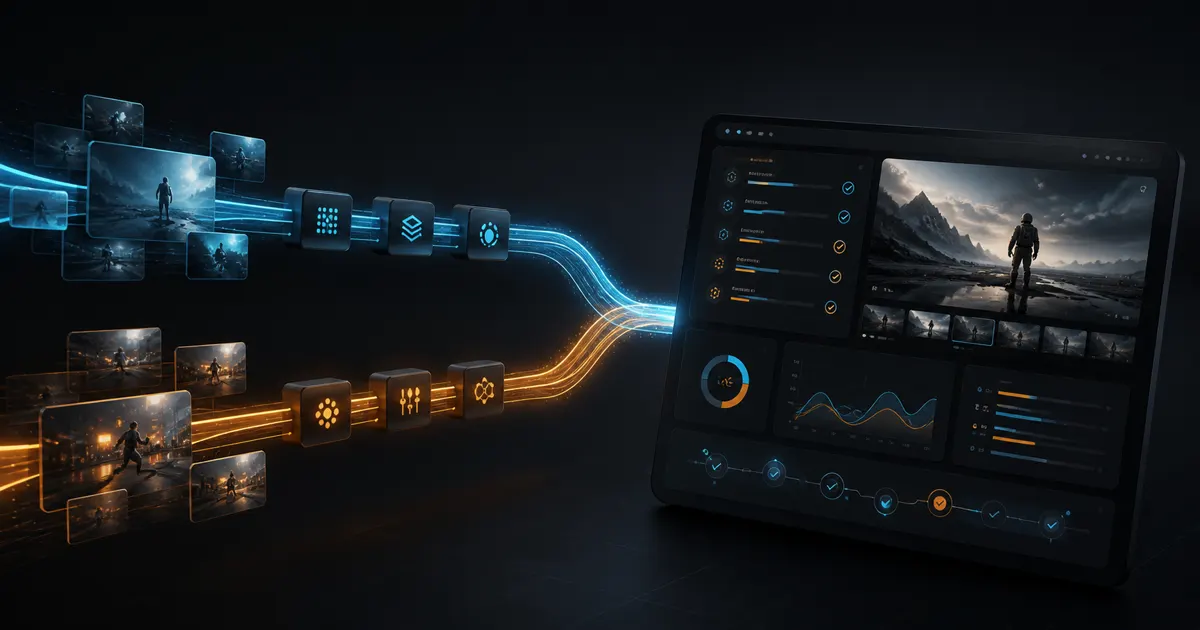
Seedance 2.0 Mini turns a shot brief, storyboard frames or media references into a silent 4–15 second video at 480p or 720p. Develop the visual sequence first, then add dialogue, music and sound in your editing workflow.
$set up https://beatapi.io/SKILL.md
Mini: use a product first frame and one camera-move brief; 4–15s at 480p/720p, then lay the existing sound over the silent result.
Fast: keep the same frame workflow when the draft also needs generated audio.
Standard: keep the visual anchors when the delivery needs 1080p/4K rather than a 720p draft.
A transition between two storyboard panels
Mini: two images define the first and last frames; describe the action connecting them. Do not mix this mode with reference arrays.
Fast: the same two-frame mode plus optional audio; no claim of a faster completion time.
Standard: the same start/end framing with higher-resolution options; resolution alone does not guarantee a better transition.
A motion reference for a vertical shot
Mini: choose reference mode for image/video guidance; videos total at most 15s. Audio references need visual references and do not create output audio.
Fast: use the separate reference mode for an audiovisual draft; include reference-video length in the estimate.
Standard: reference mode serves a higher-resolution shot; compare the full reference workload and its billing floor, not just output seconds.
Move from a draft to delivery
Mini: choose when the edit supplies sound and 480p/720p is sufficient. The 5s serum example is silent and demonstrates only this visual task.
Fast: choose for 480p/720p scenes that need generated sound; the shared Mini example is not evidence for this.
Standard: choose when the brief explicitly requires 1080p/4K; retain task records and assess the finished shot in the edit.
Input modes and reference contract
Text-only shot
Send prompt without any media arrays. Describe the visible subject, action, environment and camera; audio instructions do not enable a soundtrack.
First and last frames
Use images with one first-frame URL or two first/last-frame URLs. Keep this mode separate from all reference_* arrays.
Multimodal visual draft
Use up to 9 reference images, 3 videos or 3 audio files. Audio requires an image or video reference. Reference videos have a combined 15-second limit and contribute to billing; the output remains without generated audio.
Build a shot from words, frames or references
Seedance 2 Mini API makes short visual scenes from a written brief, storyboard frames or reference media. Its three input routes serve different creative decisions: invent a shot, connect planned compositions, or carry visual direction into a new take. Mini outputs 4–15 seconds at 480p or 720p without generated sound.
Describe a scene that does not yet exist
A subject, an action and a camera brief can become a moving shot without a supplied image. A toy character walking through a city or a staged sports moment can begin as text. A short, focused event fits the 4–15 second envelope; multiple competing actions, precise lettering and complicated anatomy still need review in the resulting clip.
Bring an approved composition into motion
One image can establish the opening frame, while two images establish the opening and ending. A packshot can become a reveal, or two storyboard panels can become a transition. Specify what moves between those anchors. Frame input is a separate mode from reference arrays, and an anchor does not guarantee that every product detail or face remains unchanged.
Give a new take visual direction
Reference images and videos can guide subject appearance, scene direction or motion. Use reference mode when a visual example matters more than matching two endpoint frames. Video references add billable duration and have a combined 15-second limit. Audio references require an image or video reference; they do not enable a generated soundtrack on Mini.
See the capabilities in the output
Window-lit serum bottle reveal
A woman holds a small white serum bottle up toward her phone camera and turns it slowly so the label faces the lens. Soft daylight from a window, a bare bedroom wall behind her. Vertical selfie framing, handheld, natural skin texture.
Toy rapper on a city walk
Cinematic shots. Different camera angles. A cool-dressed rapper toy sitting on the cap of a man. The man walks through the city as the living toy on his cap is vibing to a whistling song.
Fantasy sword fight in a misty forest
A beautiful, photorealistic young adult English woman with long flowing brown hair, wearing a red-and-black fantasy warrior outfit, runs through an ancient misty forest. Suddenly, multiple enormous fire-breathing dragons emerge behind her and attack. She instantly draws her gleaming steel sword and fights fearlessly at incredible speed. She performs breathtaking high jumps, aerial spins, lightning-fast sword strikes, agile flips, and powerful midair attacks. She dodges streams of dragon fire by leaping sideways and counterattacks with precise, fluid sword movements. One by one, the dragons are defeated in spectacular cinematic battles. The final dragon lunges at her, and she jumps high into the air, delivers a decisive finishing strike, and lands gracefully as the dragon collapses behind her. Her hair and clothing move naturally with every action. Ultra-realistic human anatomy, authentic facial expressions, believable physics, seamless fast-paced choreography, detailed dragon scales, cinematic tracking shots, dramatic lighting, flying sparks, smoke, fire, and realistic sound effects. Original fantasy scene, live-action movie realism, 4K quality, no cartoon style, no artificial-looking characters, no blood or gore. Vertical 9:16, 10 seconds, continuous action, extremely fast combat, consistent character appearance.
Product openings, storyboard transitions and character moments
Create the moving images your edit still needs: a product opening, a scene transition, a playful character moment or an action beat. Mini supplies individual visual clips; your editing workflow assembles the story, titles and sound.
Product openings for an existing voiceover
A product photograph and a slow turn, push-in or reveal brief become a short shot for an advert that already has narration. The moving image introduces the item while the existing edit carries the spoken offer. Packaging, logos and label readability remain part of the final visual check.
Storyboard transitions before the shoot
Two planned frames and the movement between them become an animatic segment for a pitch or shot review. A team can discuss when the reveal lands and how the next scene opens before committing to production. The clip is a planning deliverable, not a promise that the final shoot will match every generated detail.
Playful character moments for social posts
A compact idea such as a tiny living toy riding on a person’s cap becomes a short character-led scene. Camera angles and the character’s visible action give the post a clear visual hook. Mini creates the clip; captions and any music are added in the social edit.
Action beats for a teaser or pitch
A boxing exchange or fantasy encounter becomes a visual candidate for discussing movement, camera position and the turning point of a scene. Limit the brief to the action that must read clearly. Fast contact, limbs, props and continuity can need another take; the clip does not replace choreography or safety planning for a real shoot.
Illustration and pet-photo motion concepts
An owned illustration or pet photo can anchor a short movement or visual joke for a personal post. The supplied image defines the appearance you want, while the brief describes the event. Keep the reference file with the result and avoid treating a changed face, fur pattern or scale as an exact reproduction.
Several openings for the same campaign
Keep the product and intended message fixed while varying the opening movement or composition. The resulting clips give an editor candidates for a vertical post or campaign cut. Comparing them is a creative selection exercise; conversion gains and success rates require your own campaign evidence.
Mini fits an edit that needs more moving-image candidates while its sound and final assembly remain separate.
Spend the request on the visual idea
Silent clips suit an existing voiceover, music bed or animatic review. There is no need to make a soundtrack part of this generation request when the edit already provides it.
Choose the kind of visual control the shot needs
Text creates a scene from scratch, start/end frames connect approved compositions, and reference mode guides a new take. The choice follows the brief rather than a claim that one input mode always produces better work.
Keep a draft’s full workload visible
Mini has separate resolution and video-reference price conditions. A short output with a long reference is not the same workload as text-only output. Existing task records let your application retain the prompt, inputs and settled usage for each candidate.
Choosing inputs, sound, duration and budget for Mini
Seedance 2.0 Mini is the Mini video model in ByteDance’s Seedance 2 family. BeatAPI accepts a text brief, one or two frame images, or multimodal references and returns a 4–15 second visual clip at 480p or 720p through an asynchronous task. Mini does not generate an audio track. It is useful for individual product shots, animatic segments and creative candidates that will enter an edit; it does not automatically produce a finished campaign with captions, licensed music and a complete story.
Explore more APIs
Connect Seedance 2.0 Mini with other production-ready APIs in the Beat API catalog.