An EvoLink alternative for selected media workloads

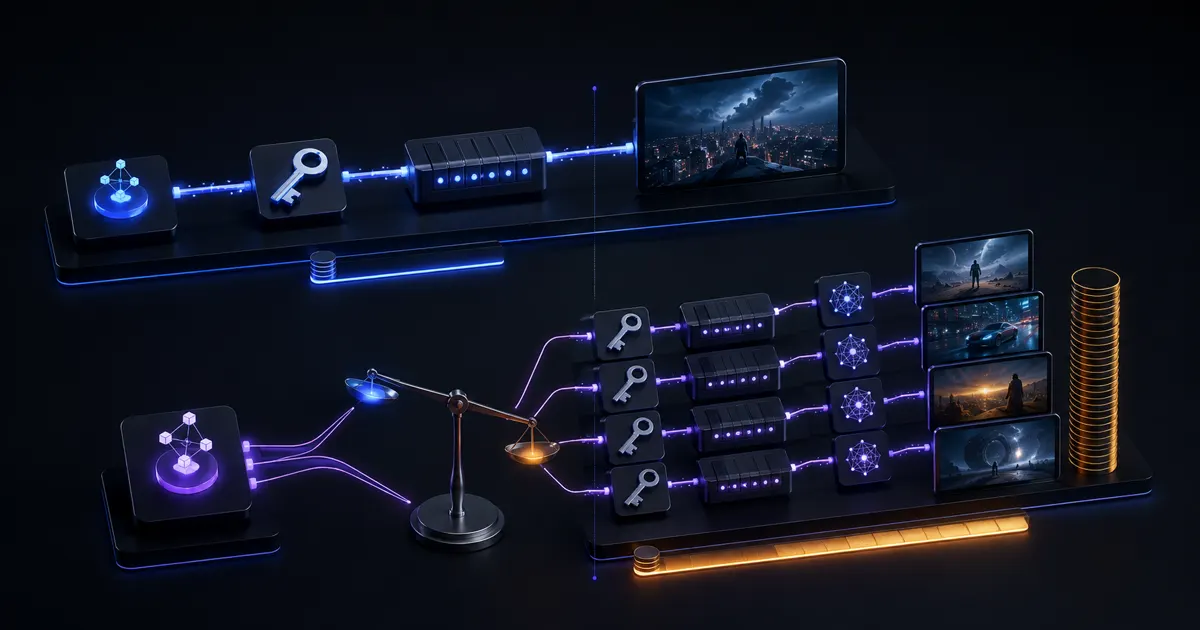
BeatAPI offers lower prices on the image and video configurations listed below. EvoLink already supports shared task queries and callbacks. The reason to move these calls is their matched cost, not access to an async capability you already have.

lower on listed configurations
47%–73%
tasks on both platforms
One API
subscribed, signed task events
Account-level

Price is the reason to move; async tasks are shared ground

Compare the calls already used by your product, then decide where task notifications are configured.

Cost advantage

The listed output specifications cost less on BeatAPI

The listed MiniMax H3, Veo, Kling Motion Control and Nano Banana configurations have specific per-request costs, not just starting prices. Video duration and audio settings, and image resolution define each comparison. The price difference applies to the configurations shown in the table.

Notification configuration

Task-event receivers are registered at account level

EvoLink can select a callback_url per generation request. BeatAPI subscribes account endpoints through /v1/webhooks. A multi-tenant app maps each task ID to its customer record at the receiver rather than choosing a customer URL in each payload. Signed events verify delivery authenticity; they do not perform tenant routing.

EvoLink

Keep calls whose model or controls do not match

The table does not cover EvoLink’s entire catalog. A lower price on one video configuration does not replace another model, a different quality tier or model-specific controls. Move supported calls separately instead of replacing the whole gateway at once.

BeatAPI and EvoLink matched price comparison

These rows price complete image or video requests at matching output settings. They include Veo audio and the stated clip durations, and show only configurations with a lower BeatAPI price.

Selected configurations with a lower listed BeatAPI price; not a full catalog comparison. Competitor quotes checked: .

Matched workloadEvoLinkBeatAPIResult
MiniMax H3 · 8 sec · 768P$0.608$0.32BeatAPI 47% lower
Veo 3.1 · 8 sec · Fast · 720p · audio$1.12$0.30BeatAPI 73% lower
Nano Banana 2 · 1 image · 1K$0.063$0.02BeatAPI 68% lower

Media prices and application-owned notification routing

A matched price changes the generation bill. Account subscriptions change where tenant and environment routing must be implemented.

An existing Veo task flow with a different bill

The Veo 3.1 row prices an eight-second Fast clip at 720p with audio. An app already using EvoLink tasks can keep its submit, wait and deliver stages when moving that supported call. The charge changes at the listed rates; task fields and the notification adapter change, but asynchronous generation is not a new feature to build.

One receiver for several customer workspaces

A media SaaS may use an EvoLink callback URL for each customer integration. With BeatAPI account subscriptions, the receiver resolves the returned task ID to your stored workspace and request before forwarding completion. Keep that mapping in your own database; an event subscription does not select a tenant-specific destination.

Environment routing belongs to the receiver

EvoLink can send different requests to different callback URLs. BeatAPI event subscriptions do not provide an environment filter. Store the environment beside each task ID in your application record and dispatch at the receiver. Registering two endpoints alone does not isolate staging from live traffic.

The task pattern stays; fields and notification ownership change

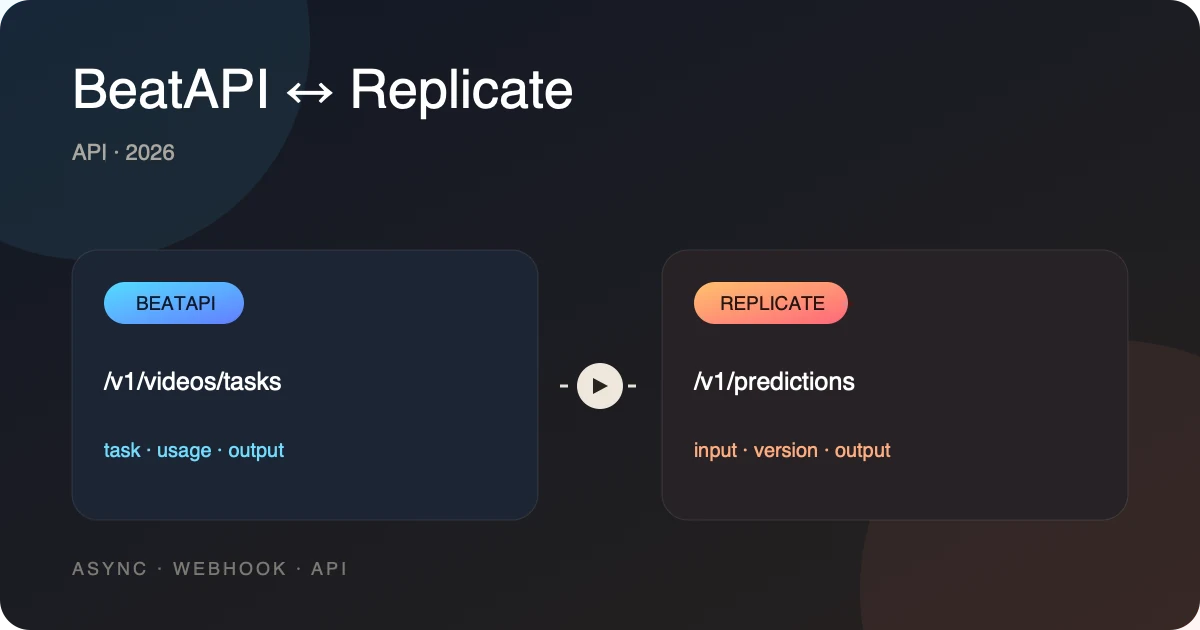
Both platforms return media tasks. Endpoint similarity does not make IDs, status values or event bodies interchangeable.

01

Shared task query

BeatAPI

GET /v1/tasks/{task_id}; read the BeatAPI task schema.

EvoLink

Image and video task results use GET /v1/tasks/{task_id}.

02

Callback destination

BeatAPI

Subscribed account endpoints created through /v1/webhooks.

EvoLink

HTTPS callback_url supplied with a generation request.

03

Receiver handling

BeatAPI

Verify x-beatapi-signature on the raw body; handle task.succeeded and task.failed.

EvoLink

Callbacks carry terminal task information and retry on delivery failure.

04

Output specification

BeatAPI

Use the supported model schema; compare only matching price rows.

EvoLink

Model-specific duration, resolution, audio and image controls.

05

Existing task IDs

BeatAPI

New calls return new BeatAPI task IDs; keep the provider in your application record.

EvoLink

Existing EvoLink tasks stay on EvoLink.

Move one media feature without moving its pending tasks

Send new supported calls to BeatAPI. Continue retrieving EvoLink results for existing task IDs, and route completion handlers by platform until those tasks finish.

  1. 01

    Match the model

    Align version, resolution, duration and audio.

  2. 02

    Switch the request

    Map authentication and model options with the examples.

  3. 03

    Check output and usage

    Verify task state, output files and actual charges.

curl --fail-with-body --max-time 30 "https://api.beatapi.io/v1/tasks/$BEATAPI_TASK_ID" \
  -H "Authorization: Bearer $BEATAPI_API_KEY"

  • This pair compares result retrieval for tasks already created on each platform. Set PROVIDER_TASK_ID to the EvoLink ID and BEATAPI_TASK_ID to BeatAPI data.id; they are different tasks.
  • EvoLink: status: completed → results / result_data. BeatAPI: data.status: succeeded → data.output.media.
  • This reads status once. In production, stop on success or failure and set a polling deadline; back off on rate limits. Do not create another task because a status read timed out.
Explore model parameters

EvoLink fields mapped to BeatAPI

These examples query results for tasks already created on each platform. Use the EvoLink ID for the EvoLink request and the BeatAPI ID for the BeatAPI request; neither example creates a task.

What can stay the same

  • Your product’s submit, wait and deliver stages for generated media.
  • EvoLink IDs and result retrieval for tasks submitted before the switch.
  • Customer workspace and environment records owned by your application.

What must change

  • Request-level callback_url becomes subscriptions on BeatAPI account endpoints.
  • The receiver verifies x-beatapi-signature and parses the BeatAPI task event.
  • New BeatAPI task IDs map to stored tenant and environment records before completion is dispatched.
Lifecycle stepEvoLinkBeatAPI
AuthenticateAuthorization: Bearer $EVOLINK_API_KEYAuthorization: Bearer $BEATAPI_KEY
CreatePOST /v1/videos/generationsPOST /v1/videos/tasks or the matching media route
IdentifyStore task idStore task_id and your Idempotency-Key
ObserveGET the unified taskGET /v1/tasks/{task_id}
Completecallback_url or polling resultHosted result or signed account webhook
ReconcileProvider request and billing recordsUsage, task logs and credit ledger

EvoLink alternative FAQ

Price scope, existing task IDs and the move from request callbacks to account subscriptions determine how an EvoLink media integration changes.

Ready to build?

Create an API key and start generating in minutes.

Create API key

The listed matched configurations cost less on BeatAPI. Async task support alone is not a differentiator: EvoLink already provides task polling and callbacks.

Price the media feature you already run

The table identifies lower-cost media configurations. Account event subscriptions put customer and environment dispatch in your receiver; existing EvoLink tasks keep their original result path.