
Превращайте эскизы в фотореалистичные рендеры
Преобразуйте нарисованные от руки планы этажей и концептуальные эскизы в фотореалистичные рендеры. Без 3D-программ, без моделирования — просто загрузите и преобразуйте.
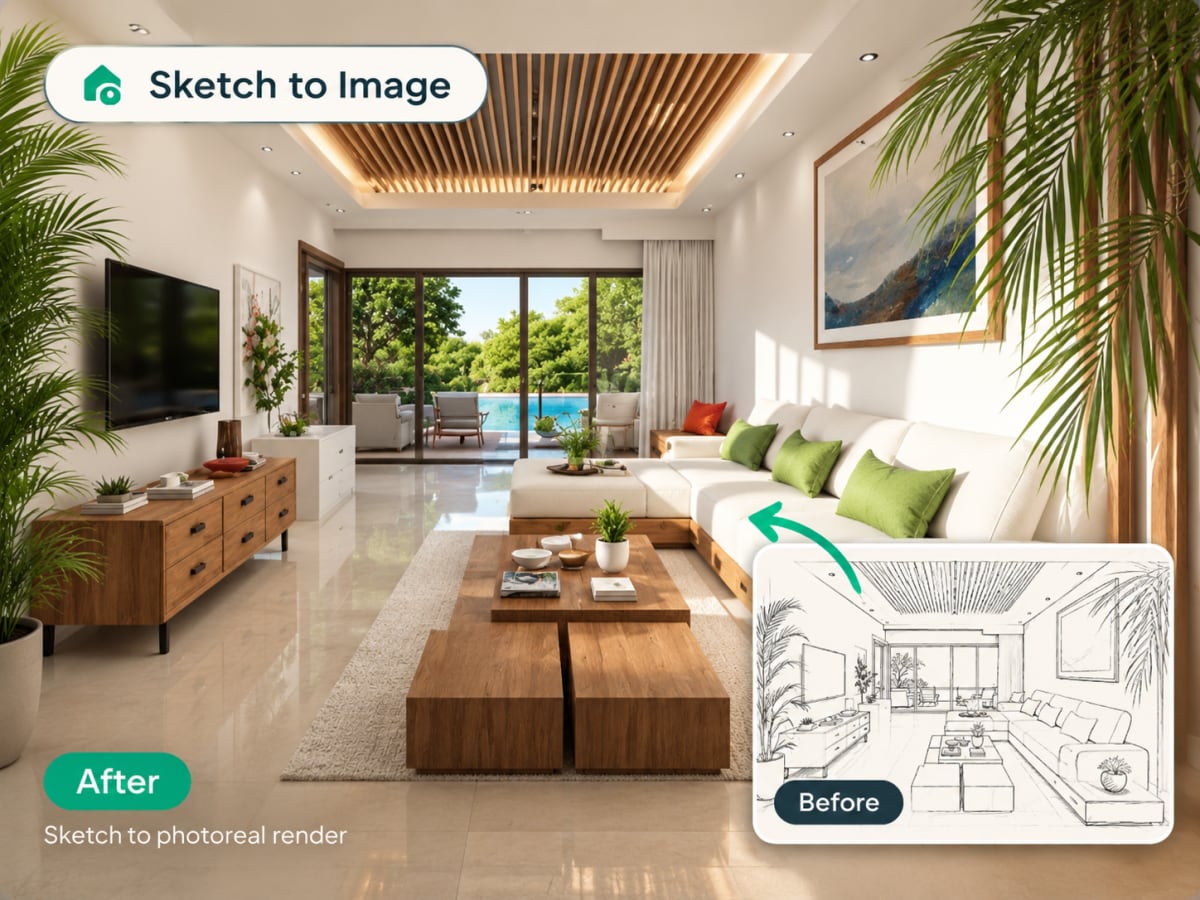
Can AI render architecture from a sketch?
Yes. Upload one image of your design — a hand sketch, an elevation, or a screenshot of your 3D viewport — and the AI returns a photorealistic render in seconds. Every render costs one credit.
- Reads the edges in your drawing, so walls and openings stay where you drew them
- No CAD tracing, no 3D model, no render engine and no dedicated GPU
- Architects use it to pitch early concepts without investing hours in a full render
- Works best with clear, high-contrast line work, but interprets looser drawings too
- Runs from a single uploaded image, so iterating on variations is cheap
How sketch to render works, step by step
The drawing you already made carries the layout. The AI reads the walls, openings, and proportions out of it and renders the space those lines describe.
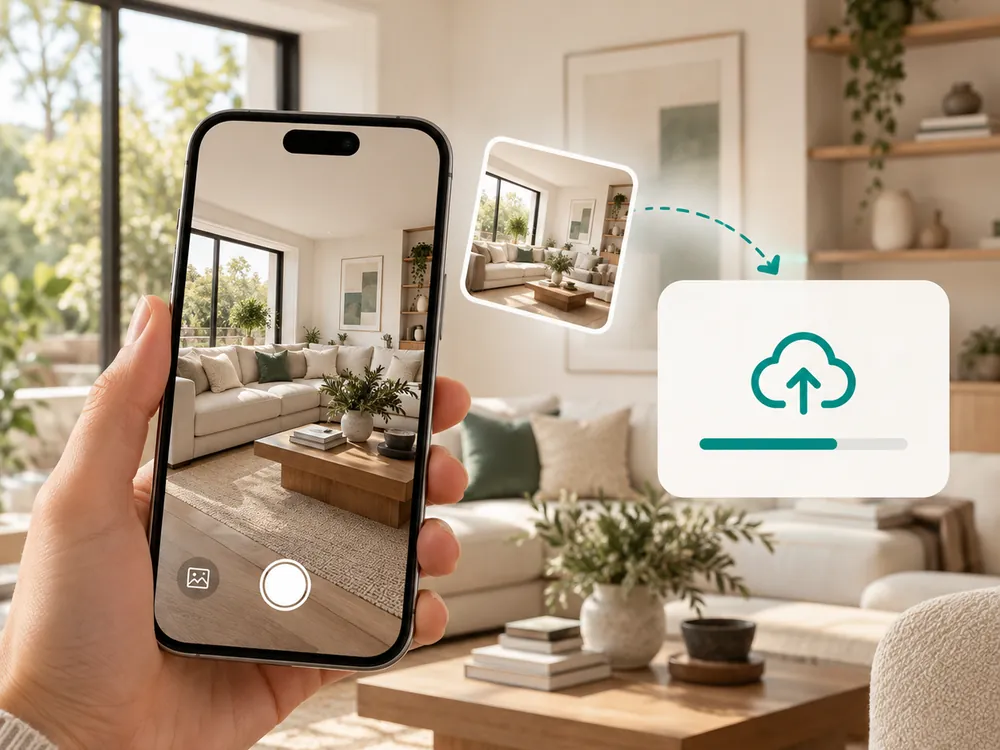
Загрузите эскиз
Перетащите фото или скан вашего нарисованного от руки эскиза. Работает с черновыми набросками и детальными планами этажей.
- Works with rough drafts and detailed floor plans
- Pencil, pen, marker, or a digital sketching app
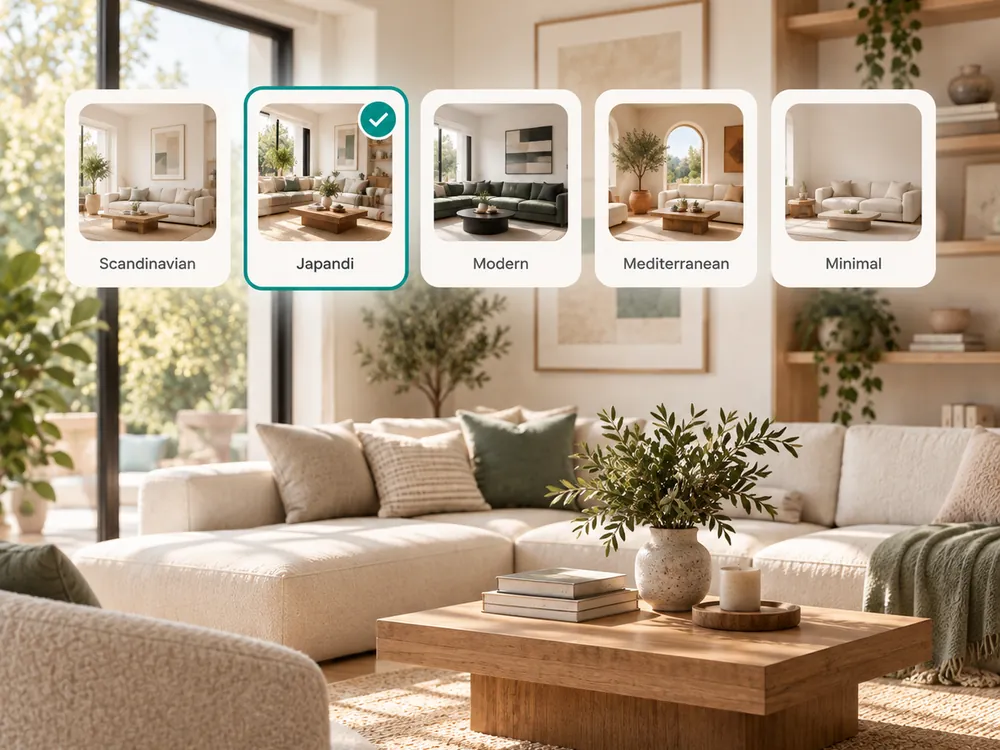
Выберите стиль и настройки
Выберите стилевой пресет и добавьте конкретные инструкции по материалам, освещению или настроению.
- Add instructions for materials, lighting, or mood
- AI blends style choices with your sketch's spatial layout
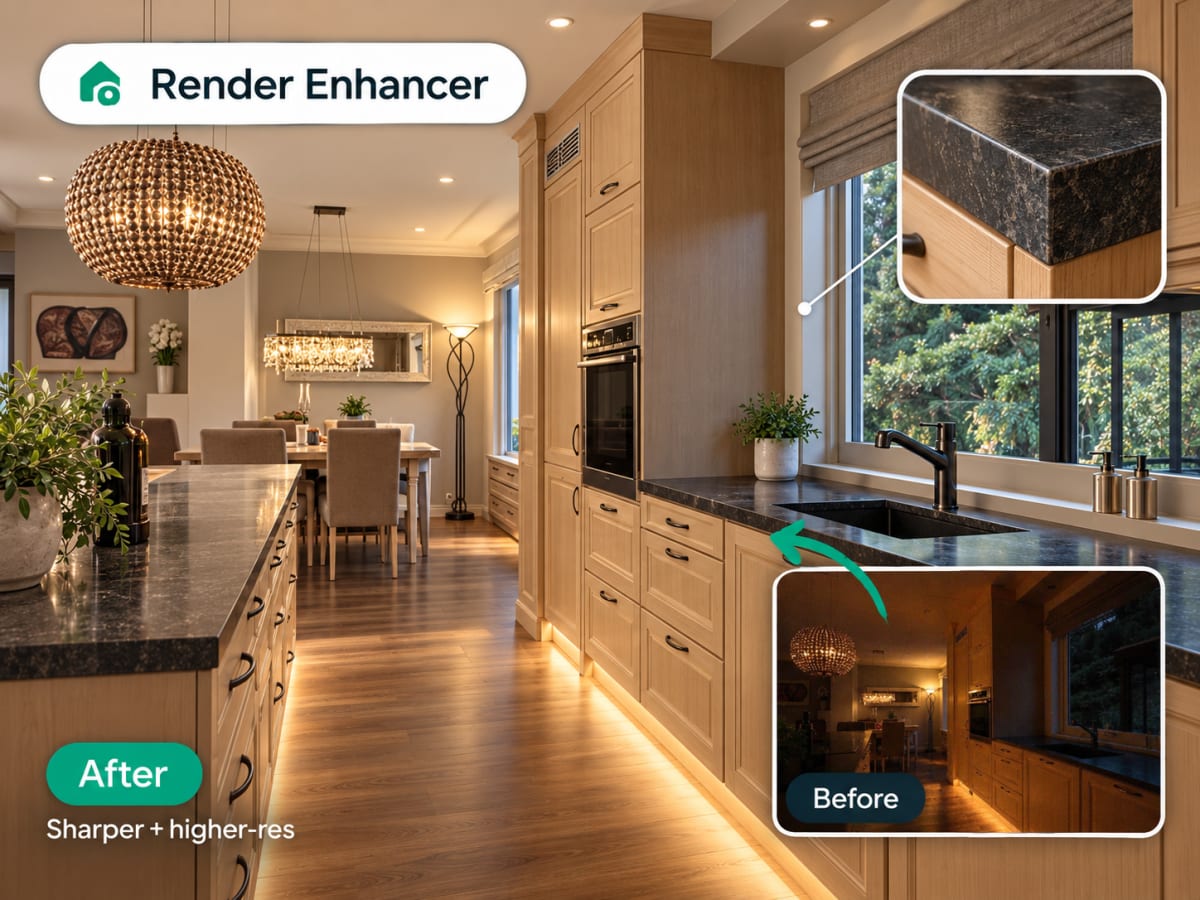
Получите рендер
Ваш фотореалистичный рендер готов за секунды. Скачайте и поделитесь или продолжайте с инпейнтинг-правками.
- Ready in seconds
- Continue refining with Edit and Modify
100,000+
Rooms redesigned
5,000+
Happy users
No data storage
Photos are processed and deleted — never kept or sold.

Secure payments
Checkout handled entirely by Stripe.


FAQ
Do I need a GPU or a plugin for AI architecture rendering?
No. Archmaster renders in the browser with no plugin to install and no GPU needed. Each render costs a single credit; the weekly plan is $9.99 for 30 credits.
What kind of sketches work best with Sketch to Image?
Clear line drawings with visible wall boundaries and room proportions work best. Floor plans, elevations, and perspective sketches all convert well, whether drawn by hand on paper, on a whiteboard, or in a digital sketching app on a tablet.
Does the AI understand architectural floor plans, or just perspective drawings?
It reads both. Sketch to Image interprets 2D floor plans as a spatial layout and 3D perspective sketches as a scene, then builds a photorealistic render consistent with the drawing's implied geometry, window placement, and room proportions.
Can I control the materials and style in the final render?
Yes. Pick a style preset such as Modern, Scandinavian, or Japan, and add written instructions for specific materials, colors, or lighting. The AI applies these choices on top of the layout it read from your sketch.
How accurate is the render compared to my original sketch?
The AI closely preserves your sketch's overall layout, proportions, and openings, but fills in details you didn't specify, like furniture style and exact material finishes. For construction-ready plans, treat the render as a concept and have an architect finalize dimensions.
Can I render a screenshot of my 3D model instead of a sketch?
Yes. The AI works from the edges in whatever image you upload, so a SketchUp, Revit or Rhino viewport screenshot works the same way a hand drawing does. Clear line work and good contrast give the cleanest result.
Does AI rendering replace Enscape, D5 or V-Ray?
No, and it is not trying to. Those engines render your actual 3D model with your materials, and they produce walkthroughs. This is for the stage before that, when you want to see a convincing image of a drawing in seconds.
Ваши идеи заслуживают того, чтобы их увидели.
От эскиза до рендера за секунды. Каждая генерация расходует 1 кредит из вашего тарифа.