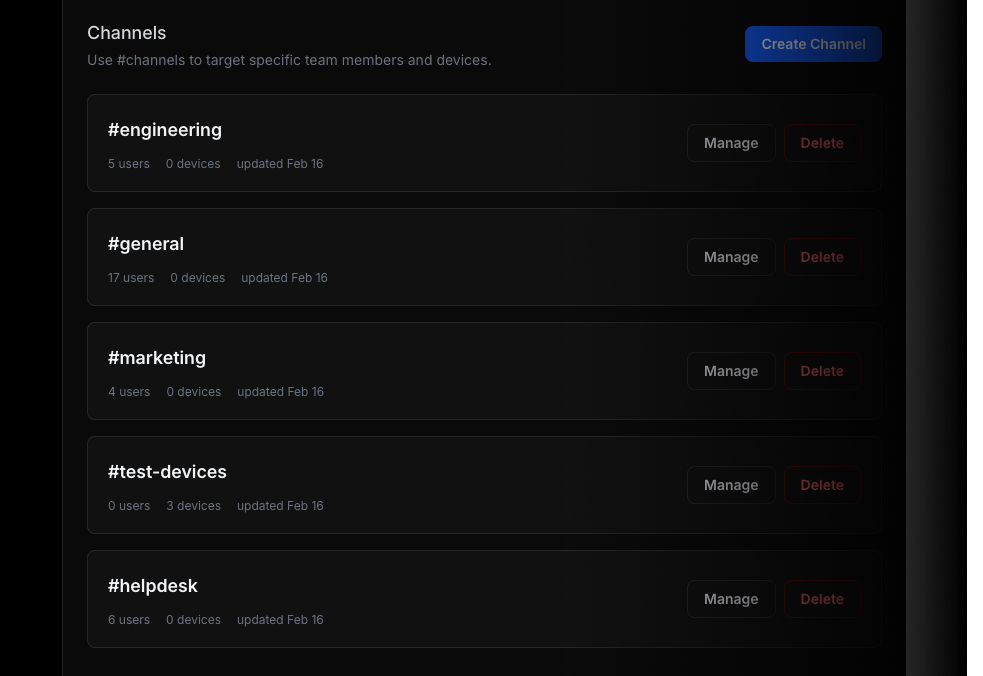
Channels
Use channels to target delivery of Push Notifications and Live Activities to specific team members or devices.
Add a channels array to route the update
Channels give you a simple targeting model across backend services, scripts, CI pipelines, automations, and agent workflows. Only team members and devices assigned to the selected channels receive the update.
{ "title": "Production deploy paused", "message": "Waiting for approval before rollout resumes", "channels": ["release", "on-call"]}Deploy and release updates
Route deploy progress to release owners and on-call teammates without notifying every paired device.
#release#on-call
Business event workflows
Send upgrades or failed payments to the people who handle revenue, support, or founder visibility.
#revenue#support
Agent review handoffs
Push generated assets, QA results, or approvals to the exact team responsible for the next step.
#design#qa
Keep important updates within reach
Use ActivitySmith to follow deployments, incidents, automations, business events, and long-running tasks from your iOS devices.
