Vulmap is an open-source Python-based vulnerability scanner that automates the detection of known security vulnerabilities (CVEs) in web applications and servers. It helps security professionals quickly identify potential security issues without performing manual checks.
- Supports scanning multiple targets simultaneously.
- Detects a wide range of known CVEs automatically.
- Saves scan results in TXT and JSON formats.
- Lightweight and easy to use from the command line.
- Suitable for reconnaissance and security assessments.
Note: Make Sure You have Python Installed on your System, as this is a python-based tool. Click to check the Installation process Python Installation Steps on Linux
Installation of Vulmap on Kali Linux
Step 1: Clone the Vulmap Repository
- Download the Vulmap source code from its GitHub repository.
git clone https://github.com/zhzyker/vulmap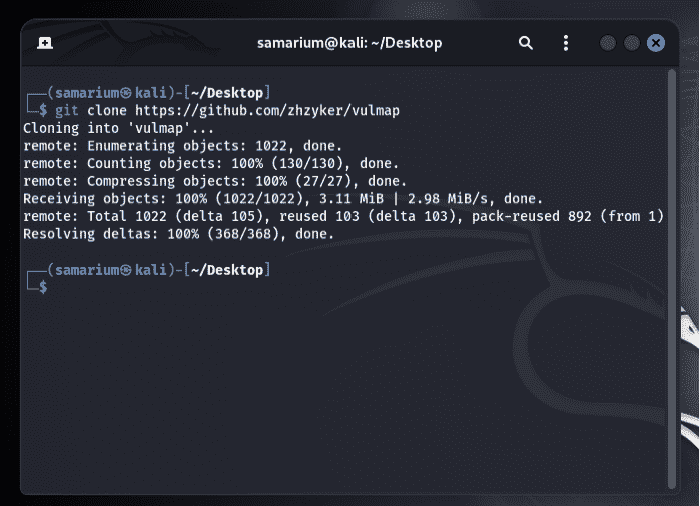
Step 2: Navigate to the Tool Directory
- Move into the cloned directory to access the project files.
cd vulmap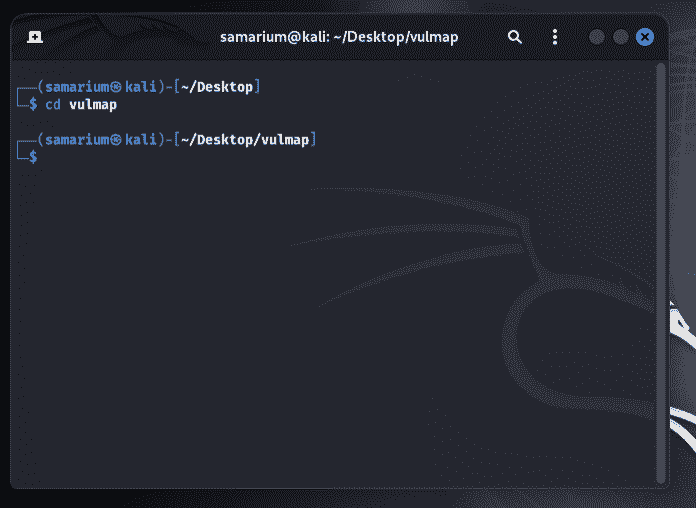
Step 3: Create a Python Virtual Environment
- Create a virtual environment to isolate the project's dependencies.
pyenv local 3.10.16
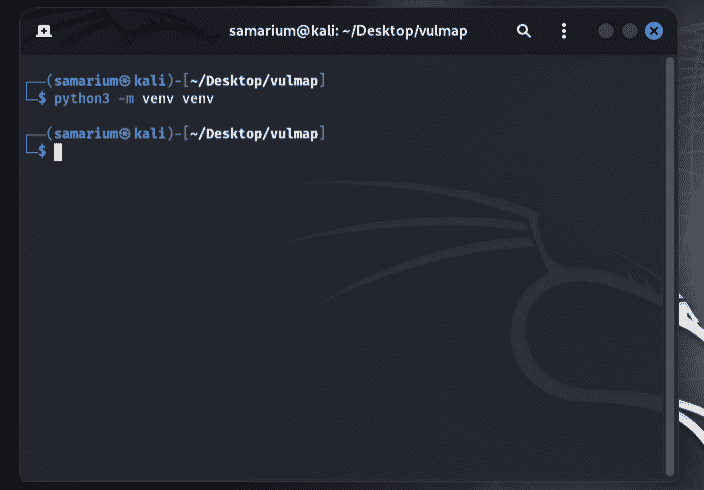
python -m venv venv
Note: Vulmap is not fully compatible with Python 3.13. It is recommended to use Python 3.10.
Step 4: Activate the Virtual Environment
- Activate the virtual environment before installing the required packages.
source venv/bin/activate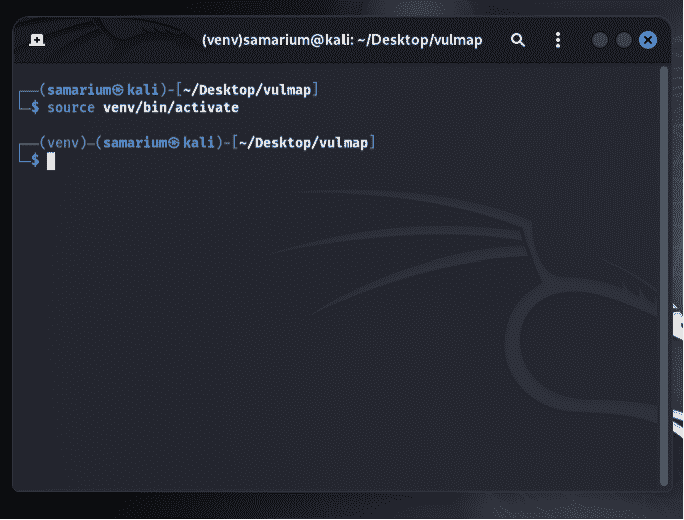
Step 5: Install the Required Dependencies
- Install all dependencies listed in the
requirements.txtfile.
pip install -r requirements.txt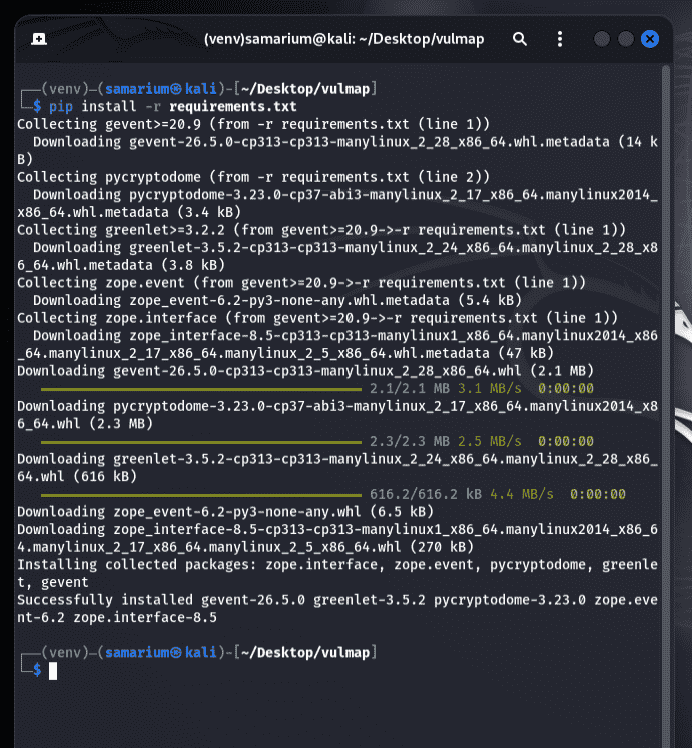
Step 6: Verify the Installation
- Run the following command to display the help menu and verify that Vulmap is installed correctly.
python3 vulmap.py -h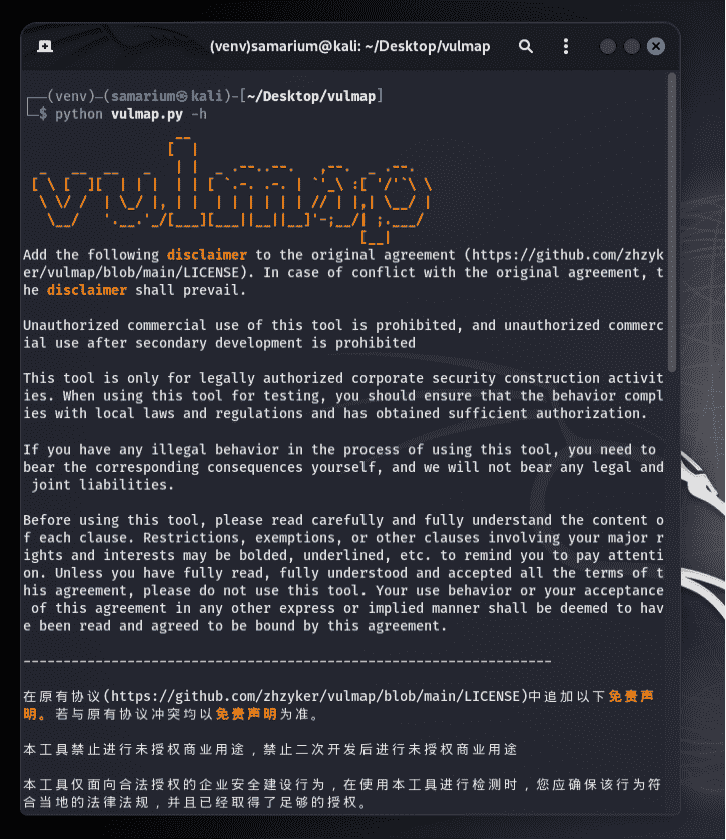
Working with Vulmap on Kali Linux
Example 1: Scan a Target for Known Vulnerabilities
- The following command scans the target website for supported CVEs using the default detection mode.
python3 vulmap.py -u https://www.geeksforgeeks.org/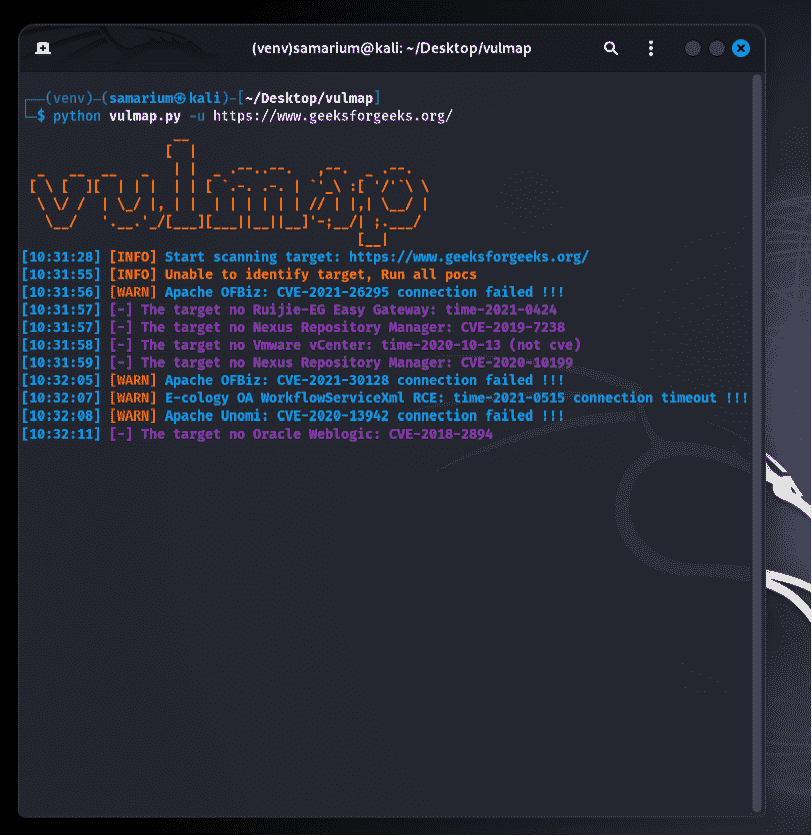
Example 2: View Supported Vulnerabilities
- Display the list of vulnerability checks currently supported by Vulmap.
python3 vulmap.py --list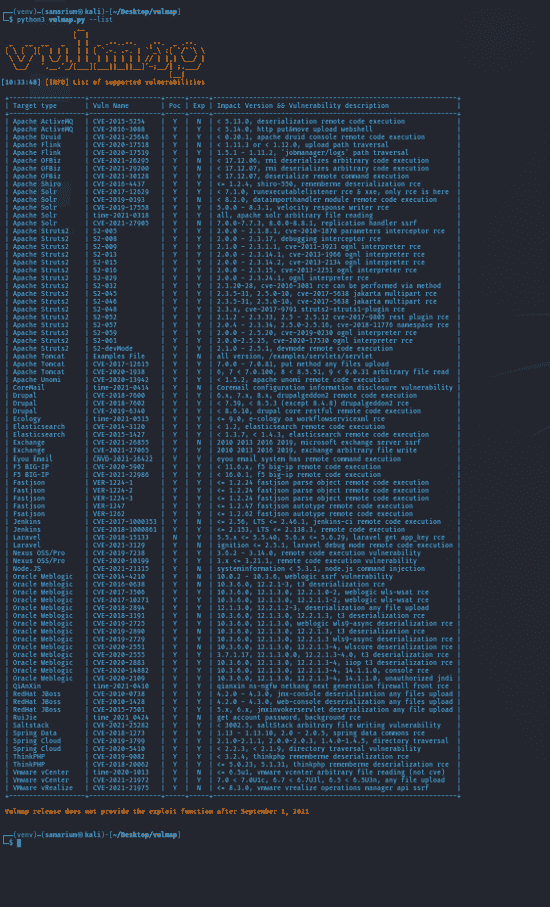
Example 3: Scan for Struts2 Vulnerabilities
- Check whether the target is vulnerable to known Apache Struts2 vulnerabilities.
python3 vulmap.py -u https://www.geeksforgeeks.org/ -a struts2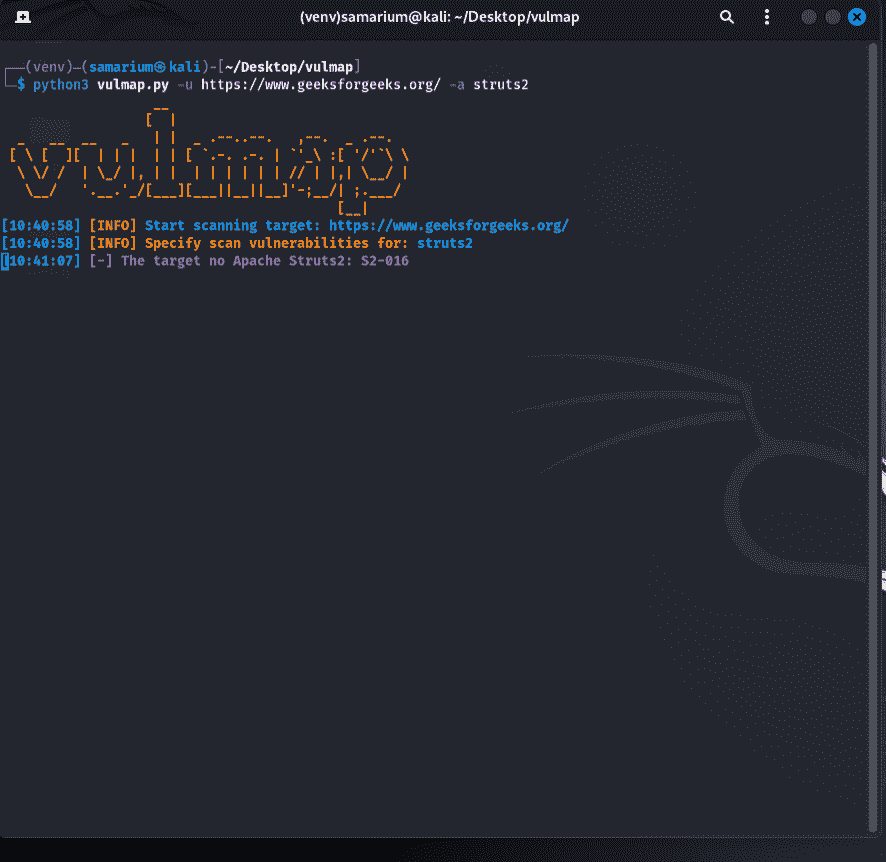
Example 4: Save Scan Results to a Text File
- Run a scan and export the results to
result.txtfor later analysis.
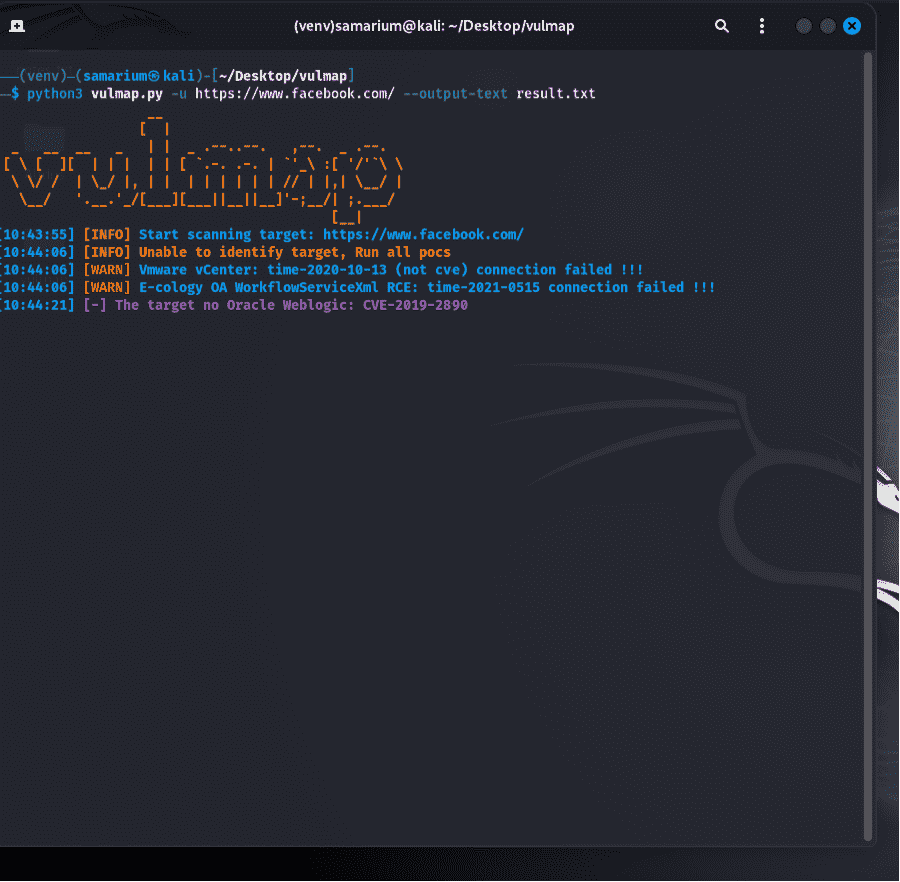
python3 vulmap.py -u https://www.facebook.com/ --output-text result.txt