
Zoom
Equip your team with tools designed to collaborate, connect, and engage with teammates and customers, no matter where you’re located, all in one platform.
Zoom is a Communication platform designed to help teams collaborate, connect, and engage with teammates and customers regardless of location. It features high-definition video and clear audio quality even in large group meetings, cross-platform support across Windows, macOS, Linux, iOS, and Android, and a user-friendly interface suitable for all technical skill levels. Additionally, Zoom supports large group meetings with up to 1,000 video participants and 10,000 viewers, and includes screen sharing, annotations, whiteboards, and integrations with Slack, Microsoft Teams, and Google Calendar.
For pricing, Zoom offers a freemium model and a free trial, with the Pro plan for small teams priced at $15.99 per month. Users should check their pricing page for current plans and exact details beyond the Pro tier. It is accessible via the web, making it a flexible choice for organizations seeking unified communication tools.
Features
Ease of Use
Zoom provides a user-friendly interface, making it accessible for users of all technical skill levels.
High-Quality Video and Audio
Zoom offers high-definition video and clear audio quality even in large group meetings, ensuring effective communication.
Cross-Platform Support
Zoom is available on multiple platforms, including Windows, macOS, Linux, iOS, and Android, allowing users to join meetings from any device.
Large Meeting Capacity
Zoom supports large group meetings with up to 1,000 video participants and 10,000 viewers, making it suitable for webinars and large conferences.
Screen Sharing and Collaboration
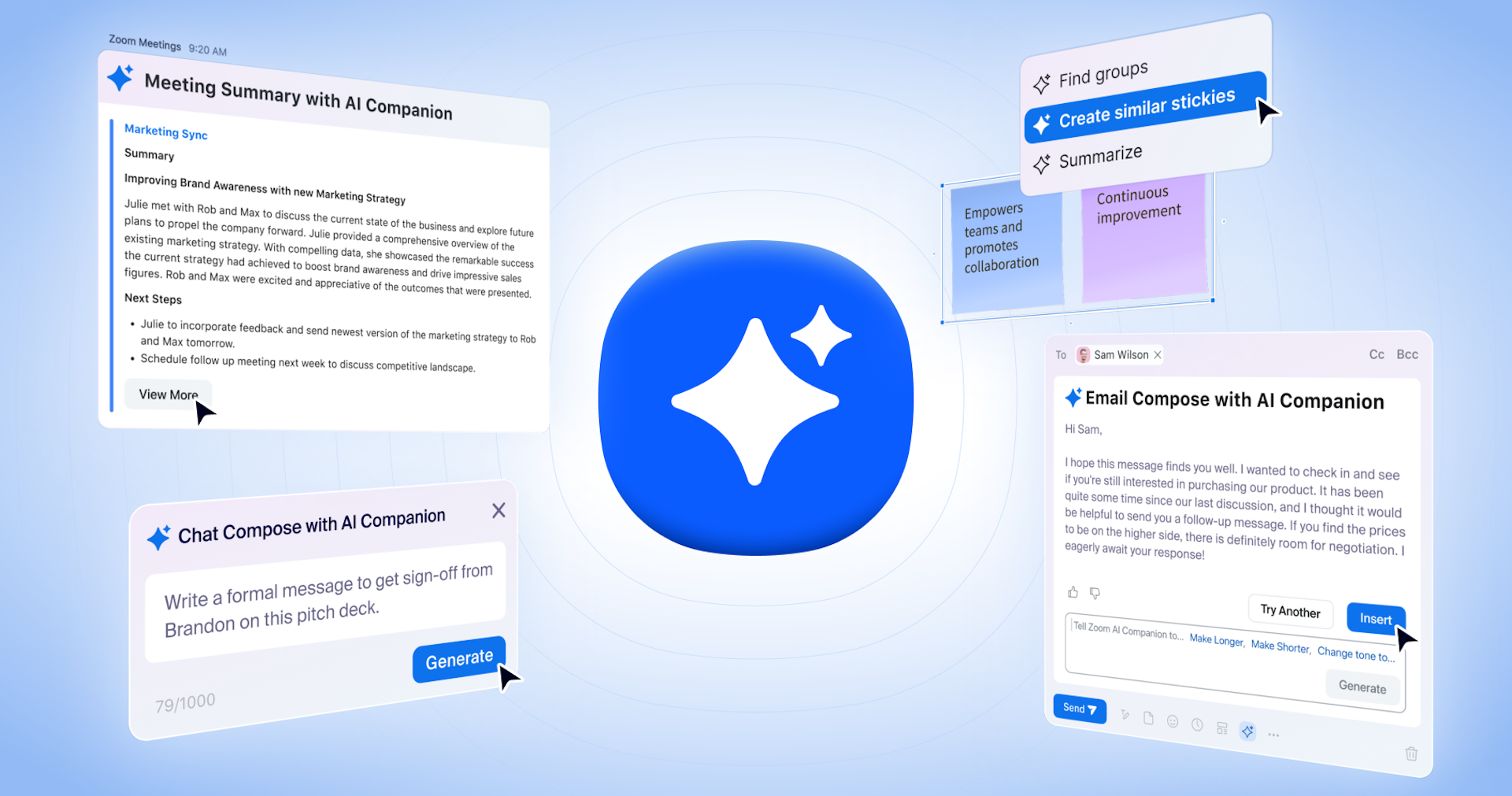
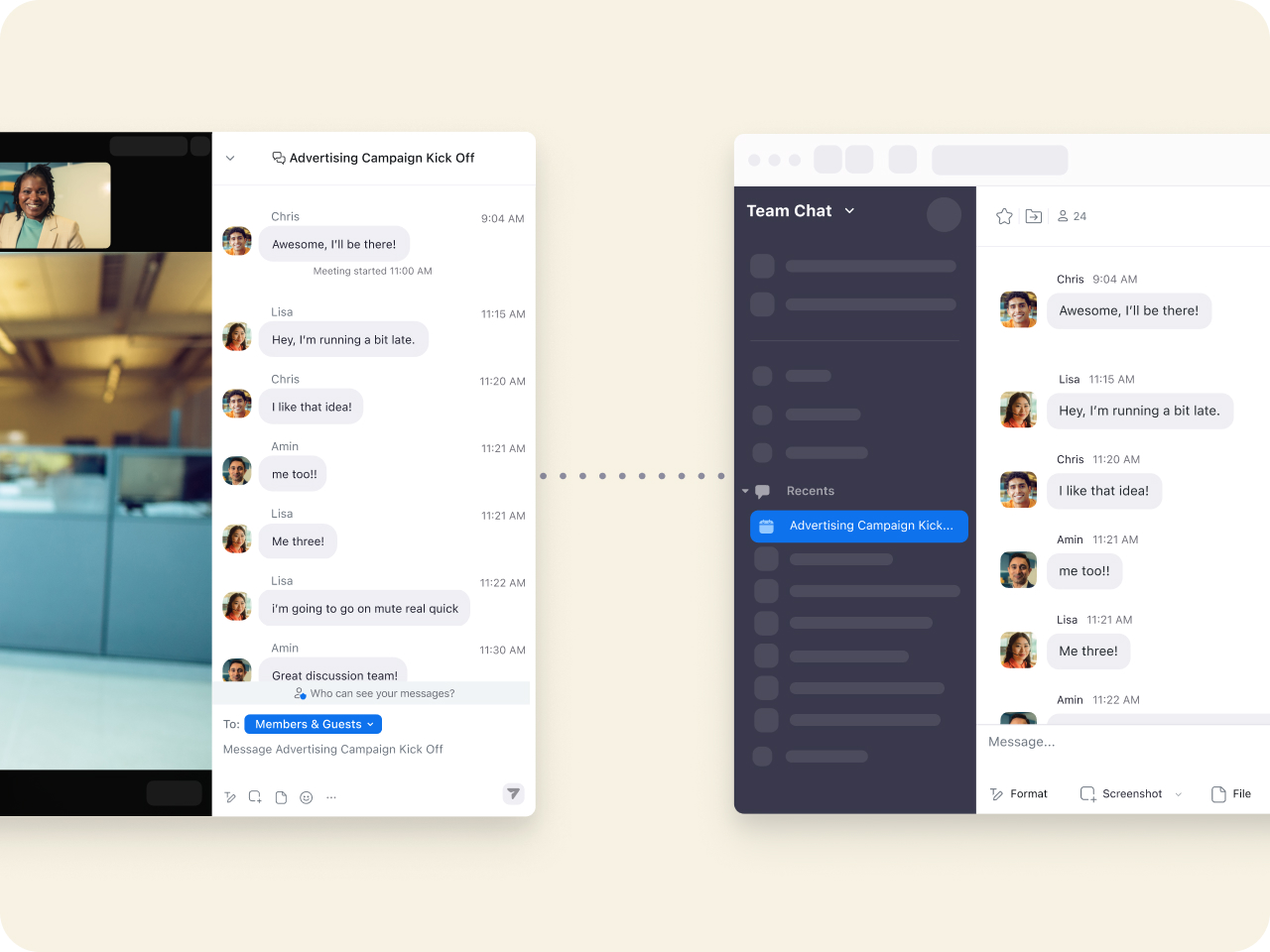
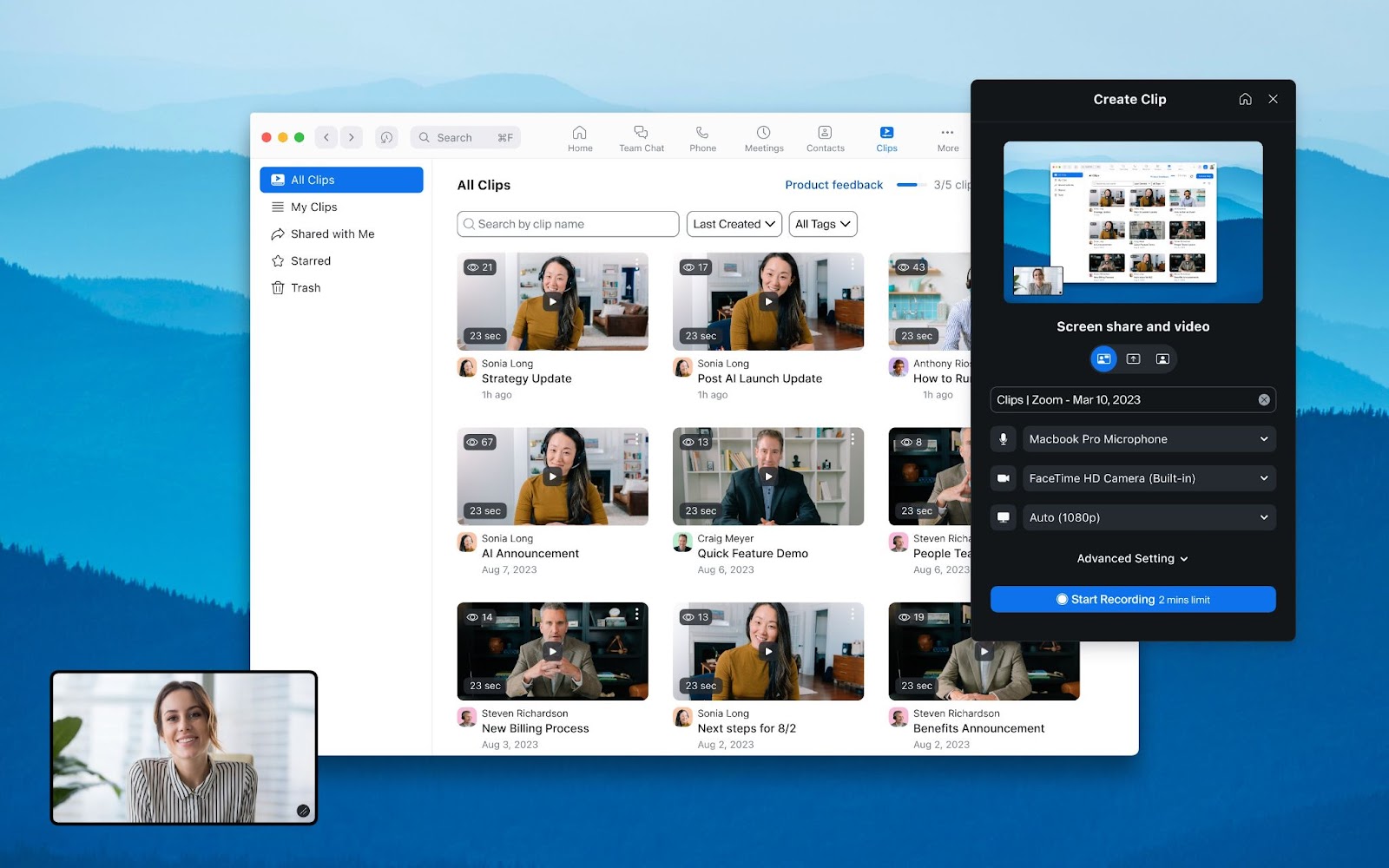
Participants can share their screens, annotate, and use collaborative tools like whiteboards, facilitating productive meetings and collaboration.
Integration with Other Tools
Zoom integrates with various business productivity tools such as Slack, Microsoft Teams, and Google Calendar, enhancing workflow efficiency.
Screenshots

Zoom vs. its alternatives
| Zoom |  WebEx WebEx |  GoToWebinar GoToWebinar |  UberConference UberConference |  Slack Slack | |
|---|---|---|---|---|---|
| Pricing | USD12/mo | — | — | — | — |
| Platforms | — | — | — | ||
| Listed features | 6 | 5 | 6 | 5 | 6 |
Frequently asked questions
How much does Zoom cost?
Zoom offers a freemium model and a free trial. The Pro plan, which is great for small teams, costs $15.99 per month. Check their pricing page for current plans and additional details.
Who is Zoom for?
Zoom is designed for teams of all technical skill levels who need a platform to collaborate, connect, and engage with teammates and customers regardless of location.
What platforms is Zoom available on?
Zoom is available on the web, as well as multiple platforms including Windows, macOS, Linux, iOS, and Android.
What is Large Meeting Capacity?
Large Meeting Capacity is a feature that supports up to 1,000 video participants and 10,000 viewers, making Zoom suitable for webinars and large conferences.
What are the best alternatives to Zoom?
Some known alternatives to Zoom include WebEx, GoToWebinar, UberConference, Slack, and Microsoft Teams. You might prefer tools like Slack or Microsoft Teams if you are already deeply embedded in their respective productivity ecosystems.
Does Zoom support screen sharing and collaboration?
Yes, participants can share their screens, annotate, and use collaborative tools like whiteboards to facilitate productive meetings.
What tools does Zoom integrate with?
Zoom integrates with business productivity tools such as Slack, Microsoft Teams, and Google Calendar to enhance workflow efficiency.
Alternatives to Zoom
Read the full comparison →WebEx
Cisco WebEx Web Conferencing, Online Meetings, Desktop Sharing, Video Conferencing
Slack
A messaging app for teams who see through the Earth!

Microsoft Teams
Microsoft Teams provides the enterprise-level security, compliance and management features you expect from Office 365, including broad support for compliance standards, and eDiscovery and legal hold for channels, chats, and files.

join.me
Instant screen sharing. Instant Aha!