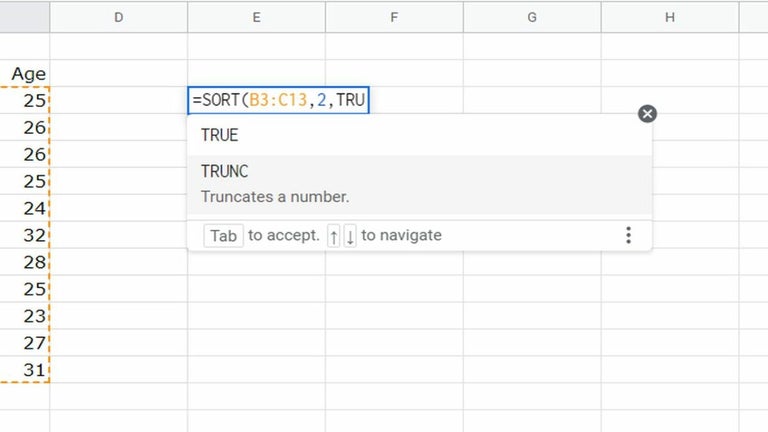
Spreadsheet power inside the browser
Google Sheets for Chrome fits naturally into modern office suites, offering a flexible way to manage spreadsheets, collaboration, and everyday productivity within the browser. It feels dependable for budgeting, data tracking, and basic analysis, especially for users who value accessibility, real-time updates, and freedom from traditional desktop spreadsheet software.
Top Recommended Alternative

Using Google Sheets for Chrome emphasizes document management and cloud-based workflows with smooth browser integration. It benefits users who switch devices often by keeping files synchronized and accessible. The experience prioritizes practical tools for teamwork, quick edits, and efficient data handling rather than advanced or complex spreadsheet features.
Flexible spreadsheets made accessible
It handles everyday spreadsheet needs with confidence, balancing real-time collaboration, familiar formulas, and clear data visualization that support routine productivity. It works well for finance tracking, planners & calendars, and light project management without overwhelming users. While advanced analysts may miss deeper spreadsheet controls, its mix of accessibility and capability suits most daily workflows centered on efficiency, sharing, and quick data updates.
This office suite app focuses on usability, offering an interface that feels approachable even for first-time users. Automatic saving, shared editing, and a clean layout help reduce friction during teamwork and individual tasks. That said, performance can vary based on internet stability, and very large datasets may feel slower compared to desktop-focused spreadsheet tools built specifically for intensive data processing and complex calculations.
Google Sheets for Chrome fits comfortably into long-term productivity routines, particularly for users invested in cloud storage, file sharing, and collaborative document ecosystems. Updates are handled seamlessly, and maintenance demands stay minimal. However, reliance on an active browser session may not appeal to those who prefer offline-first workflows or require highly specialized spreadsheet features offered by more complex, locally installed alternatives.
A practical browser spreadsheet
Google Sheets for Chrome remains a strong option for users who prioritize accessibility, real-time collaboration, and flexible spreadsheet management within a browser-based environment. While it may not fully replace advanced desktop tools for heavy data processing, it excels at shared tasks, planning, and everyday organization. For students, teams, and professionals working online, it continues to serve as a reliable, efficient, and practical productivity companion for modern digital workflows.