
We measured ten VPNs on a Windows 11 desktop over Ethernet in our September 2026 round, and six of them are worth installing on a PC. NordVPN takes the top spot and Proton VPN the second, on speed, streaming access, and what each one adds to a desktop. The fastest average belonged to NordVPN and ExpressVPN together, both losing 7.8% of our 190.36 Mbps connection across three server locations
Surfshark lost only 1.8% on a UK server, the smallest single-location drop of the round. The surprise came from NordVPN, whose UK ping of 60 ms was the highest of all ten. Every VPN here installs on a Windows laptop as readily as on a desktop.
Best VPN for Windows: Six We Recommend
- NordVPN: Best VPN for Windows 11 overall, and the fastest US server we tested
- Proton VPN: Best Windows VPN for privacy, with open-source clients
- ExpressVPN: Easiest Windows app, with obfuscation on every connection
- Private Internet Access: Most adjustable Windows VPN for hands-on users
- Surfshark: Covers every PC in a household on one subscription
- CyberGhost: Lowest ping we recorded, and servers sorted by task
Windows VPNs Compared
| Average speed loss | Streaming platforms opened | Devices at once | Strongest Windows feature | Starting price | |
| NordVPN | 7.8% | 14 of 14 | 10 | Threat Protection Pro file scanning | $3.49/mo |
| Proton VPN | 10.2% | 10 of 14 | 10 | Secure Core multi-hop | $2.99/mo |
| ExpressVPN | 7.8% | 14 of 14 | 10 | Obfuscation on every connection | $2.99/mo |
| Private Internet Access | 12.7% | 9 of 14 | Unlimited | Protocol and encryption controls | $2.19/mo |
| Surfshark | 9.6% | 13 of 14 | Unlimited | Rotating and static IP addresses | $2.49/mo |
| CyberGhost | 13.3% | 11 of 14 | 7 | Servers sorted by task | $2.19/mo |
The Best VPNs for Windows PC and Laptop
Our baseline with no VPN connected measures 190.36 Mbps down, 19.37 Mbps up, and 10 ms ping, over Ethernet on a Windows 11 desktop. We tested UK, US, and Japanese servers, checked 14 streaming platforms with cookies and cache cleared before each session, and ran IP, DNS, and WebRTC leak checks across eight server locations. None of the ten VPNs leaked.
1. NordVPN: Best VPN for Windows 11 Overall

Pros
- Post-quantum encryption
- Threat Protection Pro
- NordWhisper obfuscation
- P2P allowed everywhere
- Audited no-log policy
- Dedicated IP option
Cons
- High UK ping
- Clashes with rival apps
- Steep renewal price
NordVPN recorded 181.50 Mbps on our US server, the highest figure any of the ten produced in that location, and averaged a 7.8% loss across the three we tested. All 14 streaming platforms opened, although Disney+ required the browser extension with location spoofing enabled, since the desktop app alone was blocked there. Threat Protection Pro is what makes it a PC pick specifically.
It scans downloaded files for malware before they are saved to the drive, and it blocks trackers and ad domains alongside. Post-quantum encryption is a toggle on NordLynx. Obfuscation moved to NordWhisper in July, and every standard server now allows torrent traffic. Two faults. The UK ping came in at 60 ms, the highest of all ten VPNs we tested, and 21 ms behind CyberGhost in that same location.
More annoying on Windows 11: the app often won’t connect when a second VPN is merely installed and sitting idle in the background, and the restart that clears it signs us out. Proton VPN and PIA connect in that state, so this is a NordVPN defect and not the conflict between two active tunnels. Deloitte has audited the no-log policy six times, recently in February 2026, and our NordVPN review covers the rest.
The Basic plan costs $3.49 a month across 27 months, $94.23 taken up front, and renewal is $139.08 a year. One subscription covers 10 devices. NordVPN lists 9,500-plus servers in 149 countries.
2. Proton VPN: Best Windows VPN for Privacy
Pros
- Open-source clients
- Secure Core multi-hop
- Swiss jurisdiction
- Port forwarding
- Stealth obfuscation
- Tor Over VPN
Cons
- No Smart DNS
- No post-quantum encryption
- Slow email replies
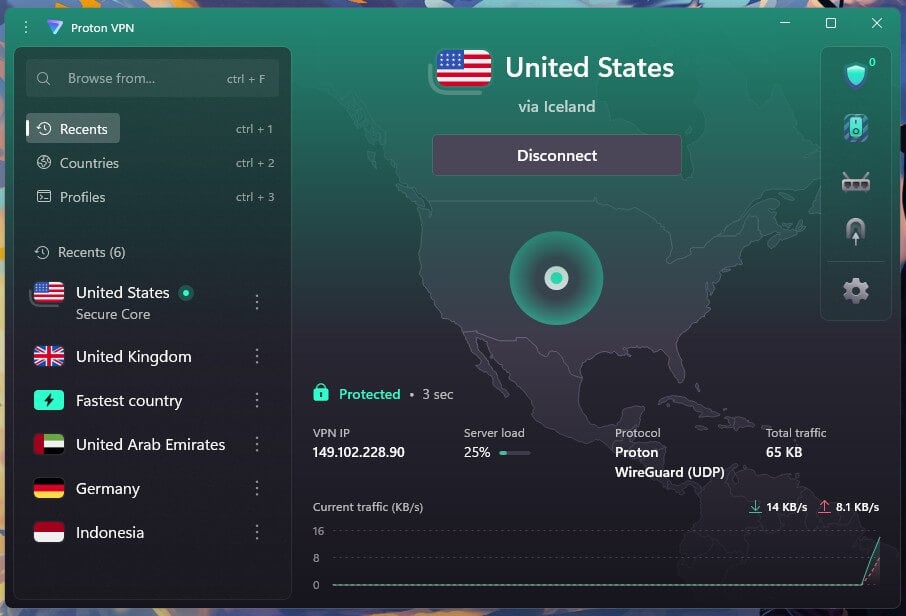
Proton VPN came fourth of the ten on speed, at a 10.2% average, with 178.89 Mbps on the UK server at 49 ms ping. We put its kill switch through two failure modes on the same machine, pulling the Ethernet cable mid-session and killing the process from Task Manager, with a continuous ping running. No packets escaped either time. The privacy case is the strongest here. Every client is open source on GitHub, and Securitum has audited the no-log policy in five consecutive years.
Switzerland belongs to none of the surveillance alliances. Secure Core sends traffic through a company-owned server in Switzerland, Iceland, or Sweden before the destination country, which cost 12.1% against a direct connection when we timed it. Tor Over VPN servers open .onion sites without a separate browser. Hulu, Disney+, Pluto TV and ITVX blocked it, leaving 10 of the 14 open. The absence of Smart DNS closes off televisions and consoles without a router setup.
There is still no post-quantum encryption, while four rivals have it working. Support is the other weak point, with live chat taking about a minute to produce a human and email replies taking up to a full day. VPN Plus is $2.99 a month on the two-year term, or $71.76 for the first 24 months, then $83.88 every 12 months. The network covers 20,798 servers across 149 countries and 196 locations.
3. ExpressVPN: Easiest Windows App to Live With

Pros
- Automatic obfuscation
- Lightway Turbo protocol
- Audited by KPMG
- RAM-only servers
- Smart DNS included
- Installs on Windows 7
Cons
- No multi-hop servers
- Few manual settings
- Occasional connection failures
ExpressVPN matched NordVPN’s 7.8% average and won the hardest location of the three: 163.94 Mbps on the Japanese server, the best of all ten. Its 44 ms UK ping was among the lowest we recorded. Nothing on the streaming list was blocked, with Disney+ again taken through the extension. Every ExpressVPN connection is obfuscated automatically, which separates it from NordVPN and Proton VPN on filtered office and campus networks where both require a manual switch.
Lightway Turbo handles a move between Ethernet and WiFi without dropping, and MediaStreamer covers televisions and consoles that take no VPN app. The no-log policy was audited by KPMG in 2025, and the servers are RAM-only. The drawback is the flip side of that simplicity. There is still no multi-hop, and the app exposes far fewer manual controls than PIA. On our test PC, it also occasionally would not connect, needing either a restart or an app reinstall to recover.
$2.99 a month buys the Basic plan over 28 months, $83.72 in total, with an annual renewal of $99.95 and 10 devices included. The server count is smaller at 3,000-plus, though they cover 113 countries and 214 locations.
4. Private Internet Access: Most Adjustable Windows VPN
Pros
- No device limit
- Port forwarding on Windows
- Shadowsocks obfuscation
- MACE blocker
- Adjustable encryption
- Automation rules
Cons
- Cluttered Windows app
- Patchy streaming access
- Slow Japanese servers
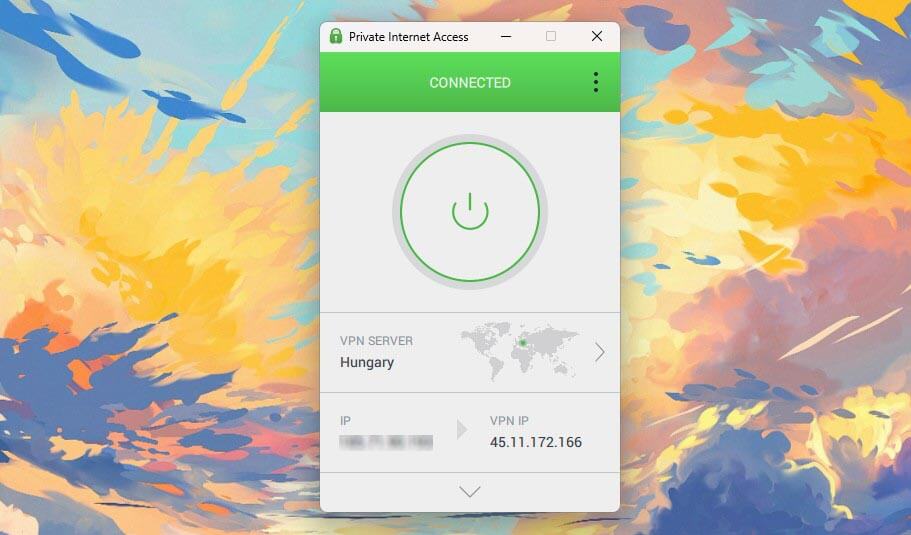
PIA averaged a 12.7% loss. The UK server gave 181.15 Mbps and the US server 175.68 Mbps, while Japan pulled the average down to 141.61 Mbps and a 276 ms ping. Support was the quickest of the whole round, with the chatbot handing us to a human in 10 to 20 seconds, compared to about a minute for Proton VPN. Control is what it offers a Windows user. You can switch between WireGuard and OpenVPN or choose 128-bit or 256-bit encryption on OpenVPN sessions.
You can also set port forwarding for torrent clients, and enable Shadowsocks when a network filters VPN traffic. MACE blocks ads and trackers at the DNS level. The plan places no cap on devices, either. Two things keep it lower here. Its app was the one we liked least across the ten, cluttered and dated next to the rest. Streaming is also the thinnest here: it opened 9 of 14, blocked by Netflix Japan, Prime Video, HBO Max, JioHotstar and Hulu.
Our PIA review covers the wider picture, including a no-log policy audited by Deloitte three times and tested in court. PIA and CyberGhost share the lowest price at $2.19 a month, and PIA’s renewal stays at $56.94 a year instead of climbing the way the others do. Its 26,000-plus servers outnumber every rival here, though they spread across only 91 countries.
5. Surfshark: One Subscription for Every PC in the House
Pros
- Unlimited devices
- IP Rotator
- Dynamic MultiHop
- Free static IP
- Antivirus add-on
- NoBorders obfuscation
Cons
- Long connection times
- Higher renewal price
- Netherlands jurisdiction
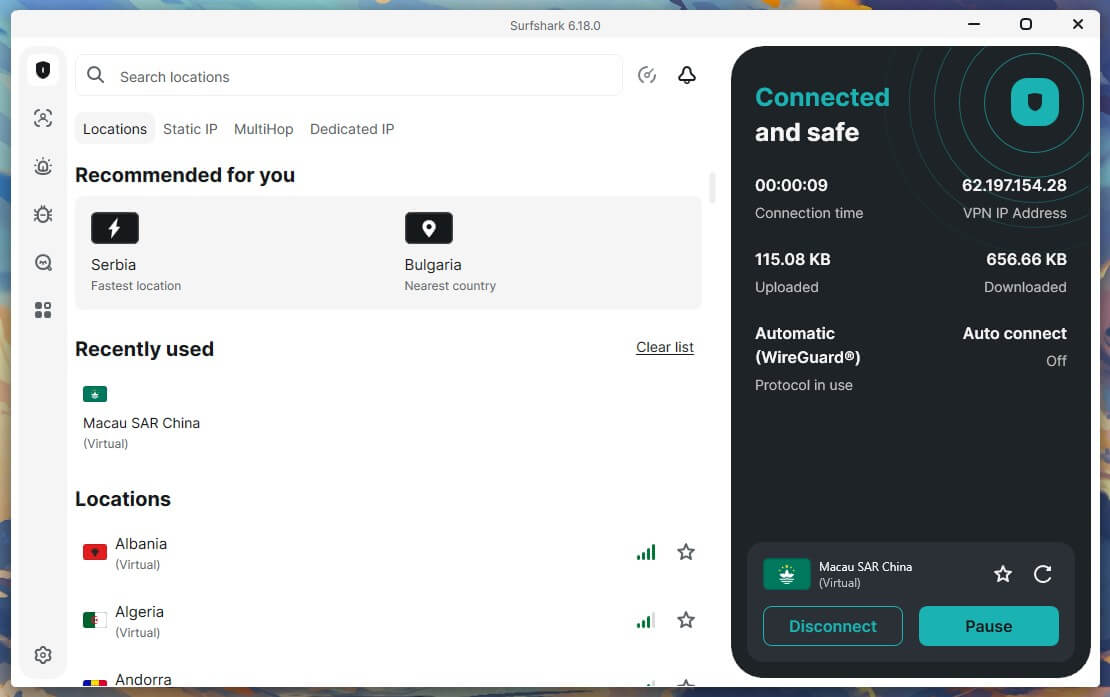
On the UK server, Surfshark produced 186.96 Mbps, ahead of NordVPN and ExpressVPN in that location, and it came third on the three-server average at 9.6%. Only ITVX blocked it, and no browser VPN was required on any platform, including Disney+. Its subscription covers unlimited devices. IP Rotator changes the visible IP address at intervals without dropping the session. At the same time, Dynamic MultiHop lets you choose both ends of a two-server chain.
Static IP addresses are included at no extra cost, which cuts down the verification prompts banking sites throw at addresses that keep changing. The One plan folds in antivirus for the same PC. It was a positive surprise overall, and two things still count against it. Connecting takes noticeably longer than the rest of this lineup. The renewal price also climbs well above the first-term figure, and the Netherlands is part of the 9 Eyes agreement.
Deloitte’s audit confirmed Surfshark stores no IP addresses, browsing history, session data, or connection timestamps. The Starter plan is $2.49 a month, totaling $67.23 for 27 months, across 4,500 servers in 100 countries.
6. CyberGhost: Lowest Ping and Task-Based Servers
Pros
- Lowest UK ping
- Smart DNS for TVs
- Servers labeled by activity
- Company-owned NoSpy servers
- Longest refund window
- Audited by Deloitte
Cons
- Seven-device limit
- No obfuscation
- Blocked by Netflix Japan
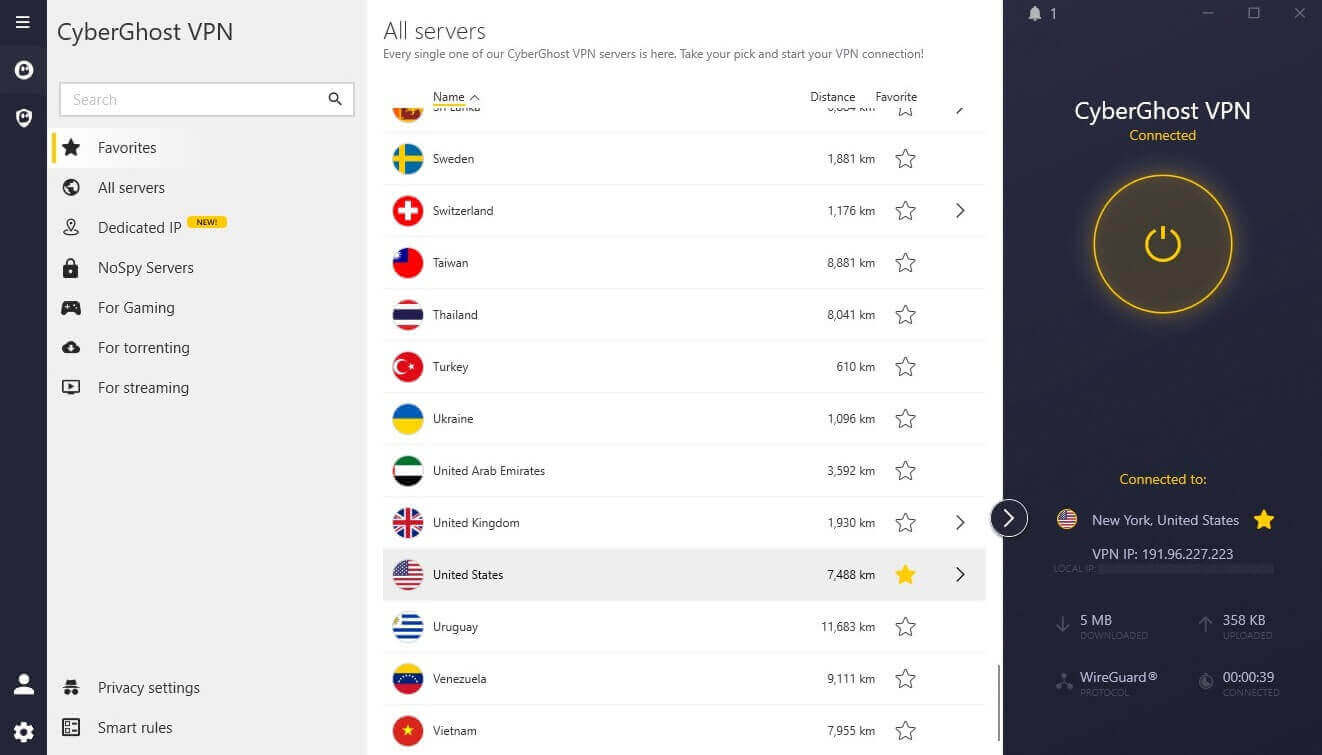
CyberGhost finished sixth on the three-location average at 13.3%, with 178.95 Mbps on the UK server and 149.74 on Japan. One figure stands apart from everything else here: a 39 ms UK ping, the lowest reading of the round and 21 ms ahead of NordVPN on that location. For competitive play on European servers, that difference is the one a gamer will feel. The Windows app sorts servers by what you want to do, with lists for streaming, torrenting, and gaming.
NoSpy servers are owned and operated by CyberGhost in Romania. Smart DNS is on the list for a smart TV that can’t take an app. Its no-log claims were verified by Deloitte in February 2026. It opened 11 of the 14 platforms, and the three it lost were Netflix Japan, JioHotstar and Disney+. ITVX was a bright spot: CyberGhost opened it from a dedicated UK entry after that platform had blocked Surfshark and Proton VPN.
Against that, the subscription covers seven devices, the tightest cap here, and there is no obfuscation of any kind, so a filtered office or campus network will stop it. Pricing matches PIA at $2.19 a month, and the refund window is 45 days, the longest here. CyberGhost lists 12,000-plus servers across 100 countries.
Which Windows Versions These VPNs Support
Windows 10 lost support in October 2025 and is still installed on a large share of desktops, so the version question is worth checking before you pay. An older build means the app installs and works as normal, but stops receiving updates and security patches. On a Windows 7 or Windows 8 machine, NordVPN, ExpressVPN, and Surfshark still install without issues.
| Current app | Older Windows | ARM64 build | |
| NordVPN | Windows 10 64-bit, Windows 11 | Older build for 7, 8.1, and 32-bit 10 | Yes |
| Proton VPN | Windows 10, Windows 11 | None | Yes |
| ExpressVPN | Windows 10, Windows 11 | Older build for 7, 8, and 8.1 | Yes |
| Private Internet Access | Windows 10, Windows 11 | None | Yes |
| Surfshark | Windows 10 64-bit, Windows 11 | Older build for 7, 8, 8.1 and 32-bit 10 | Yes |
| CyberGhost | Windows 10, Windows 11 | Manual OpenVPN for 7 and 8 | No |
Each supplies an older build of the same app, which keeps the kill switch and leak protection. What stops is the security patching. CyberGhost instead requires a manual OpenVPN configuration, which costs you both. Proton VPN and PIA support Windows 10 and 11. A 32-bit installation is the other thing to check. NordVPN and Surfshark keep x86 machines on the older app. For a Surface Pro or a Snapdragon laptop, five of the six publish a native ARM64 build.
Proton VPN’s has the same feature set as its standard Windows app. CyberGhost is the exception: its Windows documentation rules out Microsoft SQ and Snapdragon processors, so a Windows-on-ARM laptop takes it off the list.
When a VPN Won’t Connect on Windows
- Check for a second VPN. A rival VPN merely installed and idle was enough to stop NordVPN from connecting on our test PC. Uninstall the ones you no longer use, then restart the PC.
- Switch protocol. WireGuard is the fast default, but some networks block its UDP traffic. OpenVPN over TCP is slower and passes those filters more often.
- Turn on obfuscation. Office, campus, and hotel networks often filter traffic they recognize as a VPN. ExpressVPN applies obfuscation on its own, while NordVPN and Proton VPN require a manual switch to NordWhisper or Stealth.
- Look at the firewall. Third-party security software blocks VPN drivers and background services. Pause it briefly to test, then allowlist the VPN app and turn it back on.
- Reinstall the app. ExpressVPN needed a full reinstall after refusing to connect, and a broken driver from a failed update is the usual cause.
Best VPN for Windows: Conclusion
NordVPN suits most Windows machines. It produced the fastest US result of the ten we measured, opened every streaming platform, and scans downloads for malware in a way a plain tunnel does not, with a 60 ms UK ping as the price of all that. Proton VPN is the choice for privacy, backed by open-source code and Swiss jurisdiction. ExpressVPN is good if you want the app to stay out of the way, since it obfuscates every connection with nothing to configure.
PIA is for the user who sets the protocol, the encryption strength, and the ports by hand, and who can live with an untidy app. Surfshark covers a household of desktops, laptops and phones on one subscription, at the lowest speed cost we measured on a nearby server. CyberGhost is the one to install for low-latency gaming, since its 39 ms UK ping beat every other VPN in the round.
Frequently Asked Questions
Does Windows have a built-in VPN?
No. Windows includes a VPN client under Settings, but no VPN service. The server details still have to come from an employer, a school, or a paid VPN, which supplies its own app instead.
Can a VPN work on Windows 7 or Windows 8?
Yes, though the app may not install. NordVPN and ExpressVPN support those versions natively, while Proton VPN, Surfshark, and PIA fall back to a manual setup that drops the kill switch.
Which VPN is best for a Windows laptop?
NordVPN suits most laptops, since it scans downloads for malware and opens every streaming platform. Surfshark fits better where several laptops share one subscription.
Is there a free VPN for Windows?
Yes, Proton VPN and Hide.me offer a free Windows plan with no data limit. Free VPN accounts connect one device, often block server selection, streaming, and torrenting, and limit server access.
Why won't a VPN connect on Windows?
A second VPN left installed is the usual cause, followed by security software blocking the driver. Switching from WireGuard to OpenVPN over TCP resolves most of the rest, or simply uninstalling your antivirus/anti-malware software.