
Text to video
Describe a subject, action and camera movement to create a cinematic clip.
Start creatingCreate videos, images, and voiceovers with AI, and turn your ideas into complete works in one studio.
Built for creators, marketers, and content teams.
Create video, images, and voice in one AI studio.
Explore films, images, and visual worlds from the Filmpire showcase. Pick a direction and make it yours.
Start with a story, a prompt, or a reference image. Bring it to life in one studio.
Start with text or a reference image and turn your idea into visuals and motion.
Describe a subject, action and camera movement to create a cinematic clip.
Start creating
Create characters, product visuals, posters and imagined worlds from text.
Start creating
Find focused tools for character design, product motion and story-led films.
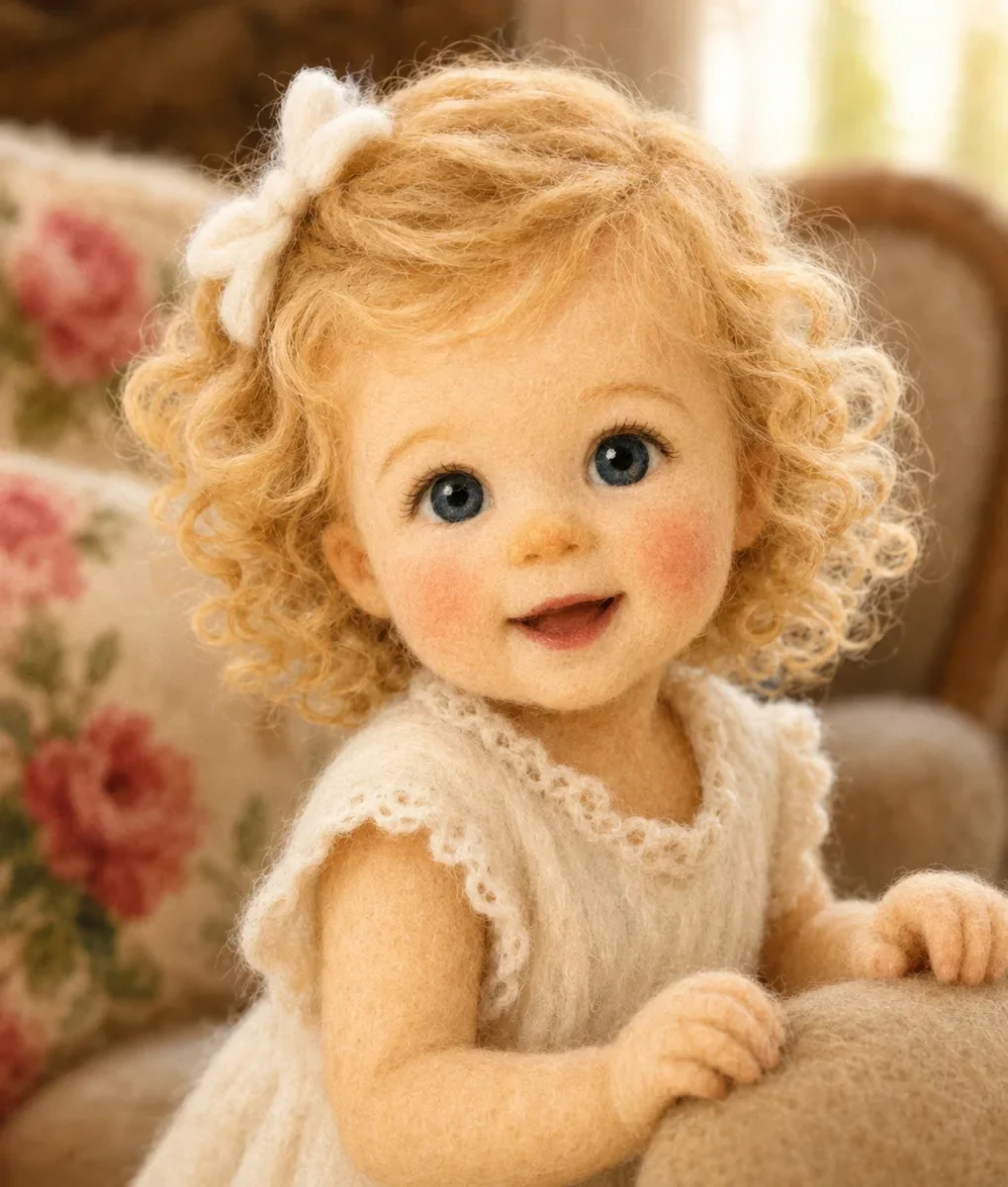
Explore characters, clothing and visual styles with prompts and references.
Explore tool
Create expressive clips for product showcases and social campaigns.
Explore tool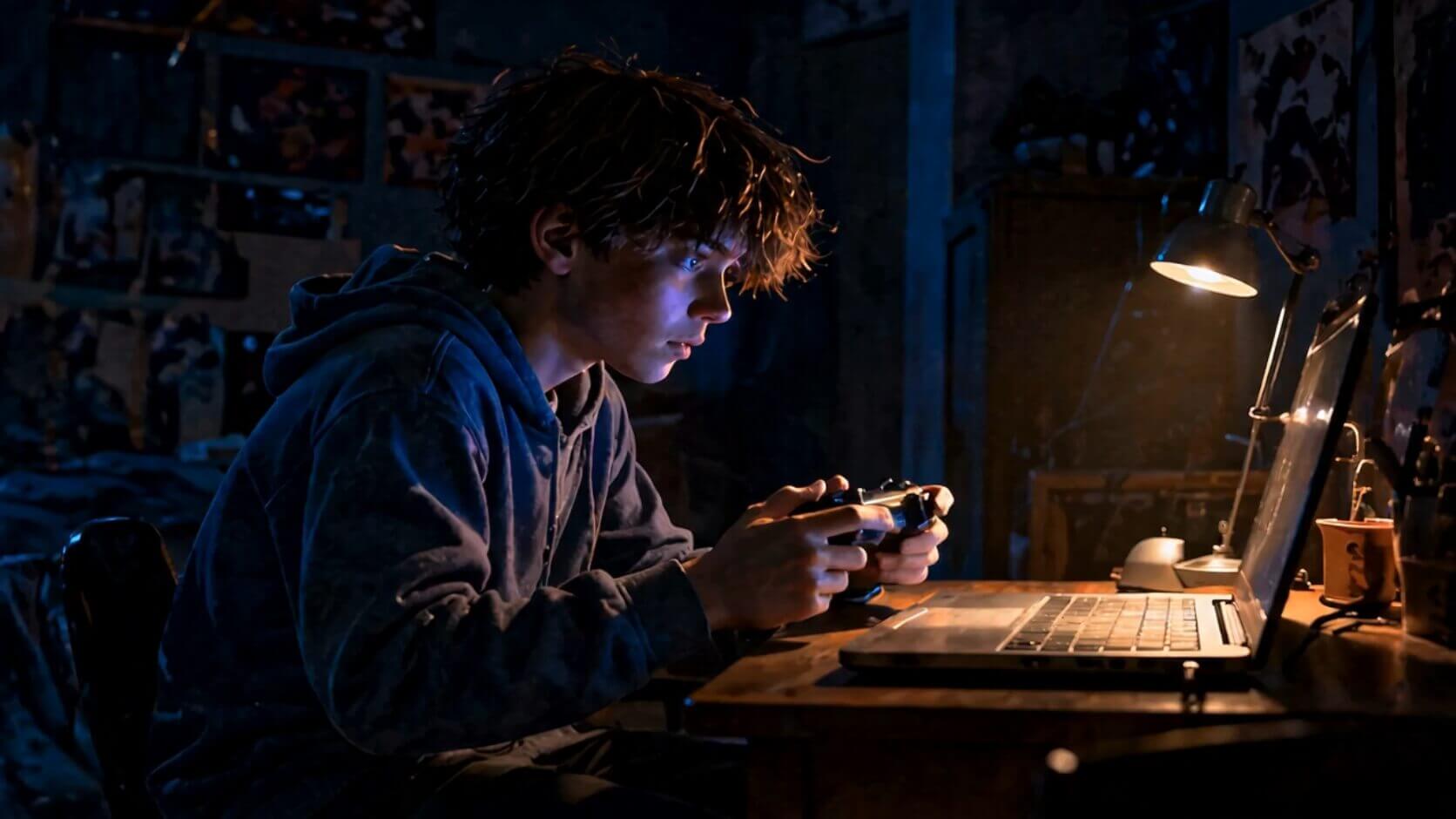
Plan characters, storyboards and clips before production begins.
Explore toolSee how the AI director turns a prompt into a storyboard and final video, not just a pretty cover.
A young woman receives a letter from her future self at an empty station on a rainy night.

Review characters, scenes, and camera motion before video credits are spent.
Filmpire understands story structure, maintains continuity, and uses a stable production route without forcing you to learn a complex workflow.
01 · Establish02 · Trigger03 · Choice 04 · Hook
Stories use a fixed production route; video, image, and voice tools support manual choice.
Fast drafts for short-form video, story shots, and frequent creative testing.
Creates lively character motion from multiple image references.
Stable, cost-efficient output for everyday text-to-video and image-to-video work.
Strong motion, camera movement, character action, and reference control.
Light image-to-video clips, product motion, and quick social assets.
Text and image video, 1–15s, up to 1080P. Audio is included. 1080P accepts one image; a single image determines the aspect ratio.
Premium ads, realistic scenes, and video concepts with native audio.
Final credits vary with duration, resolution, and shot count and are confirmed before submission.
Filmpire is an AI studio for video, images, and voiceovers. Enter a prompt or upload a reference, choose a model and settings, then generate an asset. For a complete story, use the AI story workflow to review a plan before producing shots and a finished video.
Related documentation: Plans and credits · Refund policy · About Filmpire
Make a quick draft now or review the direction in the director workspace before generating.